

Somewhere between “I’ll just use the free version” and “I’m paying for six AI subscriptions I barely open,” most professionals lose the plot. You either stay on a free tier for a paid problem, watching it choke on the one task that actually matters, or you subscribe to a $20/month plan the week you sign up and forget to check whether you needed it three months later.
Neither is a strategy. It’s just what happens when there’s no framework, and every AI tool’s marketing page wants you to believe the answer is always “upgrade now.”
This isn’t another list ranking free vs paid AI tools. It’s the actual decision process: four questions that tell you whether a category is worth paying for, applied to seven tools people use every week, from voice cloning to workflow automation. By the end, you’ll know exactly where your money should go and where it shouldn’t.
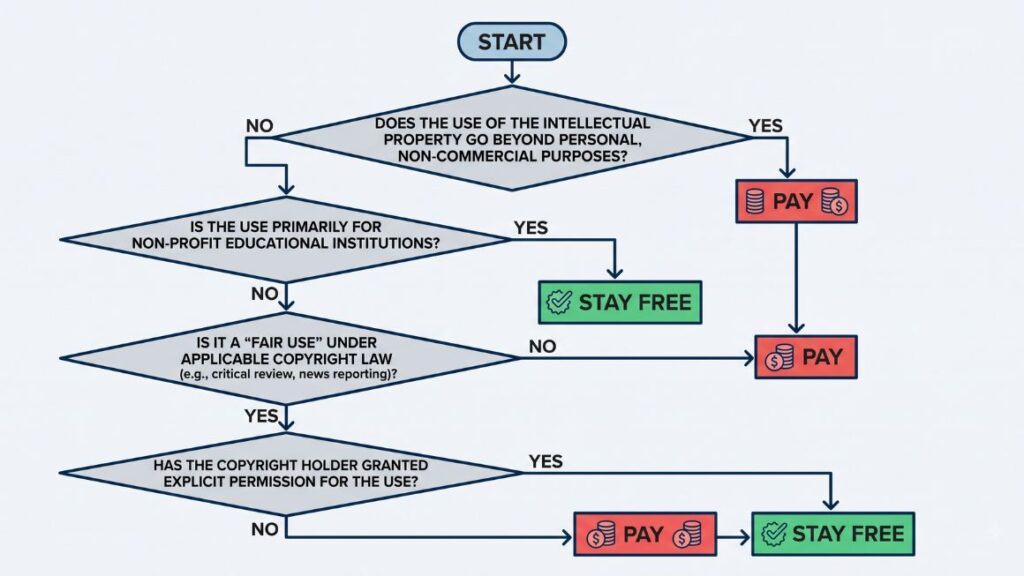
Table of Contents
The Four Questions That Actually Decide If You Need To Pay
Before you look at a single pricing page, answer these four questions. They apply to every AI category, not just the ones covered here.
How often will you actually use this? Daily use changes the math completely. A tool you’ll touch twice a month should almost never be paid, no matter how good the paid tier looks in the demo video.
Does the output need commercial rights? This is the one people skip, and it’s the one that gets them in trouble. Most free tiers explicitly exclude commercial use in their terms of service. If you’re publishing client work, running paid ads, or monetizing content in any way, check this before you generate a single asset.
Is volume the bottleneck, or is quality? These need different fixes. If you’re hitting a daily credit cap on something you’d otherwise use fine, that’s a volume problem, and a cheap paid tier usually solves it. If the free model’s output just isn’t good enough, no amount of extra credits fixes that. You need the better model, not more of the weaker one.
Is a limit currently costing you real work? Not “might it someday.” Right now. A three-video-a-month cap that’s stopped you from delivering to an actual client this week is a different situation than a cap you’ve never come close to hitting.
The decision to pay for an AI tool should come down to four factors: frequency of use, whether commercial rights are required, whether the limitation is volume or quality, and whether a current limit is actively blocking real work. Most people upgrade on marketing pressure instead of one of these four signals, which is why so many AI subscriptions go unused within weeks.
Run any tool through these four questions before you touch your card. Most of the time, the answer is clearer than the pricing page wants it to be.
Read More: The Best AI Voiceover Tools in 2026 (Tried, Tested & Ranked)
Matching Each AI Category To A Budget Tier
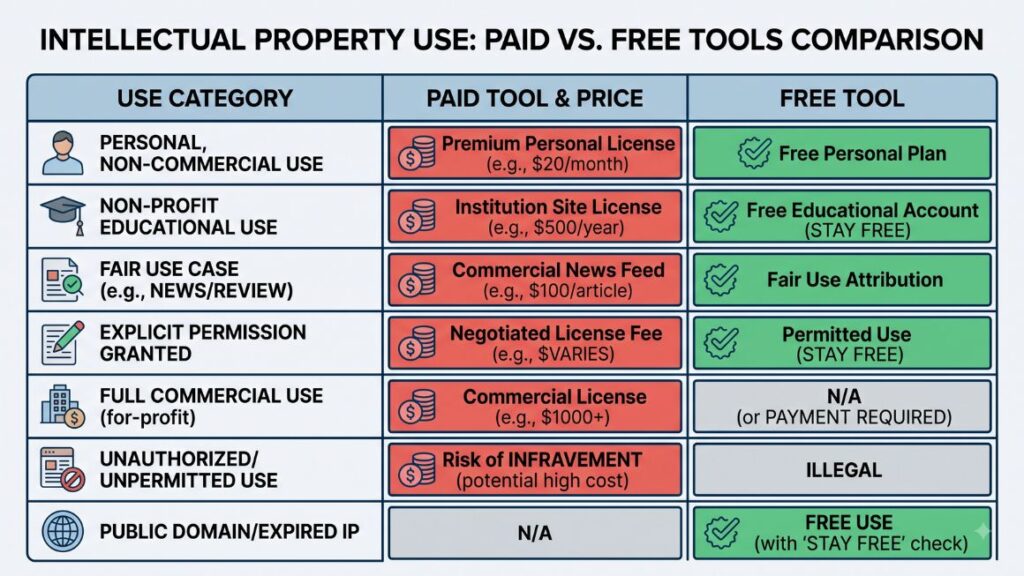
Here’s how that framework plays out across seven categories people are actually using right now, with current pricing and the specific trigger that means it’s time to pay.
Voice Cloning
Paid: ElevenLabs, from $6/month. The Starter plan unlocks instant voice cloning plus commercial usage rights. That commercial license is the actual reason to pay here, not the voice quality, since the free tier restricts you to stock voices with no cloning at all.
Free: Fish Audio. You get 8,000 credits a month, roughly seven minutes of generated audio, and can clone a voice from a 15-second reference clip. Good enough for testing scripts, personal projects, or internal use where commercial rights don’t apply.
The upgrade trigger is simple: the moment your voice clone appears in anything you’re publishing or selling, you need the paid tier. ElevenLabs’ free plan doesn’t grant commercial rights at all, and neither does Fish Audio’s, so this isn’t optional once money is involved.
Read More: AI Video Captioning Tools 2026 – Features, Pricing, and Best Picks
Coding Assistant
Paid: Cursor, $20/month. You get deep codebase context and multi-file agent edits inside a dedicated AI-native editor. This is worth it once you’re doing regular multi-file refactors where the assistant needs to understand your whole project, not just the file open in front of it.
Free: Cline. It’s open source, Apache-licensed, and runs as a VS Code extension with agentic capabilities, reading your codebase, editing files, running terminal commands, all with your approval at each step. Here’s the honest part most comparisons skip: Cline itself costs nothing, but it’s bring-your-own-API-key. You’re paying the model provider directly, and for moderate use that typically runs $8 to $12 a month. It’s not the $0 some “free AI coding tools” roundups claim, it’s closer to $10 with more setup effort in exchange for full control over which model you use.
If you want a polished, zero-configuration experience and don’t mind the subscription, Cursor is the simpler path. If you’re comfortable managing an API key and want model flexibility, Cline plus a Claude or GPT API key gets you agentic coding for less.
Video Generation
Paid: Higgsfield, from $19/month. The Starter plan gives you access to 15-plus video models, including Sora 2, Veo 3.1, and Kling 3.0, aggregated under one subscription instead of paying for each separately.
Free: Artflow. No card required, and the free tier includes 25 credits a month for building AI characters and generating short videos and images from them. It carries a non-commercial license, so it’s built for testing and personal projects, not client deliverables.
Upgrade once you need a specific premium model Artflow doesn’t offer, or once you’re generating for a client and need commercial usage rights baked into the license.
Read More: 10 Best AI Video Generators:Features & How to Create AI Videos
Image Generation
Paid: ChatGPT Plus, $20/month. This unlocks GPT Image 1.5 with close to unlimited generations per day, alongside everything else in the Plus tier.
Free: Google Flow. Google’s unified creative studio gives you Veo 3.1 Lite for video and Nano Banana Pro for images, with 50 free credits every day and no card required. For image generation specifically, this is one of the most usable free tiers in the category right now.
If you’re only generating images occasionally, Google Flow’s daily reset makes it genuinely sustainable long term. Pay when you need GPT Image’s specific text-rendering strength, which still leads the category for prompt accuracy and readable in-image text, or when you’re generating in high volume within a single session.
Brainstorming & Strategy
Paid: Claude Pro, $20/month ($17/month billed annually). You get significantly higher usage limits than the free tier and access to Anthropic’s most capable models for longer strategy sessions, document analysis, and iterative work that free tiers cap quickly.
Free: Gemini. Google’s free tier covers most single-session brainstorming, outlining, and quick strategy questions without hitting a wall.
This is one of the harder categories to draw a hard line on, because both tools are genuinely capable for free. The signal to upgrade isn’t quality, it’s session length and message volume. If you’re running long, multi-turn strategy conversations daily and hitting free-tier caps mid-thought, that’s the trigger, not a general sense that the paid version is “probably better.”
AI Avatar Videos
Paid: Synthesia, from $18/month. The Starter plan includes 125-plus avatars and is built specifically for corporate training and L&D content where consistency and polish matter more than raw creative flexibility.
Free: HeyGen. Three videos a month, no card required. It’s enough to test avatar quality and decide if this category even fits your workflow before committing to a subscription.
Synthesia and HeyGen serve different priorities in the AI avatar category. Synthesia is built around consistency and enterprise trust, used by corporate training teams for its structured, predictable output. HeyGen leans toward creative flexibility and faster iteration, with a genuinely usable free tier for testing before you commit to either platform.
Test both free plans before paying for either, since HeyGen’s free plan is real product access, not a crippled trial, and the interface differences alone will likely decide which one you actually want to pay for.
Read More: AI Avatar Generators: Create Realistic AI Avatar Videos in Minutes
Automation
Paid: Zapier, $19.99/month. You get roughly 750 tasks a month and access to over 7,000 pre-built app integrations with a no-code, point-and-click builder. The value here is speed, not price. You’re paying to avoid setup time, not for raw capability.
Free: Self-hosted n8n. The Community Edition is free with unlimited workflows and unlimited executions. The only real cost is hosting it yourself, typically $4 to $7 a month for a basic VPS. That’s not zero, but it’s a fraction of Zapier’s task-based pricing, especially for anyone running multi-step workflows.
The difference that actually matters: Zapier bills per task, meaning every step in a workflow consumes your allowance. n8n bills per execution, meaning a 10-step workflow run once still counts as one execution. For anyone running complex automations, that difference compounds fast.
Zapier and n8n use fundamentally different billing models. Zapier charges per task, so a five-step workflow consumes five times the allowance of a single-step one. n8n charges per execution regardless of step count, and its self-hosted Community Edition is free with unlimited executions, with hosting as the only real cost. For complex multi-step automations, this makes self-hosted n8n substantially cheaper at scale.
Choose Zapier if you want the fastest setup and don’t want to touch a server. Choose n8n if you’re comfortable with a small amount of technical setup and your workflows have more than two or three steps.
The Signals That Mean It’s Time To Upgrade
Across every category above, the same three signals repeat. Learn to recognize them instead of upgrading on a whim.
You’re hitting a rate limit mid-project, not mid-month. There’s a difference between “I noticed I’m close to my cap” and “I couldn’t finish today’s deliverable because I ran out.” The second one is the actual trigger.
A client or employer is asking for commercial rights. This one isn’t negotiable. Free tiers that exclude commercial use will say so explicitly in their terms, and using free-tier output commercially when the license forbids it isn’t a grey area, it’s a contract violation waiting to surface.
You’re spending more time working around a limitation than the subscription would cost. If you’re manually stitching together short clips because the free tier caps video length, or exporting and re-uploading to dodge a watermark, do the math on your hourly rate against the monthly fee. This is where most people underestimate how much a $10 to $20 subscription actually saves them.
Where Free Is Genuinely Enough, Long Term
Not every category eventually needs a paid plan. Based on the breakdown above, a few are worth calling out specifically.
Self-hosted n8n is free forever for anyone willing to manage a small server, and it scales without the per-task pricing pressure that eventually pushes Zapier users to upgrade. Google Flow’s daily credit reset makes it sustainable for anyone generating images occasionally rather than in daily high volume. And for brainstorming and quick strategy work, Gemini’s free tier genuinely covers most single-session use without friction.
The pattern across all three: they’re free because the free tier’s actual limitation, daily reset caps, self-hosting effort, session length, rarely intersects with how most people actually use the tool day to day.
Conclusion
The pattern across all seven categories is consistent. You don’t need to pay because a tool exists, you need to pay because a specific, current limitation is costing you real output or real risk. Commercial rights, hard rate limits mid-project, and time lost working around a cap are the only three signals worth acting on. Everything else is marketing pressure dressed up as urgency.
Run every AI subscription decision through the four questions at the start of this article before you enter your card details. Most of the time, you’ll find the free tier was doing the job all along, and the two or three categories where paying genuinely earns its cost will stand out clearly once you’re not deciding on pricing-page pressure.
If you want to go deeper on using AI tools inside an actual marketing workflow, not just picking which ones to pay for, that’s exactly what we cover in YUP AI Marketing course. It’s built for marketers who need to apply these tools to real campaigns, not just experiment with them.
FAQ: Free vs. Paid AI Tools
Is it worth paying for AI tools if I’m just starting out?
No, not immediately. Start on free tiers across the board and pay attention to which specific limitation you hit first, whether that’s a rate limit, a missing feature, or a commercial rights restriction. Let the actual friction point tell you what to pay for, instead of guessing upfront.
What’s the difference between a free trial and a genuine free tier?
A free trial expires and asks for payment to continue. A genuine free tier, like HeyGen’s three videos a month or Fish Audio’s 8,000 monthly credits, resets and stays usable indefinitely. Check whether a tool’s “free” option has an expiration date before counting on it long term.
Can I use free AI tool output for client work?
Almost never, unless the tool’s terms explicitly grant commercial rights on the free tier. ElevenLabs, Fish Audio, and most video generation tools reserve commercial usage for paid plans. Read the terms of service before delivering free-tier output to a client, not after.
Cursor vs Cline, which should I actually use?
Cursor if you want a polished, ready-to-go editor and don’t mind the flat $20/month fee. Cline if you’re comfortable managing an API key and want to control which model powers your coding assistant, with a realistic cost of $8 to $12/month in API usage rather than truly $0.
Is Zapier or n8n cheaper for automation?
It depends entirely on how many steps your workflows have. Zapier charges per task, so complex multi-step automations get expensive fast. Self-hosted n8n charges nothing beyond hosting, since it bills per execution regardless of step count. For anything past two or three steps, n8n is almost always cheaper.
Do I need Claude Pro or is the free tier enough for brainstorming?
For most single-session strategy work, Gemini’s free tier or Claude’s free tier is enough. Upgrade to Claude Pro specifically when you’re running long, multi-turn sessions daily and hitting message caps mid-conversation, not because the paid model is generally “smarter.”
Why does ElevenLabs cost more per month than Fish Audio for less usage?
You’re not just paying for generation volume, you’re paying for commercial usage rights and professional voice cloning quality. Fish Audio’s free tier is genuinely usable for testing, but ElevenLabs’ Starter plan is the entry point that actually lets you publish or sell the output.
What happens if I outgrow a free tier mid-project?
Most platforms let you upgrade instantly without losing work in progress, but check this before you start a time-sensitive project on a free tier. A hard cap hitting mid-deliverable is the exact scenario this framework is built to help you avoid.
Is it better to pay for one AI tool that does everything, or several specialized ones?
Specialized tools generally win on output quality within their category, which is why this framework treats each category separately rather than recommending one all-in-one subscription. The trade-off is more subscriptions to track, so revisit your stack every few months and drop what you’re not using.