
AI voice cloning tools aren’t just a trend anymore; they’ve quietly become part of how content actually gets produced now. This guide walks through what’s really going on under the hood, without overcomplicating it. From how voice cloning works to where it genuinely saves time (and where it doesn’t), everything is laid out in a practical way. There’s also a detailed look at 13 tools; what they’re good at, where they fall short, and who they’re really for.
It’s not about chasing the “best” tool. It’s about finding something that fits how content is being created today: faster, more consistent, and without losing that human feel along the way.
Table of Contents
Introduction
AI voice cloning used to feel like one of those “interesting, but not quite there yet” technologies. That phase is over.
It’s now showing up in real workflows; content teams, course creators, ad production, and even internal training. Not because it’s trendy, but because it solves a very real bottleneck: voice production doesn’t scale well when everything depends on manual recording.
Think about it. Recording sounds simple until it isn’t. One script turns into five takes. Then you notice the tone feels slightly off compared to the last video. Then there’s background noise. Or just a day where the energy isn’t right. It happens more often than people admit.
Over time, those small inconsistencies start to show.
That’s where voice cloning starts to make sense; not as a replacement, but as a stabilizer. Something that keeps the voice consistent even when everything else is moving fast.
The appeal is pretty straightforward:
- Record once, reuse indefinitely
- Keep tone and delivery aligned across content
- Skip the constant back-and-forth of re-recording
And yes, the quality has improved a lot. Enough that in many cases, the difference isn’t immediately obvious unless someone is actively looking for it.
This guide goes beyond surface-level explanations. It covers what AI voice cloning actually is, how it works behind the scenes (without overcomplicating it), and a breakdown of the tools that are worth paying attention to right now. Also, how to choose one without getting distracted by features that sound impressive but don’t really matter in practice.
What is AI Voice Cloning?
At a basic level, AI voice cloning is about creating a digital version of a person’s voice; one that can generate new speech without needing fresh recordings every time.
But the interesting part isn’t the output. It’s how the system gets there.
Modern voice cloning relies on models trained to understand how a voice behaves. Not just what it sounds like, but how it moves; how sentences rise and fall, where pauses happen, how emphasis shifts across words. Those subtle things that are easy to ignore but hard to replicate.
The process pulls from a few core areas:
- Deep learning models trained on voice data
- Text-to-speech systems that turn written content into audio
- Voice modeling that captures individual speech patterns
Put together, it forms a kind of voice blueprint. Once that’s built, the system can generate speech that follows the same patterns, even if the original speaker never said those exact words.
And this is where expectations need to be realistic. The output depends heavily on the input. A clean, well-recorded voice sample usually leads to a noticeably better result. Poor audio in, slightly off audio out. That part hasn’t changed.
How AI Voice Cloning Works (Step-by-Step Process)
The workflow itself is surprisingly manageable.
First comes the voice sample. This can be a short clip or a longer recording, depending on how detailed the clone needs to be. Some tools work with very little input, others perform better when given more data to learn from.
Once uploaded, the system starts analyzing. It looks at pitch, tone, pacing, but also the less obvious things. Where the speaker slows down. How transitions happen between words. Even breathing patterns in some cases.
After that, a voice model is created. Not something visible, but essentially a structured representation of that voice.
From there, it’s just text in, audio out. The system generates speech using that model, shaping the output to match the original voice as closely as possible.
When it works well, and it often does, the result feels natural enough that it doesn’t immediately raise questions. Not perfect, but close enough for most use cases.
Why Use an AI Voice Cloning Tool?
Most people don’t start looking into voice cloning out of curiosity. It usually starts with friction somewhere in the process.
Recording is one of those tasks that sounds easy on paper. In reality, it tends to drag. Scripts change. Lines get re-recorded. Small mistakes turn into full retakes. It’s manageable at first… then it slowly becomes a time sink.
Consistency is another issue, and it’s a subtle one. A video recorded today might not sound quite like one recorded last week. Slight changes in energy, tone, and even pacing. Individually, they don’t seem like a big deal. Together, they create a disconnect.
Scaling makes it worse. One person can only record so much. Once content volume increases, especially across platforms, the process starts to strain.
Voice cloning steps in right around that point.
Instead of recording everything from scratch:
- A single voice sample can be reused across multiple pieces of content
- The tone stays stable, even if the content is produced at different times
- Voiceovers can be generated quickly, without scheduling recording sessions
There’s also the issue of traditional text-to-speech. Older systems had that unmistakable robotic feel; flat, predictable, a bit lifeless.
Newer voice cloning tools handle this differently. They introduce variation. Small shifts in tone. Slight imperfections. Enough to make the output feel less mechanical and more conversational.
It’s not about replacing human input entirely. It’s about removing the repetitive parts that slow things down.
Key Features of the Best AI Voice Cloning Tools
Choosing a voice cloning tool can get confusing quickly. On the surface, most of them promise similar things: realistic voices, fast output, and easy setup. But once you start using them, the differences become clearer.
Some are built for speed. Others focus heavily on realism. A few try to balance both, with mixed results.
Knowing what to look for helps cut through that noise.
Realistic and Natural-Sounding AI Voices
This is where everything starts.
A voice clone can have dozens of features, but if it doesn’t sound right, none of those matter. The best tools get the basics right first: tone, pacing, rhythm. The voice doesn’t feel rushed or overly smooth. It has a bit of variation to it, which, oddly enough, makes it feel more real.
You can usually tell within a few seconds. Either it sounds natural, or something feels slightly off. Hard to explain, but easy to notice.
Multi-Language Voice Cloning
Content isn’t staying in one language anymore, and voice tools are adapting.
Some platforms now allow the same voice to be used across different languages while keeping its core identity intact. It’s not flawless in every case, but it’s improving quickly.
For anyone working with global audiences or even testing different regions, it saves a lot of time that would otherwise go into re-recording everything.
Custom Voice Control & Voice Customization
A cloned voice shouldn’t feel locked.
There are moments where the tone needs to shift; slightly more energy for an ad, a calmer delivery for an explainer, maybe a slower pace for instructional content. Good tools allow for these adjustments without breaking the natural flow of the voice.
Without that flexibility, even a high-quality clone can start to feel repetitive over time.
High-Quality Audio Output
Audio quality doesn’t always get attention upfront, but it shows up later.
Things like subtle distortion, background artifacts, or overly compressed sound can make the output feel less polished. The better tools handle this quietly in the background, producing clean audio that doesn’t need much fixing afterward.
It’s one of those features that doesn’t stand out when it works, but definitely does when it doesn’t.
Easy-to-Use AI Platform Interface
Complex tools tend to slow things down, even if they’re powerful.
The ones that work well keep the process straightforward. Upload, generate, tweak, export. No unnecessary steps, no confusing menus buried under layers of options.
That balance, between control and simplicity, is harder to get right than it seems. But when it’s done well, it makes the entire experience smoother without getting in the way.
13 Best AI Voice Cloning Tools
There’s a pattern with most “best tools” lists; they look impressive until you actually try the tools. Then the differences show up quickly. Some sound great in demos but fall apart with longer scripts. Others are powerful, but take too long to figure out.
So instead of chasing features, it helps to look at how these tools behave in real use. Speed, consistency, how much control you actually get… those things matter more than a long feature list.
Here’s a closer look at the ones that are actually worth paying attention to right now.
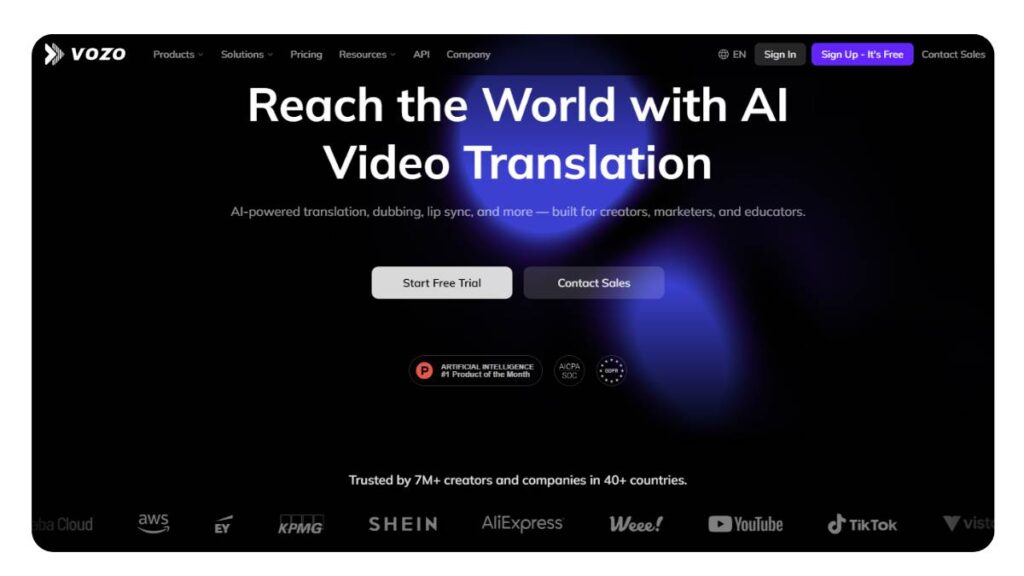
1. Vozo AI
Best AI Voice Cloning Tool for Instant Voice Cloning
Vozo AI keeps things simple, almost intentionally so. No heavy setup, no confusing controls. You upload, generate, tweak a little, and you’re done.
That simplicity works in its favor. Especially for anyone who doesn’t want to spend time learning a new tool just to get a voice output.
The voice quality is solid. Not overly dramatic, not too flat either. Just consistent, which honestly is what most people need.
- Best For: Fast, beginner-friendly voice cloning
- Pricing: Free plan with paid upgrades
- Quality & Realism: Clean and reliable, holds up across longer scripts
- Ease of Use: Very straightforward
- Features: Instant voice cloning, basic customization, text-to-speech
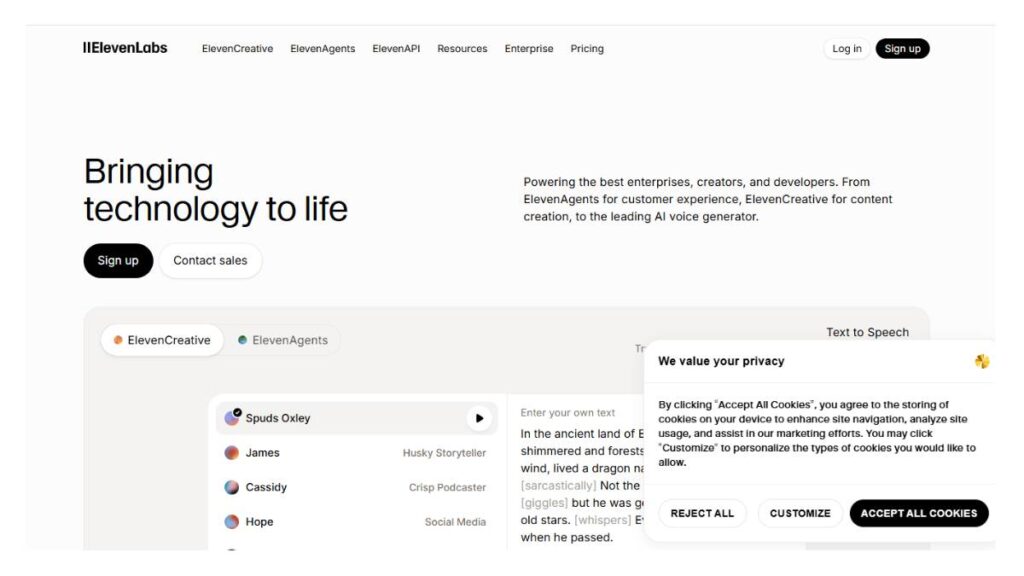
2. ElevenLabs
Best for Ultra-Realistic AI Voices
This one gets mentioned a lot, and not without reason. The difference shows up in the details. Slight pauses, tone shifts, how sentences flow… it feels less mechanical.
It’s not perfect every time. But when it works well, it’s noticeably ahead of most tools in terms of realism.
Also worth noting, it gives more control than it first appears. You can push the tone in different directions if needed, which helps when the same voice is used across different content types.
- Best For: High-quality voiceovers and narration
- Pricing: Freemium with usage-based scaling
- Quality & Realism: Among the most natural outputs available
- Ease of Use: Easy to start, takes a bit of time to fully explore
- Features: Voice lab, multilingual support, tone adjustments
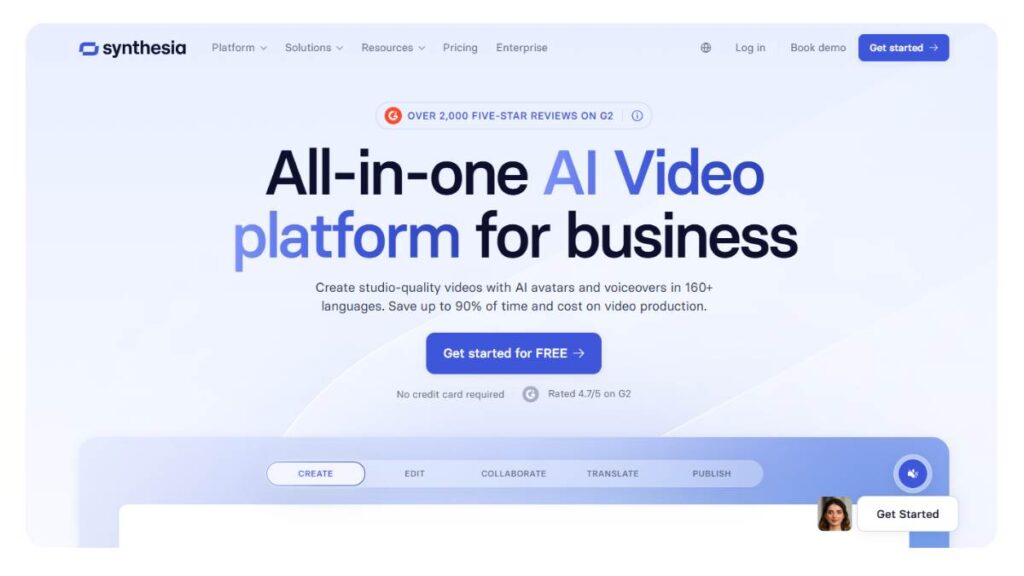
3. Synthesia
Best for AI Videos with Voice Cloning
Synthesia isn’t really just a voice tool. It’s more of a full content setup; voice, visuals, avatars, all in one place.
That makes it useful in a very specific way. If the goal is standalone voice work, it might feel a bit heavy. But for structured content, training videos, and presentations, it fits nicely.
The voice quality is decent. Not the most expressive, but consistent enough for professional use.
- Best For: Video content with built-in voice generation
- My Verdict: Strong for structured, business-focused content
- Features: AI avatars, synced voiceovers, and presentation formats
4. Resemble AI
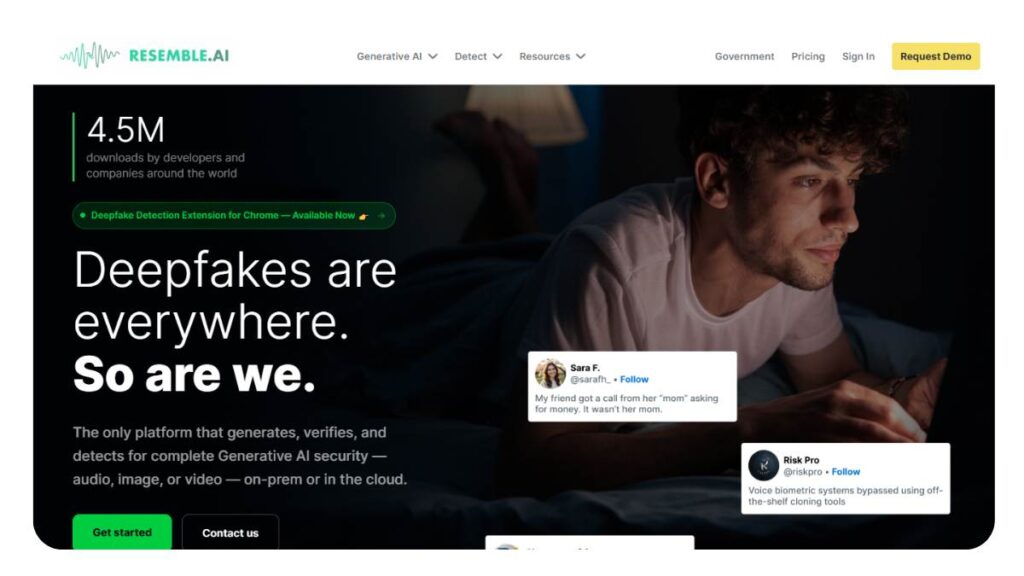
Best for Custom AI Voice Models
Resemble AI feels more like a tool built for teams rather than casual users. There’s more depth here, but also a bit more complexity.
It allows for detailed voice modeling, and the real-time capabilities open up interesting use cases, especially for apps or interactive content.
Not the quickest to set up. But once it’s in place, it’s flexible in ways simpler tools aren’t.
- Best For: Custom voice applications and advanced use
- My Verdict: Powerful, but not plug-and-play
- Features: API access, real-time cloning, voice customization
5. Speechify
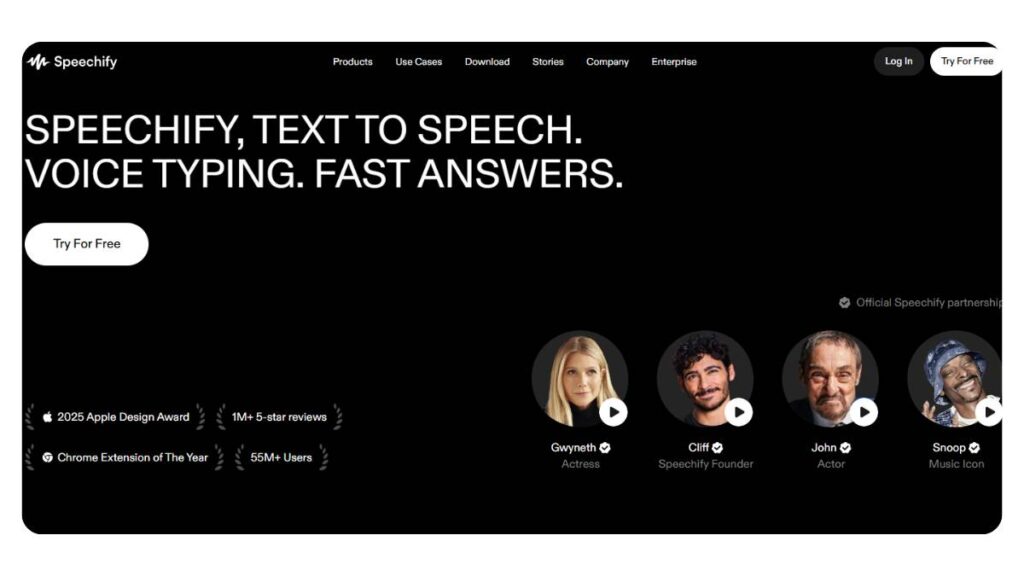
Best for AI Voice Generator Simplicity
Speechify does what it’s supposed to do: turn text into voice, quickly and without friction.
The voices are clear, easy to listen to, and work well for straightforward narration. But when it comes to deeper control or emotional variation, it feels a bit limited.
That’s not necessarily a drawback. Depends on what you need.
- Best For: Quick narration and basic voice generation
- My Verdict: Reliable, but not built for detailed voice work
6. Maestra AI
Best for Voice + Subtitles + Dubbing
Maestra AI approaches things differently. It’s less about standalone voice cloning and more about the full content workflow.
Voice, subtitles, translation; they’re all connected. That makes it useful for anyone dealing with multilingual content or repurposing videos across formats.
Voice quality is decent. But the real value is in how everything fits together.
- Best For: Multi-language content and dubbing workflows
- Features: Transcription, subtitles, and voice cloning combined
7. Murf AI
Best for Professional Voiceovers
Murf sits somewhere in the middle; not too basic, not overly complex.
It’s designed for people who need consistent, polished voiceovers without spending too much time tweaking settings. The output is clean, controlled, and predictable in a good way.
It may not have the most expressive voices, but it rarely produces something that feels off.
- Best For: Marketing, ads, and structured voiceovers
- Features: Studio-quality output, voice editing tools
8. Colossyan
Best for Training & Corporate Content
Colossyan is clearly built with business use in mind. Training modules, onboarding videos, and internal communication; it handles those well.
The voice cloning integrates with AI presenters, which helps maintain consistency across longer content series.
Not something most casual creators will pick first. But in the right setup, it works.
- Best For: eLearning and corporate training
- Features: AI presenters, structured content workflows
9. Descript
Best for Editing + Voice Cloning Combined
Descript approaches voice cloning from an editing angle.
Instead of focusing only on generating audio, it allows changes inside the editing process itself. Fix a word, adjust a sentence, update a section, without going back to record again.
That alone makes it valuable for podcasting and long-form content.
- Best For: Podcasters and content editors
- Features: Overdub voice cloning, transcript-based editing
10. Mango AI
Best Budget AI Voice Cloning Tool
Mango AI feels like an entry point. It covers the basics without pushing too far into complexity.
The voices are decent; not overly expressive, but usable. For simple projects or testing things out, it works. For more refined output, it may start to show its limits.
Still, for the price point, it’s hard to ignore.
- Best For: Budget-friendly voice cloning
- Pricing: Free and low-cost plans
- Quality & Realism: Good for basic use, less nuanced
- Ease of Use: Simple interface
- Features: Basic cloning, text-to-speech
11. MiniMax
Best Emerging AI Voice Platform
MiniMax is still finding its place, but it’s improving quickly.
Some outputs are surprisingly natural. Others… not as consistent. It depends on how it’s used and the input quality.
That said, it’s one of those tools worth watching. The direction is promising.
- Best For: Exploring newer voice tech
- Pricing: Varies
- Quality & Realism: Mixed, but improving
- Ease of Use: Moderate
- Features: Experimental voice models
12. PlayHT
Best for Text-to-Speech + Voice Cloning
PlayHT strikes a balance between flexibility and usability.
It offers both pre-built voices and cloning options, which makes it useful for different kinds of content. You’re not locked into one approach.
The voice quality is generally strong, especially when you spend a bit of time adjusting settings.
- Best For: Content creators and scalable audio
- Pricing: Tiered plans
- Quality & Realism: Strong overall
- Ease of Use: Fairly intuitive
- Features: Large voice library, cloning, TTS
13. Supertone Play
Best for High-End Voice Replication
Supertone Play leans heavily into realism. It’s not trying to be the easiest tool; it’s trying to be one of the most accurate.
The output can feel very close to a real voice, especially in controlled use cases. There’s more to manage here, but that comes with better precision.
Not ideal for quick tasks. But for high-quality voice replication, it delivers.
- Best For: Advanced voice replication
- Pricing: Premium
- Quality & Realism: Very high
- Ease of Use: Slightly complex
- Features: Real-time voice, detailed synthesis
Other Notable AI Voice Cloners
A few tools don’t quite make the main list, but still have their place.
Uberduck leans more experimental; useful for creative projects.
VEED integrates voice tools into a broader video editor.
Vocloner keeps things lightweight and simple.
Voice AI focuses more on real-time voice changes.
They’re not always the first pick, but in specific scenarios, they can work surprisingly well.
Enroll now: AI Marketing Course
What Makes Our AI Voice Cloning Tool Stand Out
Most tools in this space promise the same three things: speed, realism, and ease of use. On a landing page, they all look convincing. But spend a bit of time actually using them, and the cracks show. Voices that sound great for 10 seconds start to feel off in longer scripts. Controls either do too little… or too much.
That’s usually where people start looking for something better.
Clone Any Voice Online in Seconds
Speed sounds like a basic feature, but it’s often misunderstood. Fast isn’t just about how quickly a voice gets generated; it’s about how quickly something usable comes out.
A lot of tools are technically “fast,” but still need multiple retries to get a clean result. That back-and-forth adds up.
Here, the process feels tighter. A short voice sample, a few seconds of processing, and you’re already close to something you can work with. Not perfect every time, but close enough that you’re not starting from scratch again and again.
And that changes how people use it. It becomes something you can rely on, not just a test.
Natural Sound with Full Control
There’s always a trade-off here. Tools that sound natural often limit control. Tools with heavy controls tend to sound… engineered.
The balance matters more than it seems.
Small adjustments; slight changes in pacing, a bit of tonal shift; should feel natural. Not like flipping switches. When those controls behave predictably, the output stays believable.
And that’s really the goal. Not perfection. Just a voice that doesn’t distract the listener.
There’s also less temptation to over-edit. Which, honestly, is where most outputs start to break.
Turn Any Text into Speech with Your Voice
This is where things become practical.
Once the voice is ready, content production changes a bit. Scripts don’t need recording sessions. Edits don’t mean redoing everything. A small tweak in text can be turned into audio in minutes.
It’s not about replacing everything. It’s about removing the repetitive parts; the bits that slow things down without adding much value.
Over time, that compounds. Especially for teams working on regular content.
How to Use Our AI Voice Cloning Tool (Step-by-Step Guide)
Most platforms try to simplify the workflow, but either hide too much or overload the user upfront. The better approach is somewhere in the middle; clear steps, with enough flexibility to adjust when needed.
Step 1: Upload a Voice Sample
This step tends to get rushed. It shouldn’t.
The quality of the input shapes everything that comes after. A clean recording; no background noise, steady tone, normal speaking pace, goes a long way. Doesn’t need to be studio-grade. Just usable.
One small thing that helps: avoid overacting. Natural speech patterns translate better than forced delivery. The model picks up on those little details more than expected.
Short samples can work. But if the output feels slightly off, it’s usually because the input didn’t give enough to work with.
Step 2: Customize Your Cloned Voice Style
This is where people either get the best results… or overcomplicate things.
The instinct is to tweak everything; pitch, speed, emphasis, all at once. That usually backfires. The voice starts sounding artificial, even if it didn’t at first.
Better to move slowly here. One adjustment at a time. Listen, compare, tweak again if needed.
Also worth noting, sometimes the default output is already good enough. Not every project needs heavy customization.
Step 3: Download or Share Your AI Voice Output
At this stage, it’s mostly about finishing cleanly.
Exporting is straightforward, but a quick listen-through before that helps more than people expect. Small glitches, slightly awkward pauses… they’re easier to fix now than later.
For ongoing projects, this step often becomes part of a rhythm: generate, review, adjust, export. Nothing complicated, but skipping it usually shows in the final result.
AI Voice Cloning Use Cases
Voice cloning isn’t some futuristic edge case anymore. It’s quietly becoming part of regular workflows. Not always visible, but definitely there.
And the interesting part, people don’t always notice when it’s being used. Which is kind of the point.
Audiobooks
Long-form narration has always been resource-heavy. Recording sessions, retakes, edits… It’s a slow process.
Voice cloning changes that pace. Once a voice is set, chapters can be produced in chunks. Edits don’t require re-recording entire sections. Fixing a line becomes a quick adjustment instead of a full session.
That said, consistency matters more here than anywhere else. A voice that sounds fine in short clips can feel repetitive over time. So a bit of variation in pacing helps.
Podcasts
Podcasts come with their own chaos: missed recordings, uneven audio, and last-minute changes.
Voice cloning doesn’t replace the format, but it fills in the gaps. Intros, transitions, corrections… even entire segments when needed.
It’s especially useful for teams managing multiple shows or episodes. Keeps things moving without compromising too much on quality.
Used carefully, it blends in. Which is usually the goal.
Video Voiceovers
This is where things scale quickly.
Video content, especially short-form, needs speed. Recording voice-overs for every piece slows production down more than most people expect.
With a cloned voice, scripts can be turned into audio almost immediately. Edits are easier. Variations can be tested without starting over.
That flexibility adds up, especially when content volume increases.
Video Games
Game development involves constant iteration. Dialogue changes, character tweaks, updates after launch; it’s never really “done.”
Voice cloning helps keep up with that pace. New lines can be generated without scheduling fresh recordings every time.
For large projects, human performance still leads. But for testing, expansion, or dynamic content… this approach fits well.
Advertising
Advertising moves fast. Campaigns change, messaging shifts, formats evolve.
Keeping the same voice across all of that is harder than it sounds. Recording everything manually creates bottlenecks.
Voice cloning removes some of that friction. Updates can be rolled out quickly. Different variations can be tested without rebuilding from scratch.
And over time, that consistency builds familiarity. Subtle, but effective.
Instant vs Professional Voice Cloning
This is one of those things that sounds simple until it isn’t.
On paper, both options do the same job: clone a voice, turn text into speech. But once you start using them across real projects, the difference becomes pretty obvious. Not immediately. It shows up over time.
Instant voice cloning is built for speed. You upload a short sample, get a result quickly, and move on. It works well when the goal is volume; social content, quick videos, anything that needs to go out fast. The voice is usually “good enough.” And in many cases, that’s all that’s needed.
Professional voice cloning is slower, no way around that. It needs more data, cleaner recordings, and a bit more patience. But the output carries more weight. There’s depth in how the voice handles pauses, emphasis, and even small emotional shifts. That matters more in long-form content than people expect.
The tricky part is choosing where to draw the line.
| Feature | Instant Voice Cloning | Professional Voice Cloning |
| Speed | Seconds | Hours–days |
| Accuracy | Medium | Very high |
| Audio Needed | Low | High |
| Use Case | Content creation | Commercial production |
A rough rule that tends to hold up: if the listener is spending more time with the voice, quality starts to matter a lot more.
How to Choose the Best AI Voice Cloning Tool
Most people start by comparing features. Sliders, controls, pricing tiers… all of that. It feels logical, but it’s not always the best way to decide.
What usually works better is starting from the end, what the voice actually needs to do.
If the goal is quick turnaround content, then speed and ease matter more than anything else. The tool should feel almost invisible. You don’t want to think about it too much.
But if the voice is part of something bigger, say, a brand voice, a long series, or anything recurring, then consistency becomes the real filter. Not just how it sounds once, but how it behaves over time.
Budget comes into play, of course. Free plans are fine in the beginning. But they tend to show limits at the worst time, when output starts increasing. Usage caps, restricted features, slightly lower quality… small things, but they stack up.
A few things that tend to matter more than expected:
- Stability of output; does the voice stay consistent across different scripts?
- Control without friction; can you adjust tone without breaking the voice?
- Language flexibility; useful sooner than most expect
- Workflow fit; does it slow things down or actually speed things up?
And then there’s a less obvious one: how much correction is needed after generation. Some tools look great up front, but require constant fixing. That eats into time quietly.
Choosing the right tool is less about what it can do and more about what it keeps doing well after the first few uses.
Is AI Voice Cloning Legal and Safe?
This part doesn’t get enough attention. Usually, until something goes wrong.
The short version is simple: using a voice you own, or have clear permission to use, is generally fine. That’s the baseline. Once that’s sorted, most use cases fall into a safe zone.
Where things get messy is when that clarity isn’t there.
Cloning someone else’s voice without consent, even if it’s technically possible, opens up obvious risks. Not just legal ones. Trust issues, brand damage… those tend to hit harder and last longer.
There’s also the question of intent. A cloned voice used for content creation is one thing. The same voice used to mislead or impersonate is something else entirely.
Because of that, a lot of platforms have started tightening things up:
- Consent checks before creating voice models
- Verification steps tied to identity
- Watermarking in generated audio (sometimes invisible, but traceable)
These aren’t just technical add-ons. They’re becoming part of how responsible use is defined.
For teams and businesses, it usually comes down to a few simple habits: document permissions, keep usage clear, and avoid grey areas. It’s not complicated, but it does require a bit of attention.
And honestly, it’s easier to get this right early than fix it later.
Conclusion: The Future of AI Voice Cloning Technology
There’s a point where a technology stops feeling new and just becomes part of the workflow. Voice cloning is getting close to that point.
Not everywhere yet. But it’s moving in that direction.
The quality gap between synthetic and real voices is narrowing. Slowly, then suddenly. In some cases, it’s already hard to tell the difference unless you’re listening for it.
But the bigger shift isn’t just about realism.
It’s about how voice gets used.
Instead of recording once and using it as-is, voice is becoming something that can adapt. Same base voice, different tones, different contexts, adjusted on the fly. That kind of flexibility changes how content gets produced.
A few patterns are already starting to show:
- Content that updates without re-recording
- Voice experiences that feel more responsive than scripted
- Production cycles that don’t rely on fixed timelines
At the same time, expectations are rising quietly. What sounded impressive a year ago now feels average. That shift tends to catch people off guard.
Adoption helps, but only if it’s done with some intent behind it. Jumping in too fast usually leads to shallow results. Taking a bit more time to understand how the voice behaves… that’s where things start to click.
It’s not about replacing human voices. Not really. It’s about extending what’s possible around them.
And that’s where things get interesting.
FAQs:
1. What is AI voice cloning, and how does it work?
At its core, it’s pattern learning. The system listens to a voice; how it rises, where it pauses, how words are stressed, and turns that into a usable model. Once that’s done, text can be converted into speech that follows those same patterns. Not magic, but close enough when the input audio is clean.
2. Are there free AI voice cloning tools?
There are quite a few, actually. Most of them give just enough to get started; limited minutes, fewer controls, maybe slightly compressed output. Good for testing ideas or quick drafts. But once usage grows, those limits start to feel… restrictive. That’s usually when people move to paid plans.
3. How much audio is needed for voice cloning?
Short answer: less than expected, but more helps. A few seconds can get a rough clone up and running. It works, technically. But for anything that needs to sound consistent across longer scripts, a few minutes of clear, uninterrupted speech makes a noticeable difference.
4. Is AI voice cloning realistic?
In short bursts, yes; often very convincing. The cracks, if any, tend to show over longer passages or when emotion gets layered in. It’s not that the tech fails; it just hasn’t fully mastered nuance yet. Still, for most use cases, it’s already more than usable.
5. Can AI clone any voice?
From a technical standpoint, almost any voice can be modeled if there’s enough data. The bigger question isn’t “can it,” but “should it.” Without permission, things get murky pretty fast, legally and ethically. That part is easy to overlook until it becomes a problem.
6. Is AI voice cloning safe to use?
It is, provided it’s used with a bit of discipline. Consent matters. Context matters too. Most platforms have started adding checks, but they’re not foolproof. At the end of the day, safety depends less on the tool and more on how it’s being used.
7. Can AI voice cloning replicate accents and regional tones accurately?
It can; if the training data supports it. Feed it strong, consistent samples of a particular accent, and it usually follows through. Without that, the output tends to drift toward something more neutral. Subtle regional quirks are still tricky. Not impossible, just not always perfect.
8. What is the difference between AI voice cloning and text-to-speech (TTS)?
Text-to-speech uses pre-built voices that anyone can access. Voice cloning, on the other hand, creates something specific, tied to a person or a brand voice. That’s the real difference. One is generic and scalable, the other is tailored and, in most cases, more distinctive.
9. Do I need technical skills to use an AI voice cloning tool?
For basic use, not really. Upload audio, type text, generate output; that part is straightforward. Where it gets slightly more involved is in refining the voice. Adjusting pacing, tone, and delivery. Nothing too technical, just takes a bit of trial and error to get it right.
10. Can I use AI voice cloning for commercial projects?
Yes, and many already do. Ads, videos, training content; it’s being used everywhere. The only real condition is ownership or permission. If the voice is yours or properly licensed, there’s no issue. Skip that step, though, and it can get complicated pretty quickly.
11. How accurate is AI voice cloning compared to a real human voice?
Close enough for most purposes, but not identical. It holds up well in structured content; scripts, narration, that kind of thing. Where it still lags slightly is in spontaneity and emotional depth. You can hear it if you listen carefully, especially over longer recordings.
12. Can AI voice cloning tools generate emotions in speech?
To a degree, yes. You can tweak tone, slow things down, and add emphasis. It works for surface-level emotion: energetic, calm, serious. But deeper expression? Still a bit controlled. Sometimes it feels just slightly too even, like it’s following instructions rather than feeling them.
13. What is a voice model in AI voice cloning?
Think of it as a digital blueprint. It captures how a voice behaves; its rhythm, tone, and pacing, and stores that in a form the system can reuse. Once built, that model can generate entirely new speech that still sounds like the original voice.
14. Is it possible to update or retrain a cloned voice later?
Yes, and it’s often worth doing. Adding more audio tends to smooth things out; fewer inconsistencies, better flow. Especially if the initial sample was short or uneven. It’s not mandatory, but for long-term use, retraining usually improves the overall result.
15. Can AI voice cloning be used for real-time applications?
In some setups, yes. Real-time cloning exists, though it’s still a bit sensitive to system performance and latency. Works best in controlled environments; live demos, interactive tools. Not always flawless, but getting better with each iteration.
16. What are the limitations of free AI voice cloning tools?
The usual trade-offs show up. Limited output, fewer customization options, and sometimes a drop in quality. They’re fine for experimenting or small-scale use. But for anything consistent or high-volume, those constraints tend to slow things down more than expected.
17. How long does it take to train a professional voice clone?
Depends on the depth you’re aiming for. Quick models can be ready in minutes. More refined ones, especially those trained on longer, cleaner datasets, can take hours. The extra time usually pays off in smoother, more natural output.
18. Can AI voice cloning tools remove background noise from recordings?
Some can clean things up a bit, yes. Basic noise reduction, minor fixes. But they’re not miracle workers. If the original recording is cluttered or inconsistent, that carries through. Clean input still matters more than any built-in cleanup feature.
19. Is AI voice cloning suitable for multilingual content creation?
It works, and it’s becoming more common. A single voice can often be extended across languages, which helps maintain consistency. That said, pronunciation and accent can vary depending on the language pair. Testing outputs before publishing… usually a smart move.
20. What industries benefit the most from AI voice cloning technology?
Anywhere voice content is produced regularly. Media, advertising, online education, gaming, and even customer support. It’s less about replacing workflows and more about speeding them up. Once integrated properly, it tends to become part of the process rather than a separate tool.
21. Will AI voice cloning replace human voice, artists?
Unlikely. It handles scale and repetition well, no doubt. But when it comes to nuance, timing, and interpretation, there’s still a gap. Human voice artists bring something layered, something less predictable. For now, both have their place. And that balance doesn’t seem to be shifting overnight.