

Getting thumbnails right has never really been about design alone. It’s a mix of timing, testing, and knowing what actually makes someone pause mid-scroll. This blog takes a closer look at how AI thumbnail generator tools are fitting into that process, where they help, where they fall short, and how people are actually using them day to day. It walks through the basics, but doesn’t stop there. You’ll find a breakdown of key features, a practical list of tools worth exploring, and a few small things that tend to make a bigger difference than expected. Nothing overly complicated, just a clearer way to approach thumbnails without overthinking every step.
Table of Contents
Introduction:
What Are AI Thumbnail Generator Tools?
AI thumbnail generator tools sit at the intersection of design and speed. Not in a flashy way; more in the sense that they quietly remove a lot of the friction that used to slow things down. Instead of opening a blank canvas and figuring everything out from scratch, these tools start somewhere closer to the finish line.
At their core, they take a simple input and turn it into a usable thumbnail. That input might be a rough idea, a line of text, a video file, or even just an image that needs refining. From there, the tool builds around it, adjusting layout, improving clarity, sometimes even suggesting what should stand out and what shouldn’t.
There are a few common approaches:
- Some tools lean on prompts; type what you want, and it generates a visual direction
- Others pull directly from video, picking frames that already have strong visual cues
- Then there are template-driven ones, where the structure is already tested and just needs tweaking
What’s changed over time isn’t just the technology, it’s the expectation. Thumbnails aren’t treated like an afterthought anymore. They carry a lot of weight. A good one doesn’t just look clean; it creates curiosity, signals value, and feels worth clicking.
That’s the real role these tools are playing. Not replacing creativity, but tightening the process around it. Less trial and error. Fewer “this might work” moments. More clarity, earlier on.
How AI Thumbnail Generator Tools Work
On the surface, it feels simple. Upload something, click a few buttons, and a thumbnail appears. But under that simplicity, there’s a lot happening, and it’s not random.
Everything starts with input. Could be text, could be a video, could be an existing image. The tool reads that input and begins breaking it down. Where’s the subject? What’s the focal point? Is there a face? If yes, it usually gets priority; faces tend to pull attention faster than anything else.
Then comes composition. This part matters more than people think. A good thumbnail doesn’t just have elements; it arranges them in a way that guides the eye. These tools adjust spacing, contrast, and alignment so the main idea is clear without needing effort from the viewer.
There’s also a layer of enhancement happening in the background. Colors get pushed slightly. Shadows get cleaned up. Text, if added, is usually placed where it won’t compete with the main subject. Not perfect every time, but often better than a rushed manual attempt.
And then, the variations. This is where things start to feel useful. Instead of one output, you often get a few directions. Slightly different layouts, color styles, or emphasis points. That small shift makes testing easier. It removes the pressure of getting everything right in one go.
It’s less about “creating” in the traditional sense and more about narrowing down to something that already works; visually, at least.
Benefits of Using AI Thumbnail Generator Tools
The first thing most people notice is speed. That part’s obvious. What used to take an hour or two can now be done in minutes, sometimes even less. But speed alone isn’t the real advantage; it’s what that speed allows.
For one, it makes iteration easier. Instead of settling for a single thumbnail, multiple versions can be created and compared without much effort. That shift, from one option to several, changes how decisions are made. There’s more room to test, adjust, and refine.
Another thing that stands out is how these tools handle structure. Good thumbnails aren’t just visually appealing; they’re intentional. The subject stands out, the text (if any) is readable at a glance, and nothing feels unnecessarily crowded. That kind of balance usually takes time to learn, but here it’s built in, at least to an extent.
Consistency is another quiet benefit. Over time, thumbnails can start to drift; different styles, different colors, no clear identity. These tools tend to bring things back into alignment. Once a certain look is established, it’s easier to repeat it without overthinking every detail.
There’s also the accessibility angle. Not everyone comes from a design background, and not everyone needs to. These tools lower that barrier quite a bit. A creator working solo, a small team handling multiple channels; both can produce something that looks considered, not rushed.
And then there’s performance. Not guaranteed, of course. But thumbnails that follow basic visual principles, clear focus, strong contrast, and minimal clutter tend to do better. These tools lean in that direction by default.
It’s not about replacing judgment. That still matters. But it does reduce the number of poor starting points. And that alone makes a noticeable difference over time.
13 Best AI Thumbnail Generator Tools in 2026
There’s a bit of noise in this category right now. New tools keep popping up, older ones keep adding “AI” into their feature list, and on the surface, everything starts to look the same. But once you actually spend time with them, the differences show up pretty quickly. Some tools help you move faster. Some give you more control. And a few… just look good in demos but slow you down in real work.
The tools below aren’t ranked in a strict sense. They each solve a slightly different problem. So it really comes down to how thumbnails are being handled: quick daily uploads, campaign-driven content, or something that needs to stay visually consistent over time.
1. Canva AI Thumbnail Maker
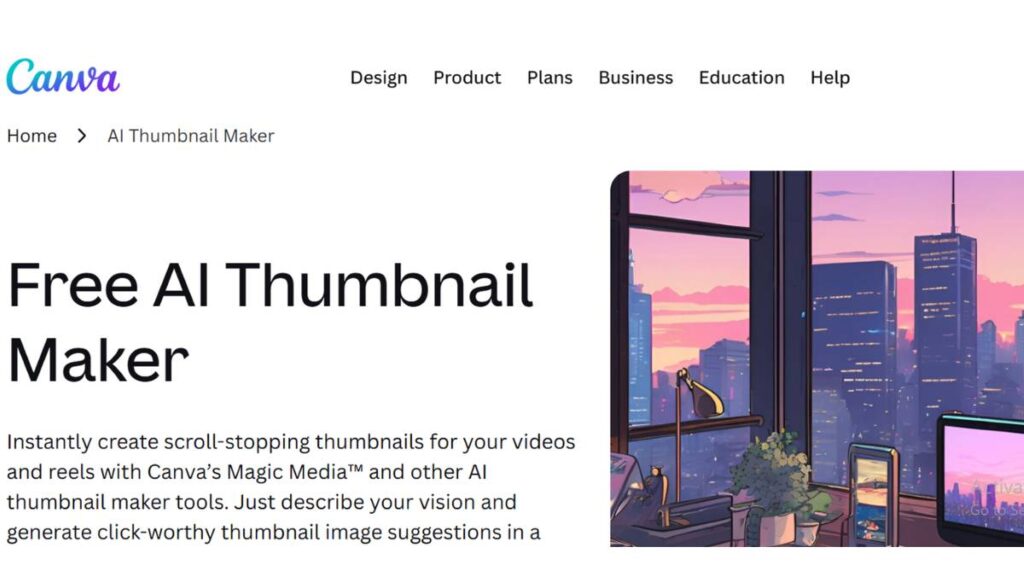
Canva feels familiar the moment it opens. That’s probably its biggest strength. There’s no learning curve slowing things down, which matters more than people admit. When thumbnails are part of a regular publishing routine, the last thing anyone wants is friction.
The templates do most of the heavy lifting here. Not just visually, but structurally. Headline placement, subject positioning, spacing; it’s already figured out. That doesn’t mean every thumbnail will stand out, but it does mean it won’t fall apart either.
Where it really helps is consistency. Same fonts, same colors, same layout style across multiple videos without having to think too hard about it. For beginners, it’s an easy starting point. For teams, it keeps things from drifting too much.
2. Adobe Express AI
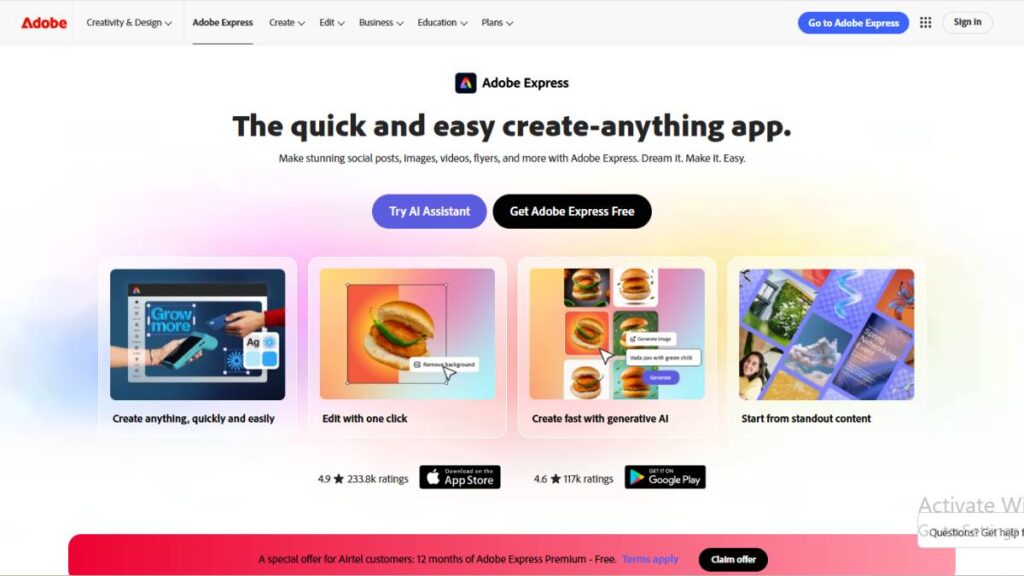
This one leans a bit more toward control. Not overwhelming, but definitely more deliberate than Canva. Its free thumbnail maker comes with thousands of YouTube-specific templates and a Brand Kit for keeping your logo, colors, and fonts consistent across uploads.
It doesn’t push you in a direction right away. Instead, it offers suggestions: layout shifts, design tweaks, small improvements that tighten things up. That subtle guidance is useful, especially when the idea is already there, but the execution feels slightly off.
The output tends to look cleaner. A little sharper around the edges, you could say. It’s not always the fastest option, but when the goal is something more polished, it holds up well.
3. vidIQ Thumbnail Generator
This tool comes from a different angle. It’s less about design freedom and more about performance.
Instead of building everything from scratch, it often pulls frames directly from the video. That alone changes things. Because sometimes the best thumbnail isn’t designed; it’s captured. A strong expression, a key moment, a frame with natural tension… those tend to perform better than over-designed visuals.
There’s also a clear focus on what works, not just what looks good. The thumbnails it generates are built to compete in crowded feeds, where subtle design details don’t matter as much as immediate impact.
4. Simplified AI Thumbnail Maker
Simplified feels like it was built with teams in mind, not just individual creators. That shows up in small ways: shared workspaces, easier collaboration, less back-and-forth.
The interface is straightforward. No unnecessary steps, no clutter. You get in, create what you need, and move on. That kind of efficiency matters when multiple thumbnails are being produced regularly.
It’s not trying to be overly creative. More focused on getting consistent output at scale. And for many workflows, that’s exactly what’s needed.
5. Fotor AI Thumbnail Generator
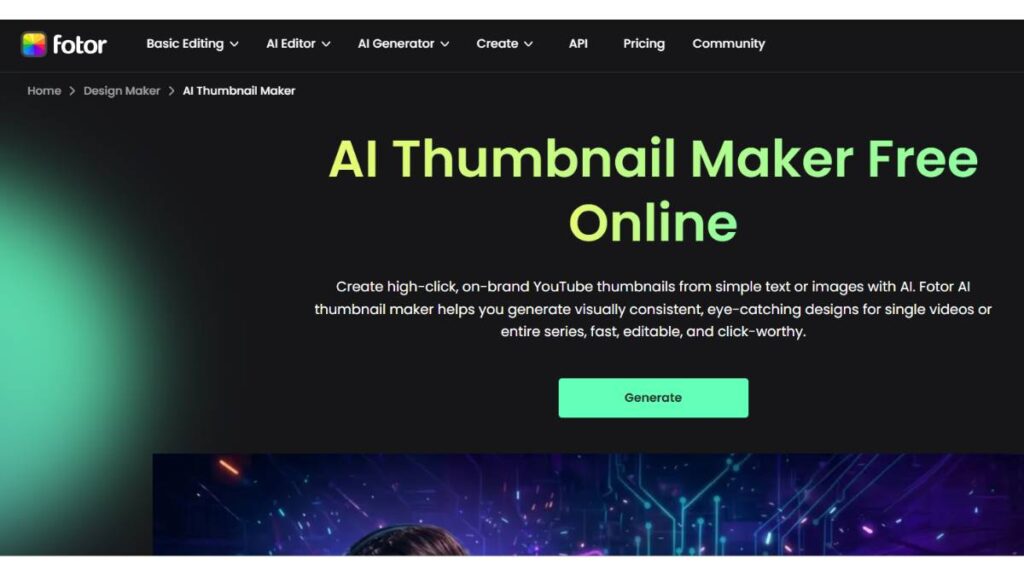
Fotor sits in that practical middle ground. It doesn’t try to do too much, which actually works in its favor.
The tools it offers, background removal, filters, and quick adjustments, are simple but effective. Nothing feels over-engineered. You make a few changes, tweak the layout, and you’re done.
It’s often chosen because it’s affordable, but that doesn’t mean it’s limited. For straightforward thumbnail creation, it does the job without slowing things down.
6. Pikzels AI
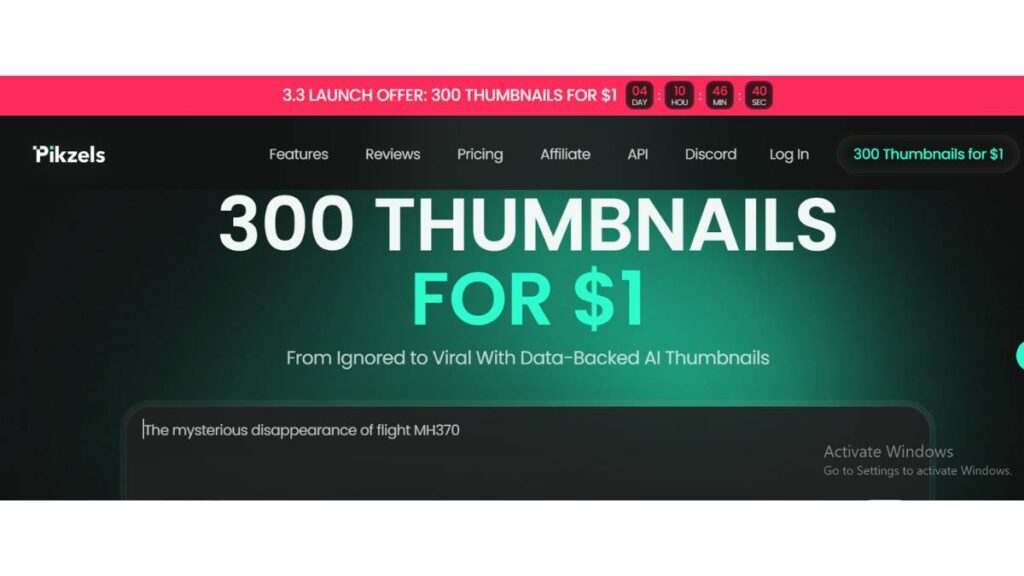
This one leans heavily into automation. Sometimes that’s helpful. Sometimes it feels a bit rigid.
Features like face swapping and style replication are interesting, especially when trying to maintain a consistent look across multiple thumbnails. It’s less about designing something new each time and more about repeating what already works.
That approach won’t suit everyone. But for repetitive content formats, it can save a noticeable amount of time.
7. Midjourney

Midjourney isn’t a typical thumbnail tool, and that’s the point.
It’s more about generating visuals that don’t look like everything else. The kind of images that make someone pause, even for a second. That uniqueness can be valuable, especially in niches where thumbnails start to feel repetitive.
But it’s not plug-and-play. The output often needs refining before it becomes a usable thumbnail. So it works best when there’s time to experiment a little.
8. DALL·E (via ChatGPT)
Similar space as Midjourney, but a bit more predictable in how it responds to prompts.
It’s useful when there’s a clear idea but no existing visual to build from. Describe the concept, generate a few variations, then shape it into something that fits.
Not always perfect on the first attempt. But close enough to work with. And sometimes that’s all that’s needed to move forward.
9. Leonardo AI
Leonardo tends to strike a balance between quality and control. It gives enough flexibility without becoming overwhelming.
The outputs are sharp, detailed, and fairly adaptable. You can tweak styles, adjust elements, and push things in different directions without starting over completely.
There’s a bit of a learning curve, sure. But once that’s out of the way, it becomes a reliable option for more customized thumbnails.
10. VEED.io Thumbnail Maker
VEED approaches thumbnails from a workflow perspective. Instead of treating them as a separate task, it keeps everything connected to the video itself.
You’re already editing the video, adjusting clips, and working on the timeline. The thumbnail just becomes another step in that process. No switching tools, no breaking the flow.
That integration makes a difference. Especially when time is tight, and everything needs to move quickly.
11. FlexClip AI Thumbnail Generator
FlexClip keeps things simple, but not in a limiting way.
The timeline-based setup makes it easy to pick the exact moment you want from a video and build around it. No guesswork there. Just scroll, select, adjust.
It’s not packed with advanced features, but that’s part of the appeal. Clean, quick, and predictable. Sometimes that’s all that’s needed.
12. Visme AI Thumbnail Creator
Visme leans more toward structured design. It’s less about speed and more about alignment.
The layouts feel intentional. Typography is handled well. Everything looks like it belongs together, which matters when thumbnails are part of a larger brand presence.
It’s not the fastest tool on this list, but it’s one of the more controlled ones. Good fit for content that needs to stay visually consistent across platforms.
13. PostEverywhere AI
PostEverywhere is built for volume. If thumbnails are just one part of a larger content workflow, this starts to make sense.
It handles multiple formats, different platforms, and keeps everything in one place. That reduces the constant switching between tools, which… adds up over time.
It’s less about crafting a single perfect thumbnail and more about managing output at scale. For teams or creators handling a lot of content, that shift is pretty valuable.
None of these tools will magically fix a weak concept. That still matters. But they do make execution faster, cleaner, and more consistent. And over time, that consistency tends to show up in performance; quietly, but noticeably.
Enroll Now: AI Marketing Course
Free vs Paid AI Thumbnail Generator Tools
There’s always that question: stick with free, or upgrade? And honestly, most people don’t need to rush into paid plans right away.
Free versions are usually enough to get started. They cover the basics:
- Access to templates
- Basic editing tools
- Standard export quality
- Limited generation credits in some cases
For someone testing things out or creating thumbnails occasionally, that’s more than enough. You can still produce clean, usable thumbnails without spending anything.
But the limitations show up pretty quickly once volume increases.
Watermarks are the obvious ones. Then there’s restricted access to premium templates, fewer customization options, and sometimes capped usage, especially in tools that rely on generation credits. It’s not a dealbreaker, but it does slow things down.
Paid plans tend to remove those bottlenecks. You get more flexibility, higher export quality, and fewer restrictions on how often you can create or modify designs. For teams, the difference is even more noticeable; collaboration features, shared assets, brand kits… those things only really work properly on paid tiers.
The real question isn’t “free vs paid.” It’s more about frequency.
If thumbnails are being created once in a while, free tools are fine. If it’s part of a regular publishing system, multiple videos, consistent branding, and ongoing testing, then paid plans start to make sense. Not because they’re better in theory, but because they remove friction in practice.
How to Choose the Best AI Thumbnail Generator Tool
Choosing a tool sounds simple, but it usually gets overcomplicated. People compare features, read reviews, try multiple options… and still feel unsure. The easier way to approach it is to match the tool to the way work actually gets done.
Start with skill level. Not in a technical sense, but in terms of comfort.
If the goal is speed and simplicity, tools with strong templates and minimal setup work better. They reduce decision fatigue. On the other hand, if there’s already some design sense in place, tools that allow more control will feel less restrictive.
Then there’s content type. Thumbnails for YouTube behave differently from thumbnails used in ads or short-form content. YouTube thumbnails need to stand out in crowded feeds, often at small sizes. That usually means bold visuals, clear subjects, and minimal text. Some tools are better tuned for that than others.
Budget comes into play, but not in the way most expect. It’s less about how much a tool costs and more about whether it saves time consistently. A slightly more expensive tool that speeds up production is often worth it. A cheaper one that slows things down… usually isn’t.
Workflow matters more than anything else.
- Solo creators often need speed and simplicity
- Small teams need consistency and shared access
- Larger setups need structure, collaboration, and scalability
A tool might look great on its own, but if it doesn’t fit into the way thumbnails are actually created day to day, it becomes a bottleneck.
And one small thing that’s easy to miss: how quickly you can go from idea to final thumbnail. Not just features, not just output quality. That transition. The smoother it is, the more likely the tool will actually get used.
How to Create High-Converting Thumbnails Using AI
A good thumbnail isn’t just about looking nice. It has a job to do: stop the scroll, create curiosity, and make someone click without overthinking it. That usually happens in under a second, sometimes less.
Most people overcomplicate this part. More elements, more text, more effects. In reality, the thumbnails that work tend to be simpler than expected. Clear subject. Strong contrast. One idea, not five competing ones.
A few things consistently make a difference:
- High-contrast colors help the thumbnail stand out, especially on mobile. If everything blends together, it gets ignored. Simple as that.
- Faces, when used right, pull attention fast. Not just any face, though; clear expressions. Surprise, confusion, excitement… something that feels real, not forced.
- Text should be minimal. Three to five words usually do the job. If it takes effort to read, it won’t get read.
- Curiosity matters more than clarity. A thumbnail shouldn’t explain everything. It should make someone want to find out more. That small gap between what’s shown and what’s implied; that’s where clicks come from.
There’s also the testing side, which often gets ignored. One thumbnail might feel right, but that doesn’t mean it performs best. Small changes, color shifts, different expressions, and slight text tweaks can change results more than expected.
And then there’s consistency. Not in a rigid way, but enough that people start recognizing the style. Same tone, similar layout, familiar visual cues. Over time, that builds trust. And trust makes clicking easier.
The tools help with execution, sure. But the thinking behind it still matters. Probably more than anything else.
Common Mistakes to Avoid When Using AI Thumbnail Generators
It’s easy to assume these tools will “fix” everything. They don’t. They speed things up, but the same mistakes still show up, just faster.
One of the most common issues is overusing templates. Templates are helpful, no doubt. But when everyone uses the same ones without changing much, thumbnails start to look identical. And once that happens, they stop standing out. What works for one video doesn’t automatically work for another.
Too much text is another one. It’s tempting to explain everything directly on the thumbnail, especially when the video has a lot going on. But that usually backfires. Small screens don’t leave much room. If the message isn’t clear at a glance, it gets skipped.
There’s also the clickbait problem. Slight exaggeration can work. Misleading visuals don’t. If the thumbnail promises something the video doesn’t deliver, it might get the click once, but it won’t build any long-term value. In fact, it usually does the opposite.
Mobile optimization is often overlooked, surprisingly. A thumbnail might look fine on a desktop screen, but shrink it down and things change. Text becomes unreadable. Details disappear. What looked balanced suddenly feels cluttered. It’s a small check, but it makes a difference.
And then there’s over-designing. Too many effects, too many elements, too much happening at once. It feels like effort, but to the viewer, it just looks busy. Clean, focused thumbnails almost always perform better.
The tools don’t create these mistakes, but they can make them easier to repeat if no one steps back and looks at the bigger picture.
Are AI Thumbnail Generator Tools Worth It?
Short answer: yes. But not for the reasons most people expect.
It’s not just about saving time, although that’s part of it. The bigger value comes from consistency. Being able to create thumbnails regularly, without the usual friction, changes how content gets published. There’s less delay, less second-guessing, fewer skipped steps.
From a practical standpoint, the pros are pretty clear:
- Faster turnaround, especially when working at scale
- Lower dependency on design skills
- Easier experimentation with different styles and variations
- More consistent visual output across videos
But there are trade-offs. Creativity can feel a bit restricted in some tools. Outputs can start to look similar if everything relies on the same templates or styles. And sometimes, getting something truly unique still takes manual effort.
That said, most of these limitations come down to how the tools are used, not the tools themselves.
In terms of use cases, they fit almost anywhere. Individual creators are trying to stay consistent. Marketing teams are managing multiple campaigns. Agencies handling client content at scale. The context changes, but the core need stays the same: fast, reliable thumbnail creation.
As for ROI, it’s not always direct. You won’t always see a clear “this tool increased clicks by X%” kind of result. But over time, better thumbnails usually lead to better engagement. And better engagement compounds.
So yes, they’re worth it. Not because they replace skill, but because they support it in a way that’s practical, repeatable, and hard to ignore once it becomes part of the workflow.
Future of AI Thumbnail Generator Tools
Things are moving quickly here. Not in a loud, disruptive way, but in small, steady improvements that add up over time. What feels “good enough” today will probably feel basic a year from now.
One direction that’s already taking shape is personalization. Thumbnails won’t stay one-size-fits-all forever. Different viewers respond to different visuals: colors, faces, styles. The next shift is likely toward thumbnails that adapt based on audience behavior. Not fully there yet, but the groundwork is visible.
Real-time performance feedback is another piece. Right now, most adjustments happen after a video is live. But the gap between publishing and learning what works is shrinking. Tools are starting to move toward suggesting improvements earlier, before a thumbnail even goes live. Subtle changes, but they can influence outcomes more than expected.
There’s also a growing connection between design and analytics. Not just “this thumbnail got more clicks,” but why it worked. Which elements stood out? What drew attention. Over time, that kind of insight could shape how thumbnails are created from the start, not just improved later.
At the same time, a few concerns are starting to surface.
- Repetition is one of them. As more people rely on similar systems, designs can start to feel predictable.
- Originality becomes harder to maintain when everything is built from similar patterns.
- And then there’s the grey area around style replication; how far is too far when recreating a certain look?
None of these are dealbreakers, but they’re worth paying attention to.
The tools will keep getting better. That part is expected. The real difference will come from how they’re used; whether they push creativity forward or quietly flatten it into something repetitive.
Conclusion
At the end of the day, thumbnails are still about one thing: getting attention without asking for it.
These tools make that process easier. Faster, more consistent, less dependent on trial and error. That alone is enough for most creators and teams to see value in them.
But they’re not a shortcut to great results. The idea behind the thumbnail still matters. The clarity, the emotion, the small details that make someone pause; that doesn’t come from the tool itself.
What these tools do well is remove friction.
- They help move from idea to execution without getting stuck
- They make it easier to test different directions
- They keep output consistent, especially when volume increases
For beginners, they reduce the learning curve. For experienced teams, they speed things up without sacrificing too much control.
The best approach is simple: use them as support, not as a replacement for thinking. Let them handle the repetitive parts, but stay intentional about the message, the visual hook, and the overall direction.
Because in the end, a thumbnail doesn’t need to be perfect. It just needs to work. And the ones that work usually follow the same quiet rules: clear, focused, and just intriguing enough to earn that click.
FAQs: AI Thumbnail Generator Tools
1. What is the best AI thumbnail generator tool?
There’s no clean answer here, and that’s usually where people get stuck. Some tools feel quick and almost effortless, others give more control but take longer to get right. In most cases, the “best” one is simply the tool that doesn’t slow things down or overcomplicate what should be a fairly simple task.
2. Are AI thumbnail generators free?
A lot of them do offer free plans, which is great at the start. But there’s almost always a limit hiding somewhere; watermarks, export caps, or locked features. It works fine for testing things out. Once consistency or regular output becomes important, those limits start to show up more clearly.
3. Can AI create YouTube thumbnails automatically?
Yes, but “automatic” can be a bit misleading. A tool might generate something usable in seconds, but that doesn’t mean it’s ready to go. Most of the time, it still needs small adjustments: text, framing, contrast. Those little tweaks are usually what turn something average into something worth clicking.
4. Do AI thumbnails improve CTR?
They can help, but not in a direct, guaranteed way. A thumbnail still needs a clear idea behind it. What these tools really change is the process; you can test more, iterate faster, and adjust without much effort. Over time, that tends to improve results, but it’s not instant or automatic.
5. Which AI tool is best for beginners?
Beginners usually benefit from tools that don’t ask too many questions upfront. Simple layouts, ready-made designs, and fewer decisions make a difference. Early on, it’s less about creating something perfect and more about getting something decent out quickly, then improving from there.
6. How do AI thumbnail generator tools improve click-through rate (CTR)?
It comes down to speed and iteration. Instead of spending too long on one version, multiple options can be created and tested without much effort. That process, trying, adjusting, refining, usually leads to better performance. Not overnight, but gradually, as patterns start to become clearer.
7. Can AI thumbnail generators create thumbnails from videos automatically?
Yes, pulling frames directly from videos is quite common now. It saves time, no doubt. But not every frame works as a thumbnail. Often, the selected frame needs a bit of work: cropping, adding text, maybe enhancing the subject, before it actually feels strong enough to stand out.
8. Are AI thumbnail generator tools suitable for beginners?
They’re designed to be. Most tools simplify the process so that even someone with no design background can create something usable. That said, the tool only handles the execution. Knowing what makes a thumbnail effective, that part still takes a bit of observation and practice.
9. What is the best free AI thumbnail generator tool?
“Best free” usually depends on what matters more at that moment. Some tools offer more templates, others allow a bit more flexibility. There’s always some trade-off. Free versions are useful early on, but once there’s a need for consistency or scale, they tend to feel a little limiting.
10. Do AI thumbnail generators support custom branding?
Most of them do, though the level of control varies. Basic branding, colors, and fonts; is usually easy to set up. Some tools go further and let you save full styles, which helps when creating thumbnails regularly. It keeps things consistent without having to rebuild everything each time.
11. Can AI tools generate thumbnails using text prompts?
Yes, and it’s becoming more common. You describe the idea, and the tool generates something around it. It’s useful for getting started or exploring directions. But the first output rarely feels finished. A bit of back-and-forth is usually needed to land on something that actually works.
12. What size should a YouTube thumbnail be?
The standard is 1280 by 720 pixels with a 16:9 ratio. Simple enough on paper. The tricky part is how it looks on smaller screens. Details get lost quickly, so clarity matters more than anything; bold visuals, readable text, and nothing too crowded.
13. Are AI-generated thumbnails allowed on YouTube?
Yes, there’s no restriction on using them. What matters more is whether the thumbnail matches the content. If it feels misleading, viewers notice, and that can hurt performance over time. As long as the visual aligns with what the video delivers, there’s no real issue.
14. Can AI thumbnail tools remove backgrounds automatically?
They can, and they usually do a decent job. It’s one of those features that saves a surprising amount of time. That said, it’s not flawless; edges can sometimes look a bit off. A quick manual fix here and there usually sorts it out.
15. Do AI thumbnail generators work on mobile devices?
Most of them are accessible on mobile, either through apps or browser versions. For quick edits, it works fine. But for more detailed adjustments, the smaller screen can feel limiting. A larger display still makes things easier, especially when working with layout and text.
16. How long does it take to create a thumbnail using AI?
The first version can come together very quickly, sometimes in seconds. But getting it right takes a bit longer. Adjusting small details, trying a couple of variations, and making sure it feels balanced. Even then, it’s still far quicker than building everything from scratch.
17. Can AI thumbnail tools help with A/B testing thumbnails?
Some tools now make it easier to create multiple versions, which naturally supports testing. Instead of guessing, different options can be compared over time. The real advantage is how quickly those variations can be produced, which makes experimentation far more practical.
18. What are the limitations of AI thumbnail generator tools?
They’re efficient, but they can start to feel repetitive. Similar layouts, similar styles; it happens more often than expected. There’s also less control in some areas, especially for finer details. They handle execution well, but the creative direction still needs to come from somewhere.
19. Are AI thumbnail generators better than hiring a designer?
Not really better, just different. For speed and volume, these tools make sense. But when something needs a stronger creative edge or a more distinct look, a designer still brings a level of thinking that tools don’t quite match. It depends on what the situation demands.
20. Can AI thumbnail generators be used for platforms other than YouTube?
Yes, they’re not limited to YouTube at all. The same designs can be adapted for social posts, ads, blog visuals, pretty much anywhere visuals are needed. It’s mostly about resizing and adjusting the layout a bit. Once the core idea is strong, reuse becomes quite straightforward.