
Picking the right platform for a website isn’t always straightforward. This guide looks at the best CMS for SEO and tries to cut through the noise. It compares traditional and headless systems, talks about speed, structure, and how content grows over time. WordPress, Shopify, and even newer headless options like Contentful get a close look, showing what they do well and where they stumble. There’s also a section on common pitfalls, practical tips for choosing a CMS that won’t get in the way, and FAQs that answer the stuff people usually ask. The goal is simple: help you pick a platform that actually works, without overcomplicating things.
Table of Contents
What is a CMS in SEO?
A CMS, or content management system, is basically the engine behind a website. It’s where pages get created, edited, and published. Simple enough on the surface. But under the hood, it’s doing a lot of heavy lifting that directly affects how a site performs.
Most people don’t think about it until something breaks. Or slows down. Or rankings just… stall.
At its core, a CMS influences two things:
- how your site is built (structure, speed, crawlability)
- how easily you can optimize content (titles, headings, internal links)
Both matter. And they’re more connected than they seem.
Take platforms like WordPress, Shopify, Webflow, or Drupal. They all let you publish content, sure. But the way they handle structure, code output, and flexibility varies a lot. That’s where the difference shows up over time. This is also why many businesses invest in professional CMS development services to build a platform that supports both performance and long term growth.
There’s also this split people keep hearing about, traditional CMS vs headless CMS. It’s not just a buzzword distinction.
A traditional CMS (think WordPress or Joomla) bundles everything together. Content, design, templates, all in one place. It’s convenient. You log in, edit a page, and hit publish. Done. The tradeoff? You’re somewhat tied to how the system wants to render things.
Headless CMS flips that. Platforms like Contentful or Hygraph separate the content from how it’s displayed. Content lives in one place, gets pushed out via APIs, and the frontend is built independently.
Sounds powerful, and it is, but it also means more moving parts. More control, yes. Also, more room to mess things up if the setup isn’t solid.
So yeah, a CMS isn’t just a publishing tool. It quietly shapes how your entire site behaves. Good or bad.
Why Choosing the Best CMS for SEO Matters
There was a time when you could get away with a clunky setup as long as the content was decent. That window’s pretty much gone.
Now, everything is connected: structure, speed, usability. And the CMS sits right in the middle of it.
Start with something basic like crawlability. If your CMS is generating weird URLs, duplicate pages, or messy navigation paths, it creates friction. Not always obvious at first. But over time, it adds up. Pages don’t get indexed properly. Or they compete with each other.
Then there’s performance. This one’s hard to ignore.
Some CMS platforms are fast out of the box. Others… not so much. They rely heavily on plugins, themes, and extra layers. Before you know it, the site feels heavy. You’ll see it in load times, layout shifts, and even how quickly pages respond to interaction.
It’s not just a technical issue either. It affects how people experience the site. And that feeds back into visibility.
Another thing that tends to get overlooked is content scalability.
When a site is small, almost any CMS feels fine. A few pages, a couple of blog posts, no big deal. But once you start scaling, hundreds of pages, categories, and internal links, the cracks show. A solid hosting foundation matters here too — as your site scales, performance issues become harder to fix retroactively.
- Can you manage URLs cleanly?
- Can you update the content without breaking the structure?
- Can you maintain consistency across pages?
Some CMS platforms make this easy. Others turn it into a constant workaround situation. Not ideal.
What’s changed recently is how content is evaluated. It’s not just about keywords sitting on a page anymore. Structure matters. Clarity matters. Even formatting plays a role.
Things like:
- logical heading hierarchy
- clean layout
- consistent formatting
They’re not “nice to have” anymore. They’re expected.
And your CMS either supports that naturally… or forces you to fight it.
It also lays the groundwork for a few critical things:
- structured data, which helps define what your content actually is
- content updates, which should be quick and painless, not a task you keep postponing
- user experience, especially navigation and readability
So no, picking the right CMS won’t magically fix everything. But picking the wrong one? That tends to show up sooner or later.
Key SEO Features to Look for in the Best CMS for SEO
On-Page SEO Optimization Features
At the very least, a CMS should make basic optimization feel… straightforward. Not hidden behind layers of settings or dependent on extra tools just to function properly.
Editing meta titles and descriptions should take seconds. Same with headings. If that process feels clunky, it usually means the platform wasn’t built with flexibility in mind.
Header structure is one of those things that gets overlooked. Until it becomes a problem. Being able to define H1 through H6 tags properly helps keep content organized, not just for search engines, but for actual readers, too.
Images are another area where small details matter. Alt text, file names, compression, it all adds up. A good CMS makes these things easy to manage without breaking your flow while publishing.
Technical SEO Capabilities in CMS
This is where things get a bit more serious.
A CMS should handle the basics without needing constant intervention. XML sitemaps, for example, should be generated automatically and stay updated as new content is added.
Same with robots.txt. You don’t want to be digging through documentation every time you need to block or allow something.
Canonical tags are another one. Especially on sites where similar pages exist. Without a proper canonical setup, it’s easy to end up with duplicate content issues that dilute visibility.
Redirects are worth mentioning, too. URLs change. Pages get removed. It happens. Being able to set up 301 or 302 redirects quickly, without touching code, is one of those features that saves time again and again.
Core Web Vitals & Page Speed Optimization
Speed used to be something you could “optimize later.” Not anymore.
The CMS plays a big role in how fast your site actually feels. Some platforms are lightweight by design. Others rely on layers, themes, plugins, and scripts that can slow things down if not handled carefully.
Things like CDN support, caching, and clean code output aren’t just technical buzzwords. They directly affect how quickly pages load and how stable they are while loading.
Lazy loading helps too, especially for media-heavy pages. It keeps things from feeling sluggish.
And here’s the catch: not all CMS platforms are built equally in this area. Some give you a head start. Others require effort just to get to a decent baseline.
URL Structure & Slug Customization
URLs are easy to ignore. Until they’re not.
A clean, readable URL does more than just look good. It makes pages easier to understand and share. Something like /best-cms-for-seo is clear. No confusion there.
Compare that to long, parameter-heavy URLs… not great.
A CMS should let you control slugs without friction. Edit them when needed, structure them logically, and avoid duplicate paths. As the site grows, this becomes more important than most people expect.
Structured Data & Schema Markup Support
Structured data is one of those things that sits in the background but does a lot of work.
It helps define what a page is, an article, a product, a FAQ, and so on. That added context makes it easier for search engines to interpret content correctly.
Some CMS platforms include a basic schema by default. Others leave it up to you. Ideally, you want something flexible enough to handle both, built-in support for common use cases, with the option to customize when needed.
It’s especially useful for enhanced search results. Those extra details that make listings stand out? Often powered by structured data.
Mobile Optimization & Omnichannel Delivery
Most traffic comes from mobile devices now. That’s just how it is.
So responsiveness isn’t optional. Pages need to adapt smoothly across screen sizes without breaking layout or usability. A decent CMS handles this out of the box.
For more advanced setups, especially larger teams, headless CMS options come into play. They allow content to be reused across multiple platforms, websites, apps, and even other interfaces.
It adds flexibility. But also complexity. So it depends on what you actually need.
AI & Automation in SEO CMS Platforms
A lot of CMS platforms are starting to include automation features. Some are genuinely useful. Others… less so.
Things like internal linking suggestions, content recommendations, or basic scoring systems can speed up workflows. Especially when managing large volumes of content.
But there’s a balance here. Relying too much on automation tends to produce generic output. It’s helpful as a guide, not a replacement for judgment.
Used properly, it can save time. Used blindly, it usually shows.
Integrations with SEO Tools
No CMS operates in isolation. It’s part of a larger setup.
Integration with tools like Google Search Console and Google Analytics is essential. That’s where you get actual performance data, what’s working, what’s not, where things need fixing.
Beyond that, compatibility with platforms like Ahrefs or SEMrush helps with deeper analysis, keywords, backlinks, and audits.
A CMS that integrates well with these tools makes everything smoother. Less friction, better visibility into performance. And fewer blind spots.
Best CMS for SEO in 2026
WordPress – Best Overall CMS for SEO
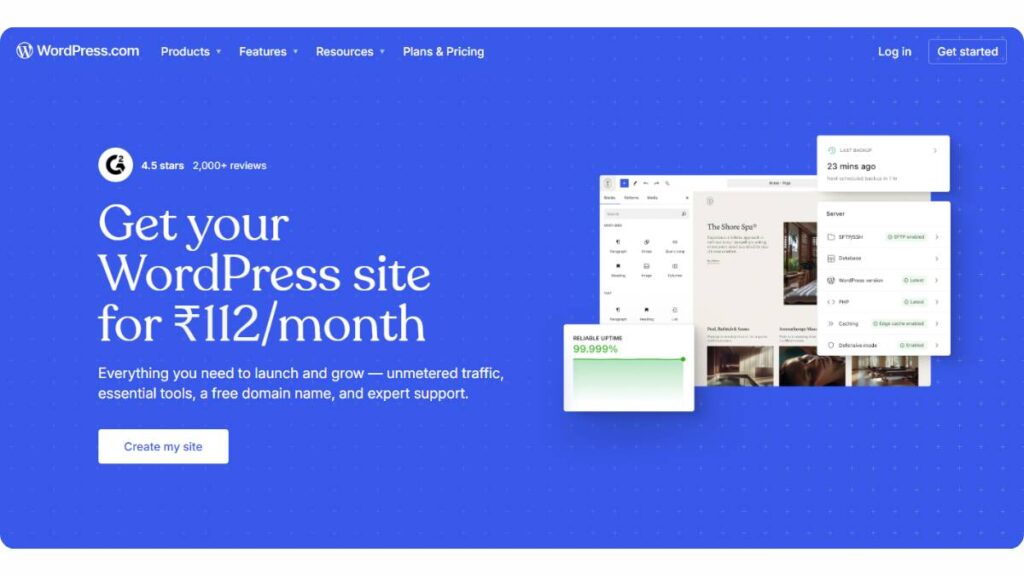
WordPress has been around long enough that people either swear by it… or complain about it. Both are fair.
What keeps it on top isn’t perfection. It’s control. You can tweak almost everything, URLs, metadata, internal links, and content structure, without feeling boxed in. That matters more than flashy features.
The plugin ecosystem is where things really open up. Tools like Yoast or RankMath make day-to-day optimization pretty straightforward, even if someone isn’t particularly technical. But there’s a catch here. Actually, a big one.
Too many plugins, heavy themes, cheap hosting, it adds up. Sites slow down, things break, updates get messy. It’s not uncommon.
Handled properly, though, WordPress scales. Blogs, service sites, and even fairly complex content setups it holds up. Just needs a bit of discipline. Not a “set it and forget it” kind of platform
Shopify – Best CMS for eCommerce SEO

Shopify is very focused. It’s built for selling, and you can feel that the moment you start using it.
Product pages, collections, checkout flows, it all works without much setup. You don’t spend time figuring out basics. That’s the appeal. Especially for store owners who don’t want to deal with technical stuff.
But once you go a bit deeper, limitations show up. URL structure is the usual pain point. You’re stuck with predefined paths like /products/ or /collections/. Not ideal if you care about having full control.
Still, for most stores, it’s a tradeoff worth making. Stability over flexibility. Things rarely break. Updates are handled. You can focus on the business side instead of maintenance.
Webflow – Best for Designers & SEO Control
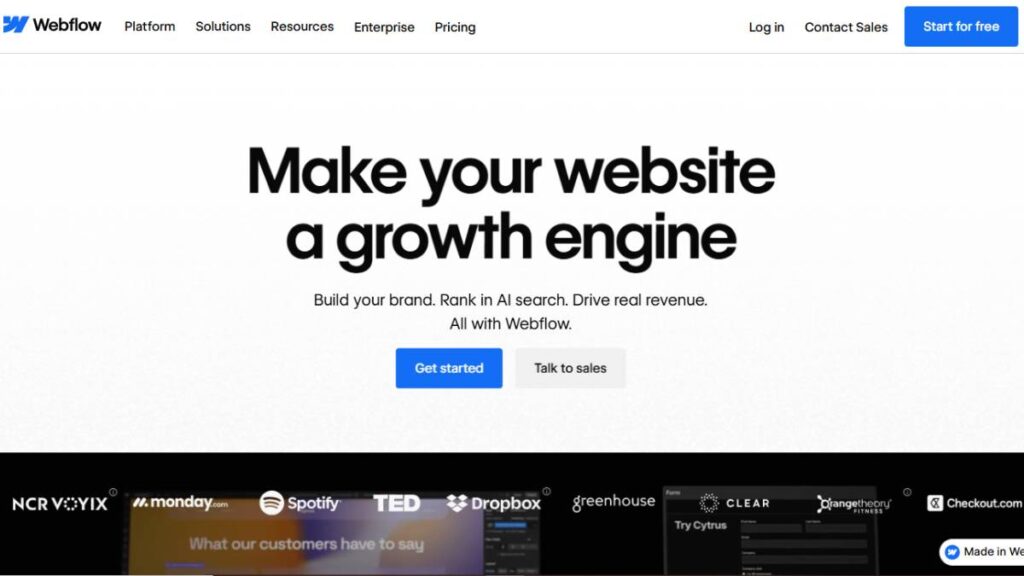
Webflow feels different from the usual website builders. It gives a lot of visual control, but doesn’t completely hide what’s happening underneath.
That’s probably its biggest strength. You design freely, but still end up with a clean structure. Pages load fast, layouts don’t jump around, and there’s less reliance on third-party add-ons.
There is a learning curve. Not huge, but noticeable. It’s not something you master in an hour. Once it clicks, though, it’s hard to go back.
Works especially well for marketing sites. Landing pages, product pages, content hubs, places where design and performance both matter. You’re not constantly fighting the system, which is… refreshing.
Wix – Best for Beginners
Wix used to have a reputation. Not the best one. That’s changed quite a bit.
Now it’s simple in a good way. You can build pages, adjust content, and handle basic optimization, all without needing to touch code or dig through complicated settings. For beginners, that’s huge.
But it does have a ceiling.
As the site grows, you start noticing constraints. Less flexibility with structure, fewer advanced customization options. It’s not built for complex setups.
For small businesses, personal sites, or early-stage projects, though, it works. You get online quickly. No friction. Just don’t expect it to handle everything long-term.
Squarespace – Best for Simple SEO Sites
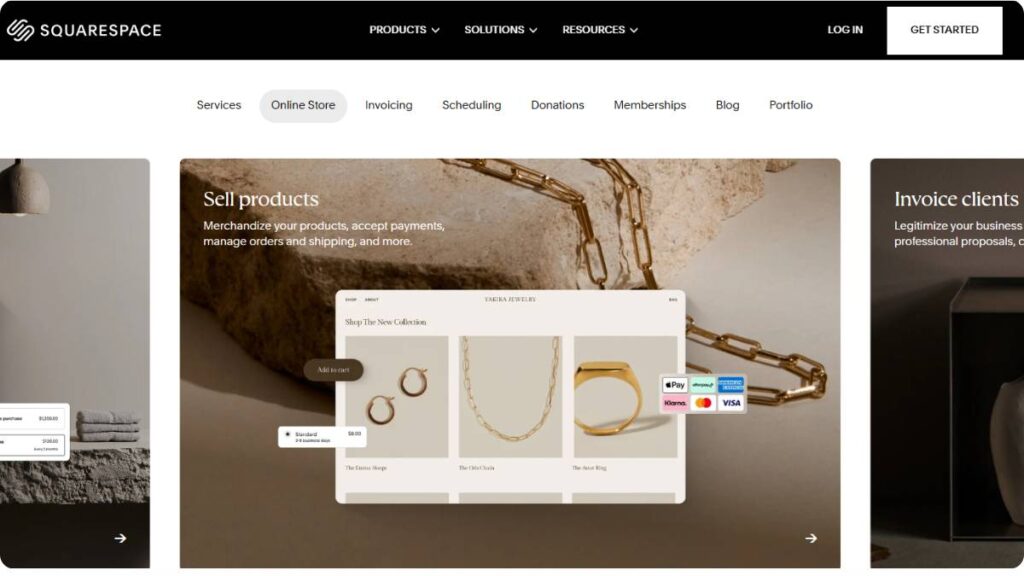
Squarespace leans heavily into aesthetics. Clean templates, polished layouts, it looks good right out of the box.
That’s why it’s popular with creatives, freelancers, and small brands. You don’t spend weeks designing. It’s mostly plug, adjust, publish.
On the optimization side, it covers the essentials. Meta tags, URLs, mobile responsiveness, it’s all there. Nothing groundbreaking, but it works.
Where it gets tricky is deeper customization. If you want to push beyond what’s provided, it starts feeling restrictive. Not impossible, just… limited.
Still, for simple, well-designed sites, it does the job without much hassle.
Drupal – Best for Advanced Technical SEO
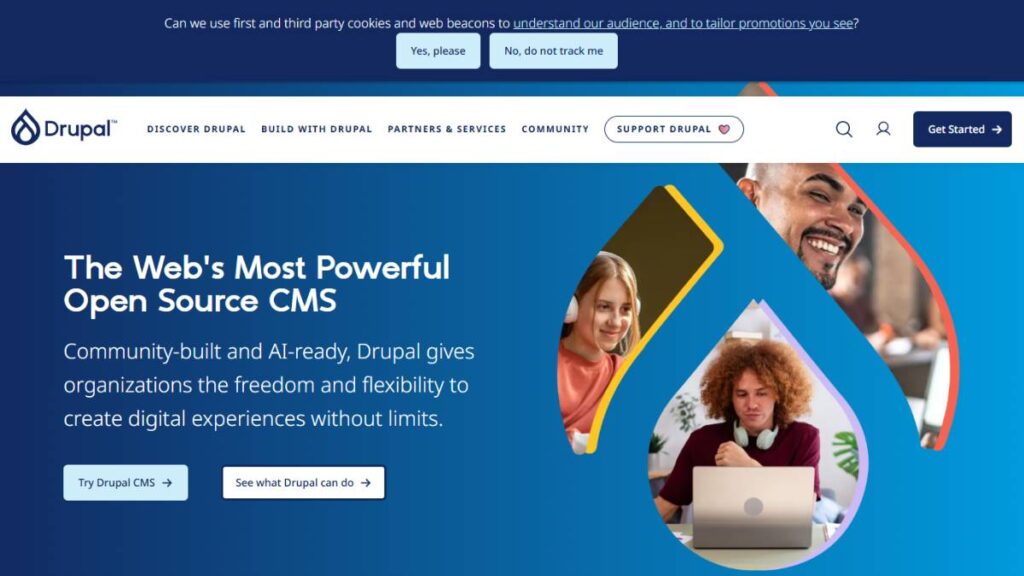
Drupal is powerful. No way around it.
But it’s also demanding. You don’t just pick it up casually and build something over a weekend. It expects technical knowledge, and quite a bit of it.
The upside is control. You can build complex structures, manage large volumes of content, and set detailed permissions; it handles all of that well. That’s why it shows up in enterprise and government projects so often.
The downside? Time and effort. Setup takes longer. Maintenance isn’t light.
For teams that actually need that level of control, it’s worth it. For everyone else, it’s probably more than necessary.
Joomla – Flexible Open Source CMS
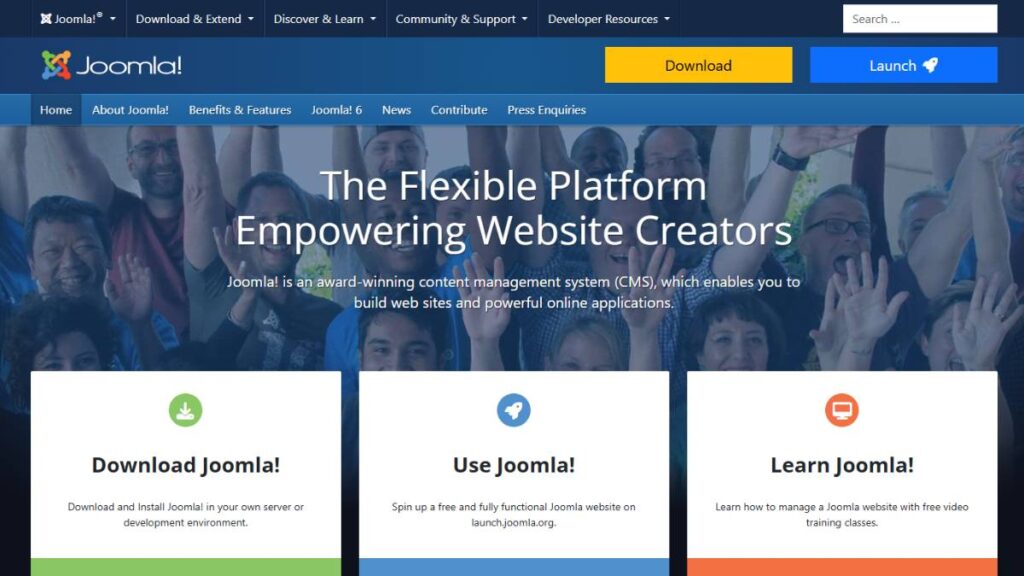
Joomla sits somewhere in the middle. Not as beginner-friendly as WordPress, not as complex as Drupal.
It gives a fair amount of flexibility. You can build solid sites, manage content well, and extend functionality without going too deep into custom code.
But the ecosystem isn’t as strong as it used to be. Fewer extensions, smaller community, less momentum overall.
It still works. Just not the obvious first choice anymore.
Contentful – Best Headless CMS for SEO Flexibility
Contentful is all about separation. Content lives independently and gets delivered wherever it’s needed.
That opens up a lot of flexibility. You’re not tied to templates or predefined layouts. Everything is built around APIs.
Sounds great, and it is, but it also shifts responsibility. The frontend isn’t handled for you. So performance, structure, everything depends on how the implementation is done.
For teams with developers, it works well. Without that support, it can feel like too much effort for what you get.
Hygraph – Best for Multi-Channel SEO Content
Hygraph leans heavily into structured content and GraphQL. Which basically means content is flexible and easy to distribute across different platforms.
That’s useful when you’re not just dealing with a website. Apps, multiple regions, different interfaces, it handles that kind of setup cleanly.
The structure side is solid too. Content models stay consistent, even as things scale.
Like most headless systems, setup matters a lot. Done right, it’s efficient. Done poorly, it’s just complexity without benefit.
Storyblok – Best Visual Headless CMS
Storyblok tries to solve a common problem with headless setups; they’re great for developers, not so much for content teams.
The visual editor helps bridge that gap. You can see changes as you make them, instead of working blindly in a backend interface.
It’s not perfect. There are still dependencies on how the frontend is built. But it makes collaboration easier, which is often overlooked.
For teams that want flexibility but don’t want to sacrifice usability, it’s a solid option.
Prismic – Best Headless Page Builder CMS
Prismic focuses on structured, component-based content. Pages are built using reusable sections, which they call slices.
That approach keeps things consistent. You’re not rebuilding layouts from scratch every time. It speeds things up, especially for marketing teams pushing out landing pages regularly.
There’s still a dependency on the frontend setup, like with any headless CMS. But once that’s in place, managing content feels smoother.
It’s a practical middle ground. Not too rigid, not completely open-ended.
Contentstack – Enterprise SEO CMS
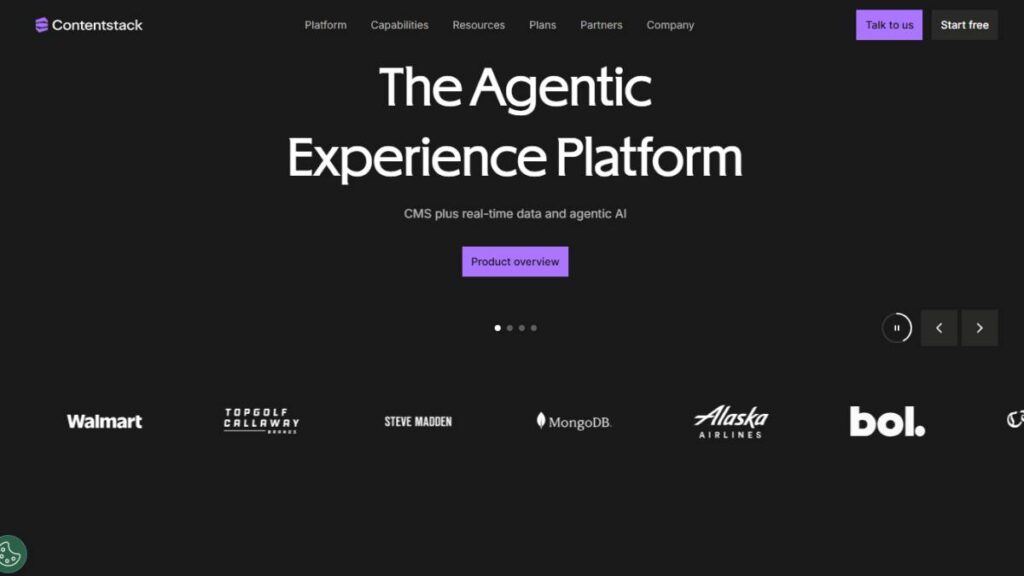
Contentstack is built for scale. Large teams, complex workflows, multiple content streams, it handles that environment well.
You get structured workflows, strong integrations, and the ability to manage a lot of content without things getting messy.
But it’s not lightweight. Setup takes time. It’s usually more than what smaller teams need.
For enterprise setups, though, it fits. Especially when content operations start getting complicated.
Sitecore – Best for Enterprise SEO Personalization
Sitecore goes beyond content management. It’s more of a full experience platform.
The standout feature is personalization. Content can change based on user behavior, preferences, history, and things like that. It’s powerful when used well.
But there’s complexity behind it. Implementation isn’t simple, and ongoing management requires resources.
For large organizations, it can be a strong advantage. For smaller teams, it’s usually too much to handle.
There isn’t a single platform that works for everyone. And that’s usually where people get stuck, trying to find the “best” option instead of the right fit.
It comes down to priorities. Control vs simplicity. Flexibility vs stability. Short-term ease vs long-term scalability.
Different projects need different tradeoffs.
Headless CMS vs Traditional CMS for SEO
This question comes up a lot, and usually with the expectation that there’s a clear winner. There isn’t. It depends on what you’re trying to build and how much control you actually need.
A traditional CMS, like WordPress or Joomla, keeps everything in one place. Content, design, templates, rendering, it’s all bundled together. That makes things easier to manage. You log in, edit a page, and publish. Done.
Headless CMS platforms like Contentful or Hygraph work differently. Content sits in the backend and gets delivered via APIs. The frontend is built separately. So you’re not tied to a specific theme or structure.
Sounds more flexible, and it is. But flexibility always comes with tradeoffs.
When you look at performance, headless setups often have an edge. Since the frontend is custom-built, you can optimize it exactly the way you want. Faster load times, better control over rendering, cleaner output. But only if it’s implemented properly. That’s the part people gloss over.
Traditional CMS platforms can be fast, too. But they usually need optimization, caching, CDN, and careful plugin management. Without that, things can get heavy.
In terms of flexibility, headless clearly wins. You’re not limited by templates. You can design and structure content however you want. It’s especially useful for multi-platform setups, web, mobile apps, and other interfaces.
Traditional CMS is more constrained. But that constraint can actually be helpful. It keeps things simpler. Less room for things to go wrong.
Then there’s control. Headless gives you full control over how content is delivered and displayed. Traditional CMS gives you enough control for most use cases, without the added complexity.
So when does each make sense?
Choose headless when:
- You’re building across multiple platforms
- You need a custom frontend performance
- You have development resources available
Choose traditional when:
- You want speed of execution
- Content is the main focus (blogs, landing pages, service sites)
- You don’t want to manage separate frontend systems
In reality, most businesses don’t need headless right away. It’s powerful, but also easy to overcomplicate things. Traditional CMS still covers a huge range of use cases without adding unnecessary layers.
How to Choose the Best CMS for SEO
Check Built-in SEO Tools
Start with the basics. Not the flashy features, the fundamentals.
A CMS should let you control titles, descriptions, URLs, and indexing settings without friction. If you have to install multiple plugins or dig through settings just to manage these, it’s already adding unnecessary complexity.
Look for native support for sitemaps, canonical tags, and metadata. These aren’t advanced features anymore. They should be standard.
Also worth checking is how easy it is to actually use these features. Some platforms technically support them, but the interface makes it awkward. That slows things down more than people expect.
Evaluate Website Speed & Performance
Performance isn’t something to “fix later.” It’s baked into how the CMS works.
Some platforms are lightweight by default. Others rely heavily on themes, plugins, or scripts that can slow things down if not managed carefully.
Instead of looking at features alone, it helps to ask:
- Does this CMS generate clean code?
- How much optimization is required to get decent load times?
- Does it support caching and CDN easily?
Even small delays add up. And once a site grows, fixing performance becomes harder than getting it right early.
Consider Scalability for Content Growth
A CMS might feel great with 10 pages. Very different story at 500.
Scalability isn’t just about handling traffic. It’s about managing content without losing structure. Can you organize pages cleanly? Maintain internal links? Keep URLs consistent?
This is where some platforms struggle. Things start to feel messy, with duplicate pages, broken links, and inconsistent formats.
If content is going to grow over time, the CMS needs to support that from the start. Otherwise, you end up rebuilding things later. Which is never ideal.
Ease of Use vs Customization
There’s always a tradeoff here.
Some CMS platforms are easy to use but limited. Others are flexible but require technical effort. The “best” choice depends on who’s managing the site day to day.
For non-technical teams, simplicity matters more than deep customization. Being able to publish, update, and manage content without relying on developers makes a big difference.
For technical teams, control becomes more important. They can handle complexity, so flexibility is worth it.
The mistake is choosing a system that doesn’t match the team. That’s when things slow down.
Integration Capabilities
No CMS operates in isolation. It needs to connect with other tools, analytics, marketing platforms, and CRM systems.
The question isn’t just whether integrations exist, but how smoothly they work.
- Are integrations native or dependent on third-party plugins?
- Do they require constant maintenance?
- Do they break with updates?
A CMS that integrates cleanly reduces friction across the board. Data flows better. Workflows stay intact. Less time spent fixing things.
It’s one of those details that doesn’t seem important at first… until it becomes a bottleneck.
Essential CMS Features for SEO
At this point, certain features aren’t optional anymore. They’re expected. And if a CMS doesn’t support them well, it’s going to show.
On-page controls are the baseline. Titles, descriptions, headings, and image attributes should all of these should be easy to manage without jumping through hoops. If publishing content feels like a workaround, something’s off.
Technical capabilities matter just as much. Clean sitemaps, proper indexing controls, and canonical handling aren’t advanced features anymore. They’re foundational.
Then there’s performance. Not just load speed, but how stable pages feel. Layout shifts, delayed interactions, and inconsistent rendering, these things affect how a site is experienced. And over time, they add up.
AI integration is starting to show up more across platforms. Some of it is genuinely useful: content suggestions, internal linking prompts, basic optimization checks. But it’s not something to rely on blindly. More of a support layer than a solution.
Analytics and reporting are another piece that often gets overlooked. A CMS should make it easy to connect with tracking tools and understand how content is performing. Without that feedback loop, it’s hard to improve anything.
User experience ties everything together. Navigation, readability, and layout aren’t separate from performance. They’re part of it. A well-structured CMS makes it easier to maintain consistency across pages.
And then there’s internal linking. It sounds simple, but managing it at scale can get messy. Some CMS platforms handle this better than others, especially when content starts to grow.
In the end, it’s not about having the most features. It’s about how well those features actually work together.
Common CMS SEO Mistakes to Avoid
Most issues don’t come from the CMS itself. They come from how it’s used. Or misused.
A common one, ignoring mobile optimization. It sounds obvious, but it still happens. Pages might technically be responsive, but that doesn’t mean they’re usable. Text too small, buttons too close, layouts breaking on smaller screens… it all adds friction. And once that experience feels off, people leave quickly.
Another big one is poor metadata usage. Either it’s missing entirely, duplicated across pages, or just not written with any intent. It’s one of the easiest things to control, yet often neglected. Usually, it feels repetitive. But consistency here matters more than creativity.
Then there’s the tendency to go all in on plugins. Especially on platforms like WordPress. One plugin for this, another for that… before long, you’re stacking tools on top of each other. It works for a while. Then performance drops, conflicts show up, and updates break things.
Not every feature needs a plugin. Sometimes less really is more.
Slow website performance is another issue that creeps in gradually. Heavy themes, unoptimized images, unnecessary scripts, it doesn’t happen overnight. But over time, the site starts feeling sluggish. And once that perception sets in, it’s hard to ignore.
There’s also the habit of publishing content and then… leaving it. No updates, no revisions, no cleanup. Over time, information gets outdated, links break, and pages lose relevance. A CMS should make updates easy. If it doesn’t, that’s a problem. But more often, it’s just not prioritized.
URL structure is another area where mistakes pile up quietly. Long, messy URLs. Duplicate paths. Random parameters. It might not seem like a big deal early on, but it creates confusion as the site grows.
A few patterns worth watching:
- URLs that don’t reflect page hierarchy
- Duplicate pages with slightly different slugs
- Old URLs left without redirects
These things are easy to overlook. Until they’re not.
Most of these issues aren’t technical limitations. They’re process issues. The CMS just makes them easier, or harder, to manage.
Conclusion:
There’s no universal “best” CMS. That’s usually the wrong question to ask.
It’s more about fit. What you’re building, who’s managing it, how it’s going to grow, those factors matter more than feature lists.
For beginners, simplicity wins. Platforms like Wix or Squarespace keep things manageable. You don’t spend time figuring out the technical setup. You just build and publish. That’s often enough in the early stages.
For bloggers and content-heavy sites, WordPress still holds strong. It’s flexible, widely supported, and doesn’t limit how content is structured. As long as performance is managed properly, it scales well.
For eCommerce, Shopify is usually the practical choice. It removes a lot of operational complexity. You give up some control, sure, but you gain stability and ease of use.
For enterprise setups, platforms like Sitecore or Contentstack make more sense. They handle scale, workflows, and integrations in a way simpler systems can’t. But they also require resources, both technical and operational.
And for developers or teams building across multiple platforms, headless CMS options come into play. Contentful, Hygraph, these give flexibility, but also demand a proper setup.
In the end, it’s not about chasing the most advanced platform. It’s about choosing something that aligns with how the site will actually be used.
Because once you’re deep into a CMS, switching isn’t simple. Better to get it right early… or at least close enough.
FAQs: Best CMS for SEO
Which CMS is best for SEO in 2026?
There’s no clean winner here. It really depends on what’s being built and how it’s going to be managed long term. WordPress still works well for content-heavy sites, while Shopify fits eCommerce better. Headless setups are growing, sure, but they’re not plug-and-play. The “best” CMS usually ends up being the one that doesn’t get in your way.
Does CMS really affect SEO rankings?
Yeah, it does, and often in ways that aren’t obvious at first. The CMS controls the structure, speed, and how cleanly pages are built. If those things are off, it creates friction. Not always visible, but it adds up. Good content can still struggle if the foundation underneath isn’t doing its job properly.
Are headless CMS platforms good for SEO?
They can be. In fact, they’re often better from a performance standpoint. But there’s a catch: they only work well if the frontend is handled properly. A headless CMS gives control, not results, by default. Without a solid setup, it’s easy to lose the advantages people talk about.
What SEO features should a CMS have?
At the very least, it should let you control titles, descriptions, URLs, and indexing without friction. Beyond that, things like sitemaps, canonical tags, and page speed support start to matter more. Nothing fancy, just the essentials done well. If those basics are clunky or missing, it slows everything down.
How do I choose the best CMS for my business SEO?
Start with how the site will actually be used. Not what looks good in comparisons. Think about content volume, who’s managing it, and how often things change. A simpler CMS is often better for smaller teams. More complex setups only make sense when there’s a real need for that extra control.
Which CMS is best for beginners in SEO?
Platforms like Wix or Squarespace are usually the easiest place to start. They remove most of the technical overhead, which helps early on. You won’t get deep customization, but that’s fine at the beginning. Getting consistent with content matters more than tweaking every setting.
What is the most SEO-friendly CMS for blogging?
WordPress still leads here. Not because it’s perfect, but because it doesn’t limit how content is structured. You can scale categories, internal links, and page types without hitting walls too quickly. Other platforms work, but they tend to feel restrictive once the blog starts growing.
Is WordPress still the best CMS for SEO?
It’s still one of the safest bets, especially for content-driven sites. But it’s not hands-off. Poor themes, too many plugins, weak hosting, those things catch up quickly. When set up properly, it performs well. When it’s not, it becomes harder to manage than it should be.
Which CMS is best for technical SEO optimization?
More technical setups usually lean toward platforms like Drupal or headless systems. They allow deeper control over structure and performance. But that control comes with complexity. For most sites, it’s unnecessary. For larger or more demanding setups, though, it starts to make sense.
Are website builders like Wix and Squarespace good for SEO?
They’re fine for a lot of use cases. Especially smaller sites. They handle the basics well enough, with clean layouts, mobile responsiveness, and simple controls. The limitations show up later, usually when more customization is needed. But early on, they get the job done without much friction.
What is the fastest CMS for SEO performance?
There isn’t a fixed answer here. Speed depends more on setup than the CMS itself. Headless builds can be fast. Webflow tends to perform well out of the box. Even WordPress can be quick with the right configuration. It’s less about the platform, more about how it’s handled.
Which headless CMS is best for SEO?
Options like Contentful or Hygraph are solid choices. But the CMS alone doesn’t decide performance. The frontend build matters more. A well-structured setup on a decent platform will outperform a poor setup on a “top” one almost every time.
Can I switch CMS without losing SEO rankings?
It’s doable, but it needs planning. URL structures, redirects, metadata, everything needs to be mapped properly. Miss a few details, and things can drop quickly. Get it right, and the transition is fairly smooth. Most issues during migrations come from small oversights, not major decisions.
How does CMS affect Core Web Vitals and page speed?
The CMS sets the baseline. It determines how pages are built, how assets are handled, and how clean the output is. Some platforms make it easier to stay fast. Others require more effort. Optimization helps, but if the foundation is heavy, there’s only so much you can fix later.
Do I need plugins for SEO in every CMS?
Not always. Some platforms include most features by default. Others, like WordPress, rely more on plugins. The key is not to stack too many. It’s easy to overdo it, and that’s where problems start: performance drops, conflicts show up, updates break things. A few well-chosen tools usually go further than a long list.
Which CMS is best for multilingual SEO?
It depends on how complex the setup is. WordPress handles multilingual sites fairly well with the right configuration. Headless CMS platforms also work nicely for multi-region setups since content can be delivered more flexibly. The real challenge isn’t translation, it’s keeping structure and consistency intact across languages.
What CMS do large enterprises use for SEO?
Larger organizations usually go with platforms like Sitecore, Contentstack, or Drupal. These systems handle scale, workflows, and integrations better than simpler tools. But they’re not lightweight. They need proper teams and processes to run smoothly.
Is Shopify good for SEO compared to WordPress?
Shopify works well for product-focused sites. It’s stable and easy to manage. But it’s more rigid in certain areas. WordPress offers more flexibility, especially for content-heavy strategies. So the better choice depends on what matters more, selling products or managing content at scale.
How important is structured data support in a CMS?
It’s more important than it looks. Structured data helps define what a page actually represents, not just what it says. That extra context makes a difference in how content is interpreted. A CMS that supports it properly saves time and reduces the need for constant manual adjustments.
What are the limitations of using a CMS for SEO?
Every CMS has tradeoffs. Some limit customization, others require more maintenance, and some become messy as content grows. There’s always a balance between flexibility and simplicity. The goal isn’t to find a perfect platform; it’s to avoid one that creates unnecessary friction as things scale.