
This guide takes a close look at AI Flyer Generators and how they’ve quietly changed the way businesses handle marketing materials. These tools aren’t just flashy tech; they actually make creating flyers faster and less of a headache. The blog covers what they do, the types you’ll run into, and what features really matter, think layouts that make sense, easy branding, and outputs that work both online and in print. It also goes through the top nine options, with a feel for what works best for different needs. Along the way, there are practical tips for picking the right tool and making flyers that actually grab attention, not just look pretty.
Table of Contents
Introduction
Flyers are one of those things people underestimate, until they actually need one. A product launch, a weekend sale, a local event… suddenly there’s pressure to put something together that looks sharp and gets noticed. And that’s where things usually slow down. Layout decisions, font choices, spacing, it all adds up.
For small businesses, especially, the issue isn’t creativity. It’s time. And honestly, consistency too. One flyer looks decent, the next one feels off-brand, and somewhere in between, momentum gets lost.
Modern flyer tools step in right at that friction point. Instead of staring at a blank canvas, you’re working with a starting point that already makes sense. Structure is there. Visual balance is handled. From there, it becomes more about refining than building from scratch.
The real advantage shows up over time. Faster turnaround. More consistent output. And less second-guessing every small design decision.
This guide breaks it down properly, what these tools actually do, how they differ, and what to pay attention to before picking one. Because not all of them are built the same, even if they look similar on the surface.
Understanding AI Flyer Generators
At a basic level, these tools take input, text, a rough idea, maybe a theme, and turn it into a finished design. But the way they get there varies more than most people expect.
Some lean heavily on automation. You drop in a few lines about an event or offer, and within seconds, you’re looking at multiple layout options. Headings placed neatly, spacing adjusted, colors that more or less work together. It’s quick. Sometimes surprisingly good.
Others are more template-driven. You pick a layout that fits your goal, say, a retail promotion or a workshop announcement, and then shape it around your content. Less “magic,” more control. Which, in many cases, is exactly what’s needed.
Then there’s the middle ground. Tools that generate a first draft but still expect some input. These tend to feel more practical. They save time upfront but don’t lock you into something rigid.
A few patterns show up once you’ve used these tools for a while:
- Fully automated outputs are fast, but they’re not always spot-on. Expect to tweak.
- Template-heavy tools are reliable, though sometimes a bit predictable.
- Hybrid tools usually strike the best balance, especially for ongoing marketing work.
Compared to traditional design software, the shift is pretty obvious. Less time spent aligning elements or adjusting margins pixel by pixel. More focus on the message itself. That’s where the real value sits, not just speed, but mental bandwidth.
Key Features to Look for in an AI Flyer Generator
Not every tool that claims to simplify design actually does. Some just move the complexity around. So it helps to know what really matters before getting too far in.
Layout intelligence is one of those things that sounds vague but becomes very real in practice. Good tools don’t just place text randomly; they create a visual flow. Headlines stand out, supporting text doesn’t compete, and spacing feels intentional. When this works, you notice it immediately. When it doesn’t… the flyer feels off, even if you can’t explain why.
Then there’s template depth. Not just the number of templates, but how usable they are. A large library doesn’t help if most options feel outdated or too similar. The better platforms offer variety that actually reflects different use cases, events, offers, announcements, and small stylistic differences that make testing ideas easier.
Brand control matters more than it seems at first. It’s not just about adding a logo. Colors, font styles, and even spacing preferences; these details add up. Without them, every flyer feels like it belongs to a different business. With them, things start to look cohesive without extra effort.
Export flexibility is another area people often overlook. A design that looks great on screen might not hold up when printed. Or the other way around. Being able to switch between formats, social posts, PDFs, and high-resolution prints without rebuilding everything saves time down the line.
And one small thing that tends to get ignored until it’s needed: editability after export. Some tools lock designs too early. Others keep things flexible. That difference becomes important when last-minute changes come in. Which, realistically, happens more often than planned.
Put together, these features shape how smooth, or frustrating, the entire process feels. The goal isn’t just to create a flyer. It’s to create one quickly, confidently, and without redoing the same work over and over.
Top 10 AI Flyer Generators to Try
Choosing a flyer tool sounds simple until you actually start comparing them. A lot of them look similar at first glance. Same kind of templates, same promises. But once you spend a bit of time inside these tools, the differences show up pretty quickly. Some feel smooth and practical. Others… not so much.
Here’s a closer look at nine tools that are getting real traction, and more importantly, where they actually fit.
Design.com Flyer Generator
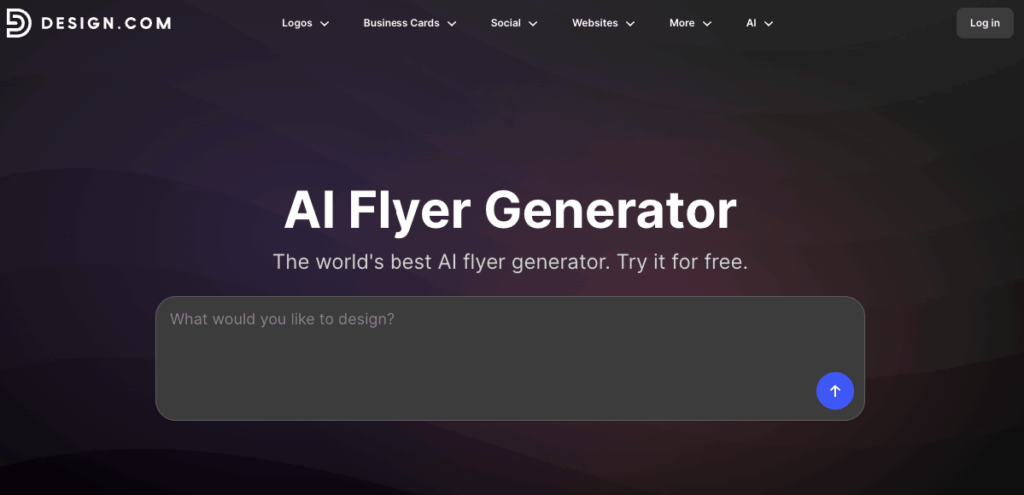
Design.com’s AI flyer generator is built around speed without sacrificing quality. You simply enter your business name and brand details, and the AI generates multiple flyer concepts in seconds. The results are also tailored to your business rather than being generic templates with your text dropped in.
One thing that stands out is the amount of choice you get. There are thousands of professionally designed flyers covering promotions, events, businesses, sales, and more, giving you plenty of directions to explore before settling on a design. If something isn’t quite right, you can quickly generate new variations or refine the results with additional prompts and keywords.
The editor is also beginner-friendly. Colors, fonts, layouts, and graphics can all be customized through a simple drag-and-drop interface, making it easy to edit even if you don’t have any technical know-how. Once your flyer is finished, you can download high-resolution raster or vector files for digital and print use, or have Design.com professionally print and ship your flyers
directly.
Canva Magic Design AI
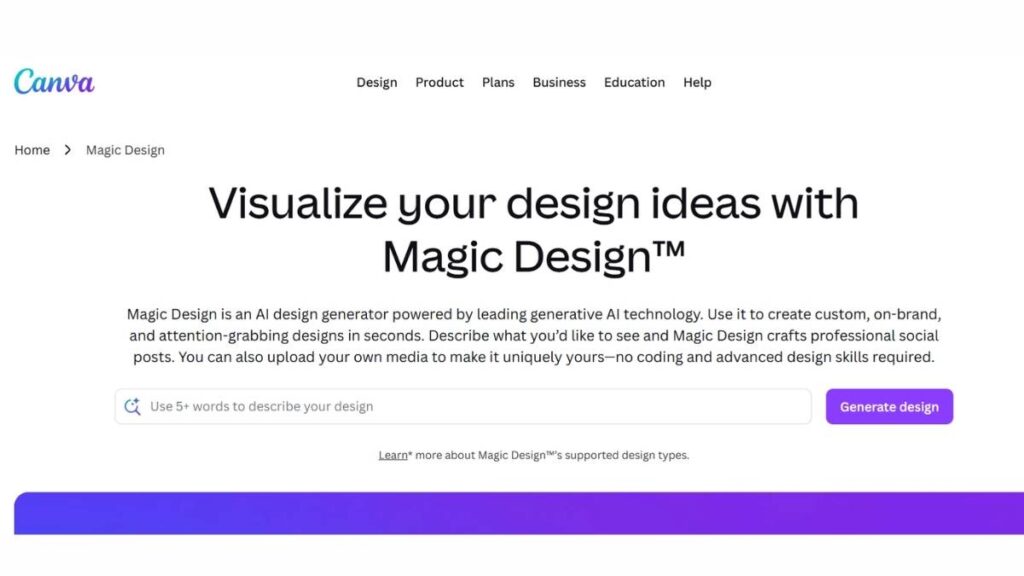
Canva has quietly become the default for a lot of teams. Not because it’s perfect, but because it’s reliable. You can start with a rough idea, drop in a few lines of text or an image, and it gives you layouts that are, at the very least, usable. Sometimes surprisingly good.
Where it really helps is consistency. Once brand colors, fonts, and logos are set, everything starts falling into place automatically. That saves more time than people expect. Especially when you’re creating multiple flyers over a few weeks.
The editor itself is straightforward. No friction, no overthinking. It’s the kind of tool that doesn’t get in the way, which, honestly, is what most teams need.
FlipHTML5
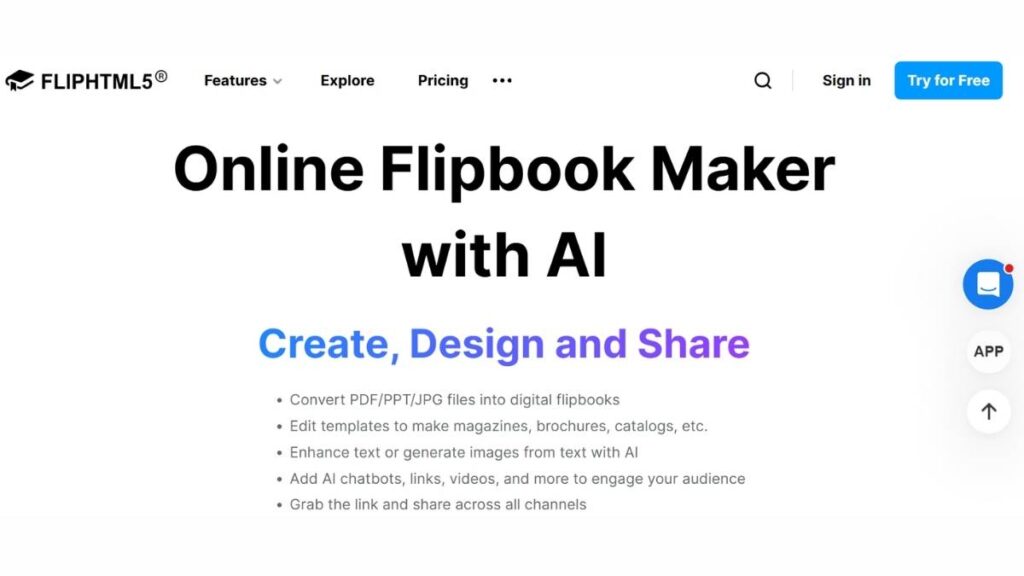
FlipHTML5 goes in a slightly different direction. It’s less about static flyers and more about presentation. The output feels closer to a digital brochure, pages that flip, content that flows, something a bit more interactive.
That can work really well for certain use cases. Event promotions, catalogs, anything where you want people to spend a little more time engaging with the content.
It’s not something every business will need every day. But when the goal is to stand out a bit, especially online, it does bring something different to the table.
Adobe Express
Adobe Express leans more toward professional output. You can feel it in the way designs come together, cleaner, more refined, a bit more intentional.
There’s flexibility here. You’re not boxed into basic templates, and the editing experience gives more control than most lightweight tools. Adobe’s AI flyer generator is powered by Firefly, adding another layer if you want to push creative elements further.
It does take a little getting used to. Not difficult, just… more depth than simpler tools. But once you’re comfortable, the quality difference shows.
PosterMyWall AI
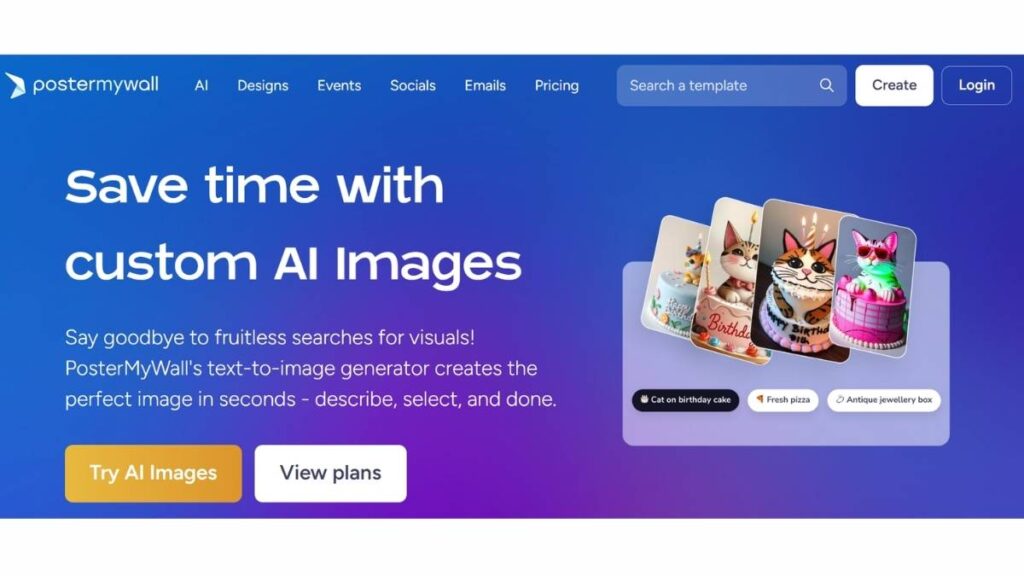
PosterMyWall is less about polish and more about volume. And that’s not a bad thing. When there are a lot of campaigns to push out, events, offers, announcements, speed starts to matter more than perfection.
The template library is huge. Maybe too huge at times. But it gives enough variety to test different styles quickly. The text suggestions help move things along, especially when the copy isn’t fully thought through yet.
It’s practical. That’s probably the best way to describe it. Not flashy, but it gets the job done without slowing things down.
Visme AI
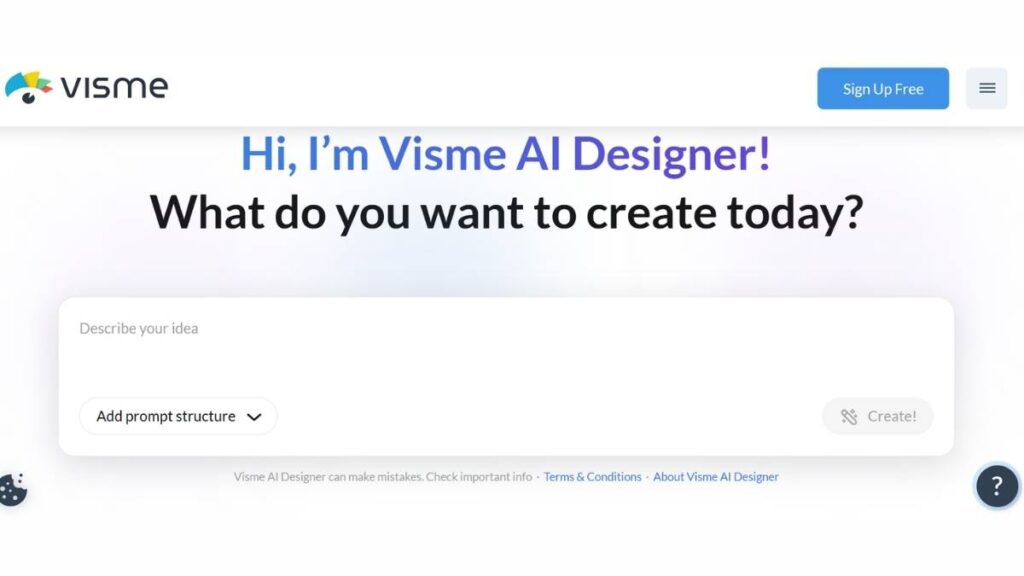
Visme sits somewhere in the middle, between simple tools and more design-heavy platforms. The initial drafts tend to look fairly polished, which cuts down on rework. Then you get room to refine things, add visuals, tweak layouts, and even include interactive elements if needed.
It leans slightly toward marketers who care about presentation. Not just “good enough,” but something a bit more considered.
There’s a bit more depth here compared to lighter tools. Which is good… as long as there’s time to explore it.
Appy Pie AI Flyer Maker
Appy Pie feels built for speed. You put in a short description, and within seconds, you’ve got options to work with. No complicated setup, no long onboarding. Just straight into creation.
That makes it useful in situations where time is tight. Small teams, educators, local businesses, and anyone who needs something quick without diving deep into design tools.
Customization is there, but it doesn’t overwhelm. Change an image, adjust a layout, move on. Simple, and sometimes that’s exactly what’s needed.
Piktochart AI
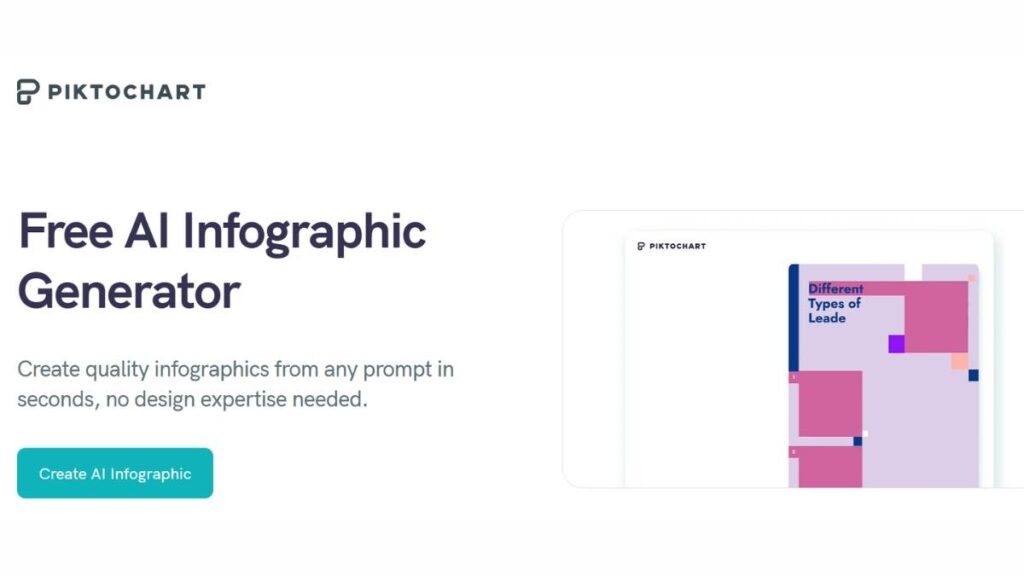
Piktochart has always been strong on structure, and that shows up in its flyers, too. Layouts feel clean, balanced, and almost methodical.
You won’t get overly flashy designs here, and that’s kind of the point. It’s built for clarity. Information is easy to scan, visuals don’t fight for attention, and everything sits where it should.
For internal communications, educational content, or anything that needs to be clear first and creative second, it works well.
Simplified AI
Simplified feels like it was built with marketers in mind. Not just creating a flyer, but using it across channels. Social posts, ads, quick variations… all of that fits into the workflow.
The ability to adapt designs for different platforms without redoing everything is a big plus. It saves time, but more importantly, it keeps messaging consistent.
It’s not overly complex either. There’s enough guidance to keep things moving, without locking you into rigid templates.
BrandCrowd AI Flyer Generator
BrandCrowd takes a slightly different approach. Instead of starting with layouts, it starts with intent. A few keywords, a rough idea, and it builds from there.
The suggestions usually align with the tone you’re going for. Not always perfect, but close enough to refine. Branding elements, logos, and colors can be layered in without much effort, which helps everything feel connected.
It’s a solid option for startups or solo operators who don’t want to spend hours figuring things out. Quick, reasonably polished, and easy to adjust.
Each of these tools solves a slightly different problem. Some are built for speed, others for control, and a few for scale. There isn’t a single “best” option; it depends on how often flyers are created, how polished they need to be, and how much time can realistically go into design.
In most cases, trying two or three side by side tells you more than any feature list ever will. One of them usually just clicks.

Checkout: AI Marketing Course
How to Choose the Right AI Flyer Generator
Picking a tool sounds straightforward… until it isn’t. On paper, most of them look similar. Same promises, same features listed out neatly. But once you start using them, the differences show up in small ways, how fast things move, how much tweaking is needed, how often you feel stuck.
The starting point is simple: what kind of flyers are actually needed? A quick Instagram promo is very different from a print flyer for a local event. One needs speed and format flexibility, the other needs precision, margins, resolution, and all that detail. Tools rarely excel at both equally.
Ease of use matters more than people expect. If multiple people are involved, marketing, sales, maybe even operations, then the tool can’t be complicated. It has to be something anyone can open and figure out in a few minutes. On the flip side, if the goal is more polished, design-heavy output, then a bit of complexity is acceptable. Maybe even necessary.
Pricing… that’s where things get a bit tricky. Free plans look generous at first, but limitations show up quickly: watermarks, restricted downloads, and limited templates. Paid plans unlock more, but not all of them justify the cost. A short trial usually tells the real story. A couple of hours inside the tool is enough to see whether it fits or just adds friction.
In the end, the “right” choice isn’t the one with the most features. It’s the one that quietly fits into the workflow and doesn’t slow things down.
Tips for Creating Effective Flyers with AI
Even with a good tool, flyers can still fall flat. It usually comes down to how the content is put together. The tool helps, sure, but it doesn’t fix weak messaging or cluttered layouts.
Start with the text. Keep it tight. Flyers aren’t meant to explain everything; they’re meant to spark interest. A clear headline, a short supporting line, maybe one strong call-to-action. That’s often enough. When there’s too much text, people just skim… or skip entirely.
Layout is where things either come together or fall apart. Good spacing matters. Not everything needs to be filled. In fact, leaving space often makes the important bits stand out more. It’s tempting to add more elements, icons, shapes, and extra text, but that usually hurts more than it helps.
Color choices can be tricky. Sticking close to brand colors is safe, but contrast is what actually grabs attention. If everything blends together, the flyer gets ignored. Small adjustments, slightly bolder headings, and clearer separation between sections can make a big difference.
And then there’s context. Where is this flyer going to show up?
- Social media: needs to be scroll-stopping, quick to read
- Print: needs clarity, proper margins, and readable fonts from a distance
- Digital sharing: should load fast and look good on different screens
Testing helps here. What looks fine on a laptop screen might feel completely different on a phone. Those little mismatches add up.
Future of AI in Flyer Design
Flyers aren’t staying static for long. Things are already shifting, just not in loud, obvious ways.
Interactivity is slowly becoming part of the mix. Not everywhere, but it’s growing, clickable elements, subtle motion, layouts that respond to how people interact. It’s less about decoration and more about keeping attention for a few seconds longer. Sometimes that’s all it takes.
Automation is getting smarter, too. Not just suggesting designs, but adjusting them based on performance. Which version gets more clicks, which layout holds attention longer? Those insights are starting to feed back into the design itself. It’s a bit like having continuous feedback built into the process.
Another shift is how flyers fit into the bigger picture. They’re no longer standalone pieces. They’re part of campaigns, connected to social posts, ads, and landing pages. That means design decisions aren’t just about looks anymore; they tie into performance, consistency, and timing.
Looking ahead, tools will probably feel less like design software and more like marketing systems. The line is already starting to blur. And for businesses, that’s not a bad thing. It means less guesswork and hopefully, better results without constantly starting from scratch.
Conclusion
AI flyer generators are… practical. That’s really the word for it. They don’t replace good judgment or a strong message, but they do remove a lot of the friction that used to slow things down. Layouts come together faster, branding stays consistent, and there’s less second-guessing about whether something “looks right.”
That said, the tool itself isn’t the advantage. The way it’s used is. A rushed input still gives you a rushed-looking output. A clear idea, on the other hand, tends to translate surprisingly well into something usable, sometimes even better than expected.
It’s worth trying a few of these tools side by side. Some feel intuitive immediately, others take a bit of getting used to. Over time, one usually fits into the workflow without much effort. That’s the one that sticks.
Try one of these AI flyer generators today and see how it changes the pace of your marketing. Small shift, but noticeable.
FAQs:
What is an AI flyer generator, and how does it work?
An AI flyer generator takes basic input, text, a rough idea, and sometimes an image, and turns it into a structured design. It handles spacing, font pairing, and color balance, all those small decisions that usually take time. The result isn’t always perfect, but it’s often a solid starting point that needs only light adjustment.
Can AI flyer generators replace professional designers?
Not really. They cover speed and convenience, but design is more than arrangement. There’s context, intent, brand voice, things that don’t always translate through prompts. For everyday marketing tasks, they’re more than enough. For bigger campaigns or brand-defining work, experienced designers still bring something extra.
Are AI flyer generators free to use?
Some are, at least on the surface. Free versions usually come with limits, watermarks, fewer templates, and restricted exports. It’s fine for testing or occasional use. But once flyers become part of regular marketing, those limits start to show, and upgrading tends to feel less optional.
Which AI flyer generator is best for small businesses?
There’s no single answer. It depends on what matters more: speed, customization, or output quality. Some tools are better for quick social posts, others for polished print designs. The best one is usually the one that doesn’t slow things down or require too much back-and-forth.
Can AI flyer tools create both print and digital flyers?
Yes, most of them handle both. The difference shows in the details, resolution, file type, and layout flexibility. Digital flyers are easier. Print needs a bit more attention, especially with margins and quality. It works, just needs a quick check before sending it out.
How accurate is the AI in generating creative flyer designs?
It’s fairly reliable when the input is clear. Vague instructions tend to produce generic results. Specific wording, tone, audience, and purpose help a lot. Even then, small tweaks are usually needed. Think of it as a draft generator, not a finished product every time.
Are AI flyer generators beginner-friendly?
For the most part, yes. The interfaces are built for people without design backgrounds. Drag, drop, edit, it’s straightforward. The only real learning curve comes when trying to fine-tune things. But even that settles quickly after a few uses.
Can I customize AI-generated flyers?
Yes, and that’s where most of the value comes in. The initial design gets you halfway there. After that, text, colors, spacing, and images are all editable. That flexibility is what turns a template into something that actually feels aligned with the brand.
How do AI flyer tools handle branding consistency?
Many tools let you set brand colors, fonts, and logos upfront. Once that’s done, designs start to follow that pattern automatically. It’s not flawless, but it reduces the chance of inconsistency, especially when multiple people are working on the same materials.
Is it safe to use AI flyer generators for commercial purposes?
Generally, yes. Most platforms allow commercial use, but it’s still worth checking the fine print. Stock images or premium elements sometimes come with conditions. Nothing complicated, just something that shouldn’t be skipped.
Do AI flyer generators offer templates for events and promotions?
They do, and usually in large numbers. Events, discounts, launches, and the most common use cases are covered. It saves time, especially when there’s no need to build a layout from scratch. The templates aren’t unique, but they’re a good base.
Can AI flyer tools optimize flyers for social media platforms?
Some tools go a step further and adapt layouts for specific platforms. Different sizes, slightly adjusted compositions. It’s useful, especially when posting across multiple channels. Still, a quick manual review helps catch anything that feels off.
What formats can AI flyer generators export? (PDF, PNG, JPEG)
PDF, PNG, JPEG, those are standard across most tools. Some also offer interactive formats, depending on the platform. The key difference is in quality settings, especially for print. That’s where higher-tier plans usually make a difference.
Can AI flyer generators work offline, or do they need the internet?
Most rely on an internet connection. The AI processing, templates, and updates all run online. Offline use is rare and usually limited. Not a deal-breaker, but something to keep in mind if working in low-connectivity situations.
How fast can an AI flyer generator create a flyer?
Pretty fast. A rough version can appear in seconds. The real time goes into refining it, adjusting text, aligning visuals, and making sure it actually fits the message. Still, much quicker than starting from zero.
Can AI flyer tools suggest images and icons automatically?
Yes, and often surprisingly well. Based on the text or theme, they recommend visuals that match the context. Not every suggestion hits the mark, but it cuts down the time spent searching from scratch.
Do AI flyer generators support multiple languages?
Many do. Text generation and layout adjustments usually adapt to different languages without much trouble. That said, longer or more complex scripts sometimes need manual spacing fixes to keep things clean.
How do AI flyer generators improve marketing campaigns?
They speed things up, mostly. Faster creation means more testing, different versions, and different messages. That flexibility tends to improve results over time. Not because the tool is smarter, but because it allows more iteration.
Can I integrate AI flyer generators with other marketing tools?
Some platforms connect with scheduling tools, social media, or content systems. It helps streamline the process, especially when managing multiple campaigns. Not essential, but definitely convenient once things scale.
What are the limitations of AI flyer generators I should know?
They can feel a bit repetitive after a while. Templates start to look familiar. And highly specific ideas don’t always translate well without manual edits. They’re efficient, no doubt, but still need direction to produce something that stands out.