

AI newsletter writing tools are starting to change how newsletters actually get made, not in a flashy way, but more in the day-to-day grind, where consistency is usually the hardest part. This blog looks at what happens when these tools are used in real workflows, not just demo scenarios. Some things speed up a lot. Others… still need manual fixing. It also gets into where people tend to over-rely on tools, where they help most, and how to get usable drafts without going in circles. The idea isn’t to automate everything. It’s to make the process easier to stick with, while still keeping the kind of voice readers don’t ignore.
Table of Contents
Introduction:
What Are AI Newsletter Writing Tools?
At a basic level, AI newsletter writing tools are built to reduce the effort behind creating emails that people actually want to read. Not just faster writing, but smoother thinking, cleaner structure, and fewer “stuck” moments in between.
They rely on natural language processing and generative models to produce content based on prompts, rough ideas, or even existing material. But the real value isn’t in the technology itself; it’s in how it changes the workflow.
Instead of building a newsletter from scratch every single time, there’s now a starting point. Something to react to. Something to refine.
Most tools in this space can:
- Draft full newsletters from a simple input
- Rewrite or tighten messy sections
- Adjust tone depending on the audience
- Suggest subject lines and CTAs that don’t feel flat
- Format content so it reads naturally in an email
It’s less about “automation” in the strict sense and more about removing friction from the process. The writing still needs judgment. Still needs direction. Just… less heavy lifting.
How AI Is Transforming Newsletter Creation
Newsletter writing used to follow a predictable pattern. Brainstorm, outline, write, edit, re-edit, format, send. Repeat next week.
That flow hasn’t disappeared, but it’s definitely been compressed.
What’s changed is the starting point. Instead of staring at a blank screen, there’s usually a rough draft within seconds. Not perfect, not ready to send, but workable. And that shifts everything.
AI now handles a lot of the early-stage work:
- Generating angles when ideas feel stale
- Structuring the first draft so it actually flows
- Rewriting sections that sound off
- Expanding or trimming content without much effort
- Tweaking tone depending on who it’s for
So yes, it’s faster. But more importantly, it’s easier to stay consistent. That’s where most newsletters struggle; not with one great email, but with showing up every week without burnout.
Time-wise, something that used to take a few hours (sometimes more) can now be pulled together much quicker. Not instantly, but quicker enough to make consistency realistic.
Types of AI Newsletter Tools
Not all tools here solve the same problem, and that’s where things get a bit messy for most people. Some tools are built purely for writing. Others try to handle the entire workflow.
A few broad categories tend to show up:
AI writing assistants
These focus on the words. Drafting, rewriting, improving clarity, adjusting tone. Useful when the main bottleneck is writing itself.
Newsletter platforms with built-in AI
These combine writing with publishing. Content, design, scheduling; everything happens in one place, with AI helping inside the editor.
AI curation and personalization tools
These lean more toward what to send rather than just how to write it. They help surface topics, pull in relevant content, and tailor messaging for different segments.
Email automation tools with AI features
These are more workflow-driven. They handle sequences, triggers, and timing while using AI to improve the content and targeting.
Choosing the right type matters more than choosing the “best” tool. A writing assistant won’t fix a broken workflow, and a full platform might feel like overkill if the only issue is slow drafting.
Why Use AI for Newsletter Writing?
Save Time on Content Creation
Time is usually the first thing that breaks consistency. Writing one good newsletter is manageable. Writing one every week, while juggling other work, that’s where it starts slipping.
AI helps by cutting down the slowest parts:
- Getting started
- Rewriting sections that don’t feel right
- Structuring ideas into something readable
Instead of spending an hour figuring out the opening, there’s a draft in seconds. It might need work, but at least the process has started.
That alone saves more time than most expect.
Improve Email Engagement & Open Rates
Engagement isn’t just about what’s being said. It’s how it’s said. Small shifts in phrasing, tone, or structure can change how an email performs.
AI makes it easier to experiment with those variations:
- Multiple subject line options without overthinking
- Different hooks for the same message
- Cleaner, more direct phrasing
Not every variation will work. Some will feel off. But having options makes testing easier, and testing is usually what leads to better results over time.
Personalize Newsletters at Scale
Generic newsletters are easy to spot. And easy to ignore.
Personalization used to be limited; maybe a name, maybe a segment-based variation. Now, it goes deeper.
AI allows content to adapt based on:
- What users have clicked before
- What they’ve shown interest in
- Where they are in the funnel
So instead of one broad message, there can be multiple versions that feel more relevant. Not perfectly tailored, but close enough to make a difference.
And importantly, this doesn’t require writing everything manually.
Maintain Brand Voice Consistency
Consistency sounds simple, but it’s usually not. Especially when multiple people are involved, or when content volume increases.
Tone starts drifting. Messaging becomes uneven.
AI can help anchor that. Once a certain style is defined, whether it’s conversational, direct, or slightly informal, the tool can stick close to it across different emails.
It’s not flawless. It still needs oversight. But it reduces the variation that naturally creeps in over time.
Automate Repetitive Writing Tasks
Some newsletters follow predictable formats:
- Weekly updates
- Product announcements
- Roundups
Writing these from scratch every time doesn’t add much value; it just takes time.
AI handles these patterns well. Once a structure is in place, it can replicate and adapt it with minimal input.
That frees up attention for the parts that actually need thinking: angles, positioning, and messaging that stand out.
Key Features to Look for in AI Newsletter Writing Tools
AI Content Generation Quality
This is where most tools either hold up… or fall apart.
Some generate content that feels usable right away: clear structure, decent flow, minimal cleanup. Others produce text that looks fine at first glance but needs heavy editing.
The difference shows up quickly in real use.
A good tool doesn’t just generate words. It understands context well enough to produce something that feels close to finished. Not perfect, but close enough that editing feels like refinement, not rewriting.
Personalization & Segmentation Capabilities
Sending the same email to everyone works up to a point. Then engagement drops.
Tools that support personalization make a noticeable difference here:
- Content blocks that change based on user behavior
- Segmented messaging without duplicating work
- More relevant emails without manual effort
The more flexible the segmentation, the easier it becomes to send content that actually matches what people care about.
Built-in Templates & Email Design
Even strong content can fall flat if it’s poorly formatted.
Good tools usually come with:
- Clean, readable templates
- Simple layout controls
- Options that don’t require design expertise
Nothing overly complex; just enough to make sure the email looks structured and easy to scan.
Integration with Email Marketing Platforms
This part often gets overlooked until it becomes a problem.
If a tool doesn’t integrate well with existing systems, it adds friction; copying content, fixing formatting issues, and redoing steps that should be seamless.
Smooth integration keeps things moving:
- Draft – edit – send without jumping between tools
- Less duplication of work
- Fewer small errors along the way
It’s not flashy, but it matters.
Automation & Workflow Capabilities
Writing a newsletter is one piece. Managing when and how it’s sent is another.
Tools with workflow features make it easier to:
- Schedule emails in advance
- Trigger messages based on actions
- Build simple sequences without manual effort
This shifts newsletters from one-off tasks to something more structured and easier to scale.
Multilingual & Tone Customization
For broader audiences, flexibility becomes important.
Some tools allow:
- Writing in multiple languages
- Adjusting tone depending on the audience type
- Keeping messaging consistent across variations
It’s not just about translation. It’s about making sure the message still feels natural in different contexts.
Analytics & Performance Tracking
Without feedback, it’s hard to improve anything.
Strong tools provide basic performance insights:
- Open rates
- Click-through rates
- Engagement patterns
Some go a step further and suggest changes based on that data.
Not always perfect suggestions, but useful signals. Enough to guide what to tweak next time instead of guessing.
These fundamentals shape how effective any AI newsletter tool will actually be in practice. The tools themselves matter, but how they fit into the workflow matters more.
10 Best AI Newsletter Writing Tools
There’s no clean “best tool” answer here. Anyone saying that is oversimplifying it.
What usually happens in real workflows… one part breaks first. Sometimes it’s writing. Sometimes it’s consistency. Sometimes it’s just the effort of pulling everything together week after week. The tools below each solve a slightly different version of that problem.
A few are great at raw writing. A few handle the full newsletter flow. Some just make existing content easier to work with.
That’s the lens to look through while going through these.
Migma AI
AI-driven email-lifecycle suite that writes, designs, and QA-checks full newsletters from prompts or URLs.
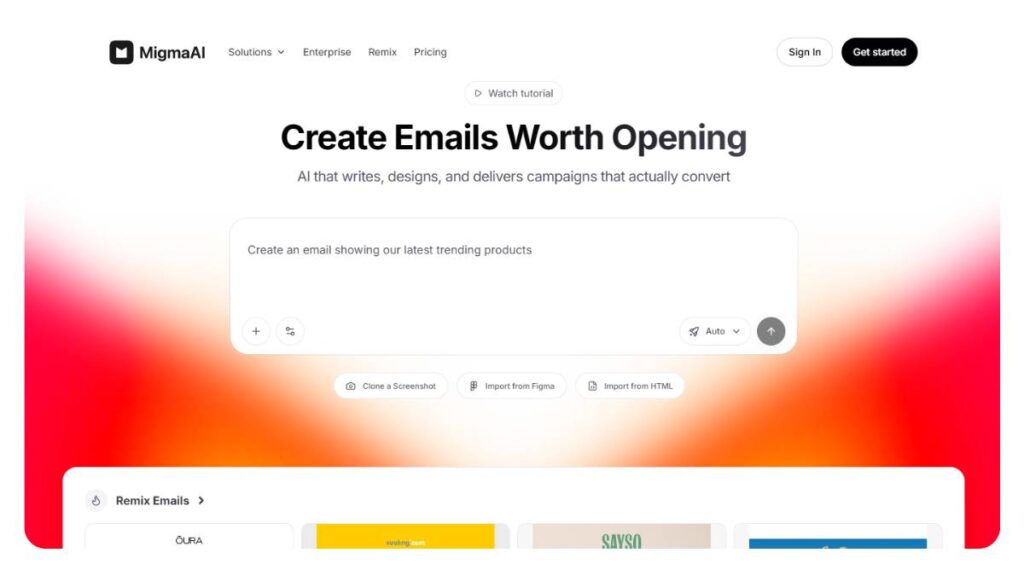
Migma feels less like a writing tool and more like a system that’s trying to take over the entire newsletter process. Not perfectly, but enough to notice.
You give it a rough input. Sometimes just a link. And it comes back with something that already looks like a newsletter. Sections in place, flow mostly there, formatting handled.
That matters more than it sounds. Because in most cases, writing isn’t the only slow part. It’s the back-and-forth between writing, formatting, and fixing small issues before sending.
Migma cuts across that.
- Draft comes structured
- The layout is already usable
- Basic checks happen without extra effort
It doesn’t remove the need to edit. But it removes that messy middle phase where everything is half-done.
Works best when newsletters are frequent and part of a larger system, not just occasional sends.
ChatGPT (OpenAI)
General-purpose AI that excels at newsletter drafts, subject lines, CTAs, and A/B-style variations.
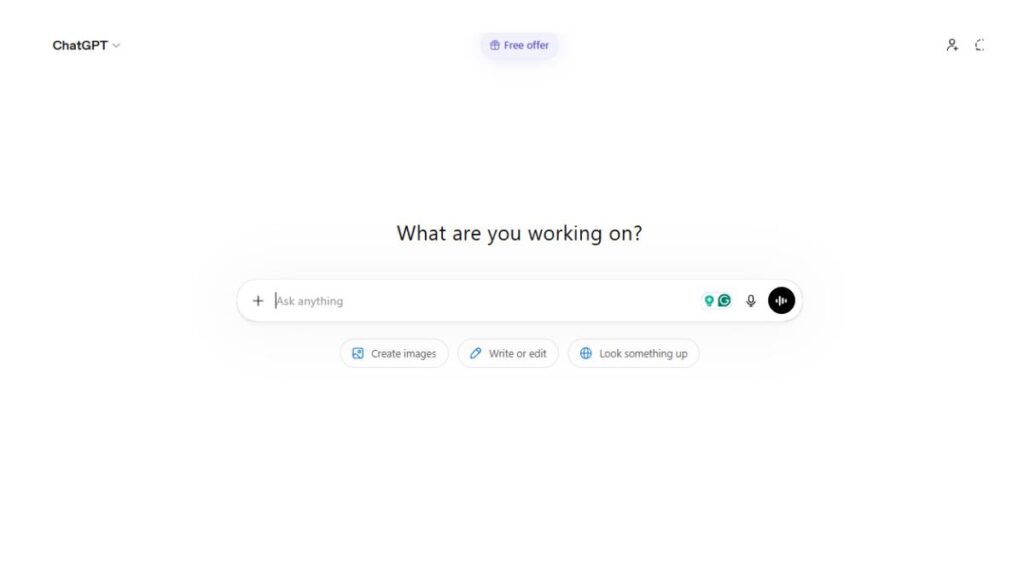
ChatGPT is kind of the default tool people reach for, and for good reason. It’s flexible enough to fit into almost any stage of newsletter creation.
Where it actually helps is early on. When the direction isn’t clear yet.
You can throw in a rough idea and get:
- multiple subject line angles
- different tones for the same message
- quick drafts that are “good enough” to start editing
It’s not specialized for newsletters. That’s both the strength and the limitation.
The output depends heavily on the input. Give it something vague, and it drifts. Give it context: audience, intent, tone, and it tightens up.
It won’t handle design or sending. But for shaping the message itself, it does more than enough.
Claude (Anthropic)
Long-form-oriented AI that produces natural-tone, editorial-style newsletter content.
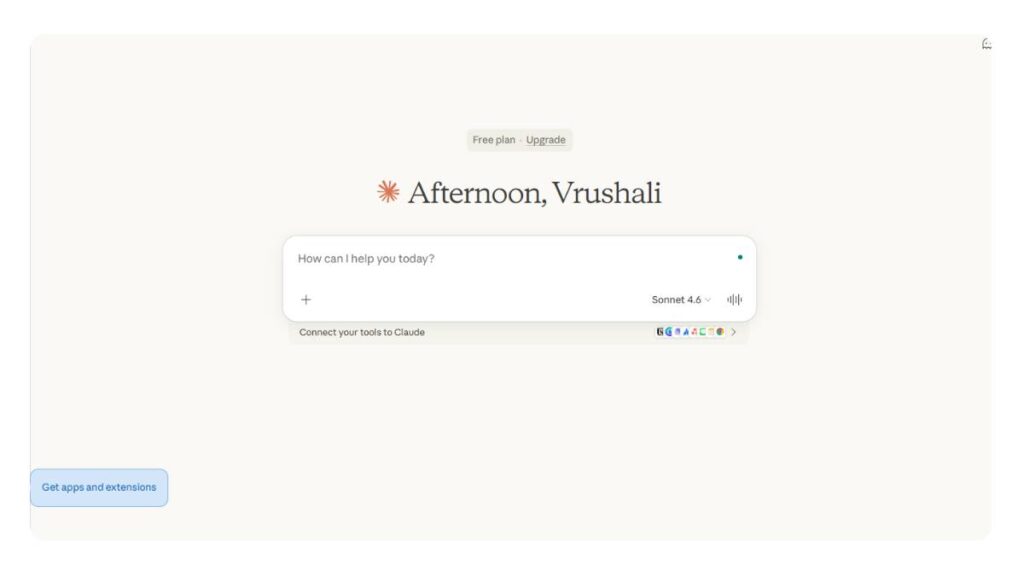
Claude tends to write in a way that feels… calmer. Less punchy, less “marketing-heavy.”
That’s useful for newsletters that aren’t trying to push something aggressively. More content-driven, more narrative.
The flow is usually smoother. Sentences connect better. You don’t get that choppy, overly structured feel as often.
Good fit for:
- long-form newsletters
- editorial or insight-based content
- emails where tone matters more than urgency
It’s not built for high-conversion, CTA-heavy emails. You can force it there, but it’s not where it naturally shines.
Jasper AI
Marketing-focused AI with templates for email campaigns, subject lines, and consistent-voice newsletter copy.
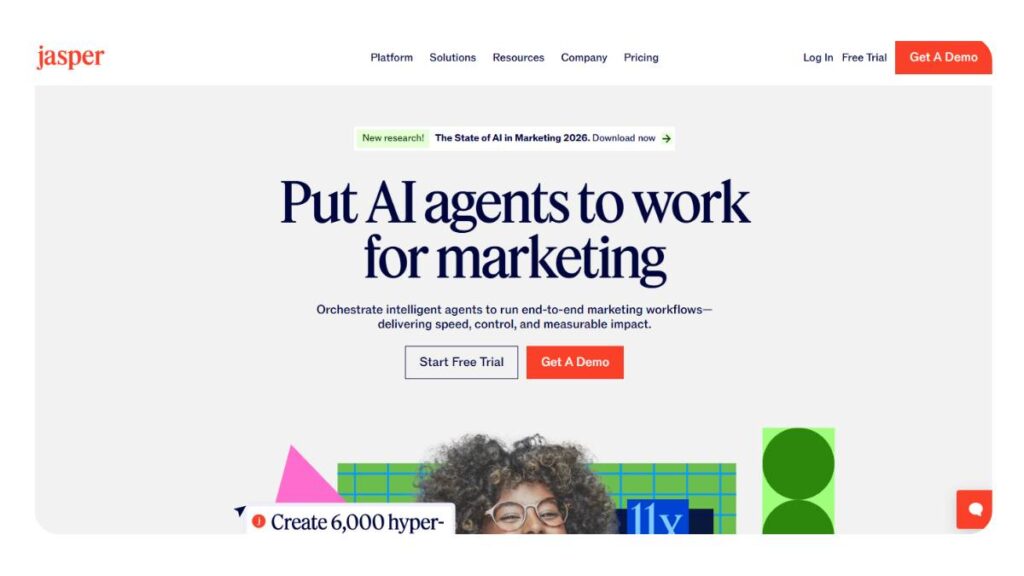
Jasper is structured. Very structured.
That helps when there’s no time to figure things out from scratch. You’re working inside templates that already follow a proven format: subject line, hook, body, CTA.
So instead of asking “how should this email be written,” you’re filling in a framework.
That’s useful for:
- campaign emails
- repeatable newsletter formats
- Teams that need consistency
The downside… it can feel a bit predictable if left untouched. The structure shows through.
A quick pass to loosen it up usually fixes that. But the base is solid.
Copy.ai
Workflow-driven AI for quick marketing copy, including pre-built email-newsletter workflows and bulk subject-line generation.
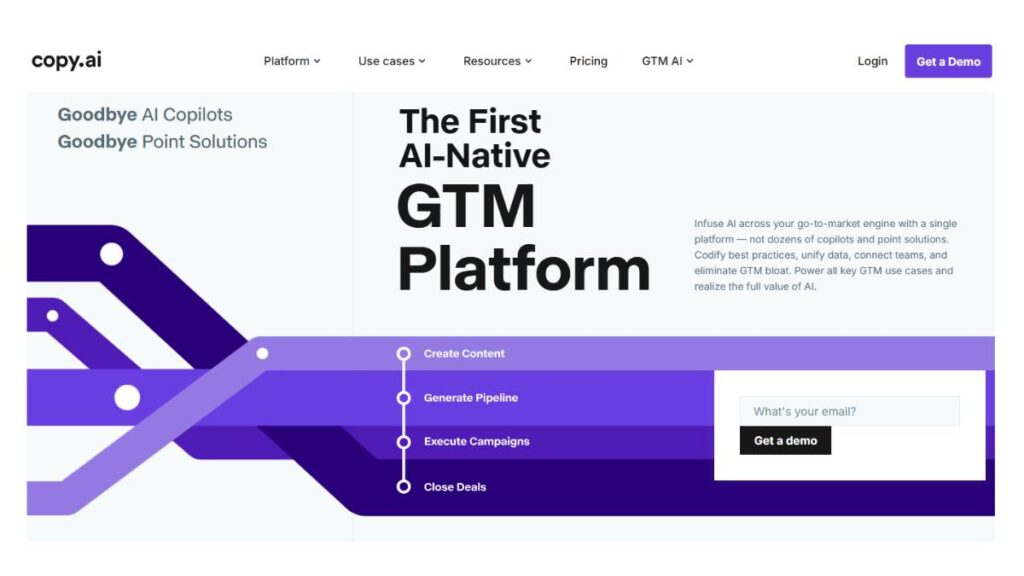
Copy.ai is built for speed. Not perfection.
It’s more about getting something on the page quickly and moving forward. Especially when there’s volume involved; multiple emails, tight timelines.
The workflows help with that:
- Guided steps for creating emails
- quick subject line generation in bulk
- fast drafts without overthinking
It’s not the tool you’d pick for nuanced, long-form writing. But for short, functional newsletter content, it keeps things moving.
Sometimes that’s exactly what’s needed.
Writesonic
AI trained on high-performing content, optimized for conversion-focused and SEO-aware newsletter emails.
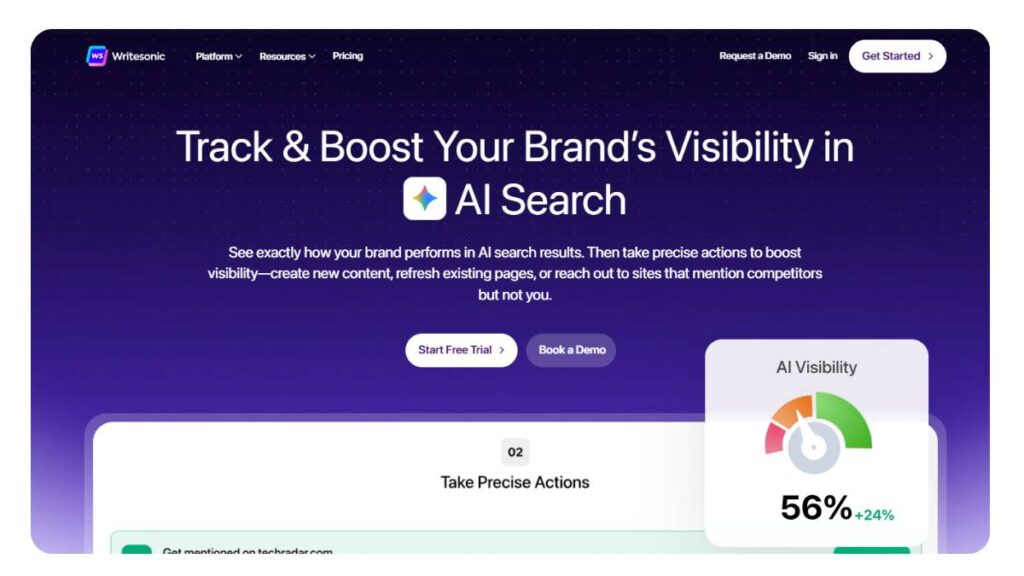
Writesonic leans toward performance. The writing it produces is usually tighter, more direct.
Less storytelling, more clarity.
You’ll notice:
- shorter sentences
- clearer calls to action
- more structured flow
That works well for newsletters tied to campaigns, offers, launches, and announcements.
For softer content, it can feel slightly rigid. But when the goal is action, that directness helps.
Junia AI
AI that writes and repurposes content specifically for newsletters, with personalization and SEO-friendly output.
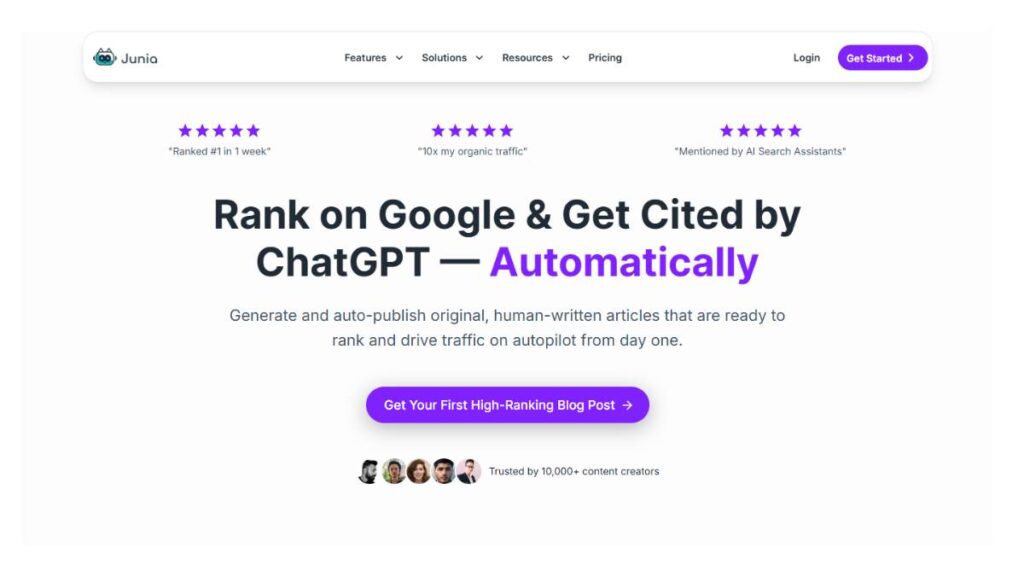
Junia is useful when there’s already content to work with.
Blogs, articles, long posts; it takes those and reshapes them into a newsletter format. Which saves a surprising amount of time.
Instead of rewriting everything:
- It pulls key points
- adjusts structure for email
- simplifies where needed
There’s also some level of personalization built in. Not overly complex, but enough to make emails feel less one-size-fits-all.
Good fit for content-heavy workflows where newsletters are an extension of existing material.
Lex
AI-augmented document-style editor tailored to newsletter writing, with brainstorming, gap-filling, and copy-editing help.
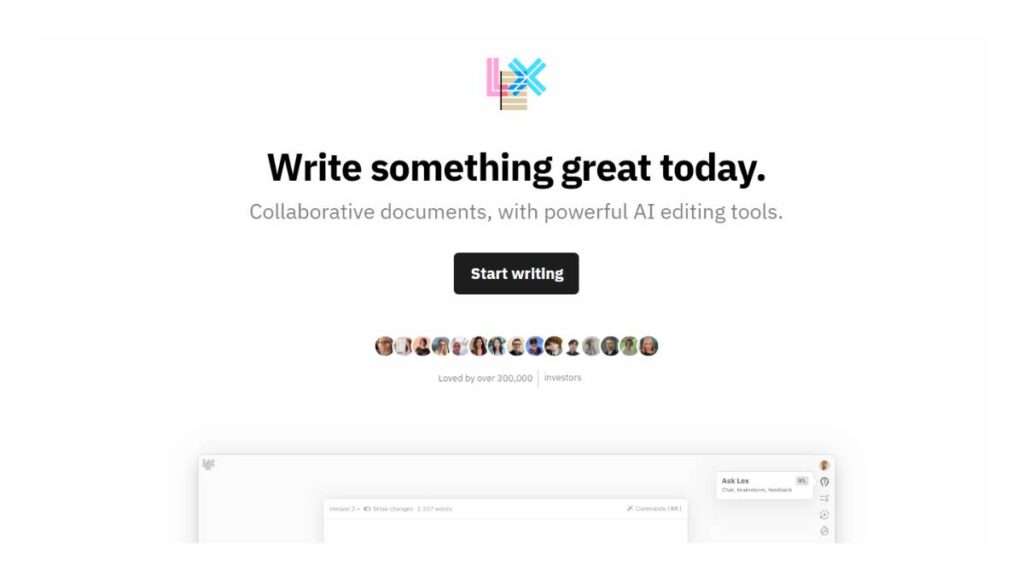
Lex feels different. It doesn’t try to generate everything up front.
It works more like a writing space that helps while you’re already in the process.
You write a bit, then:
- It fills gaps
- suggests better phrasing
- smooths out rough sections
It’s slower compared to tools that generate full drafts instantly. But it gives more control over the final output.
Works well when there’s already a draft in progress and the goal is to improve it, not replace it.
QuillBot AI
Writing-centric AI that offers structured drafting, topic ideas, and newsletter-style prompts.
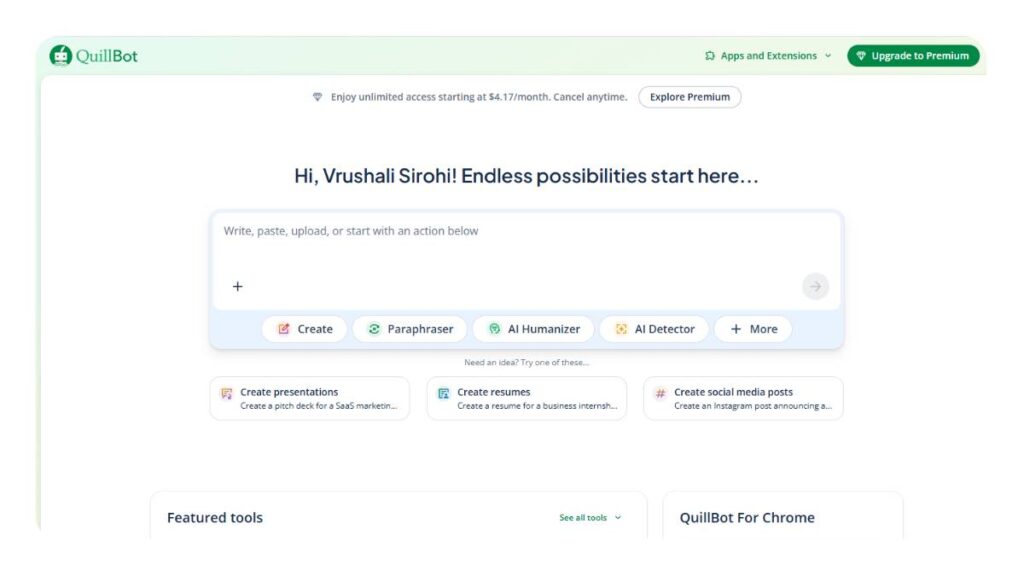
QuillBot is more about refining than creating.
It’s strong at:
- Rephrasing awkward sentences
- simplifying dense sections
- offering cleaner alternatives
For newsletters, that’s often enough. Especially when the content exists but doesn’t quite read well.
It won’t generate highly original drafts on its own. But as an editing layer, it’s reliable.
Letterpal
AI-powered engine for discovering topics, curating content, and generating ready-to-send newsletter issues.
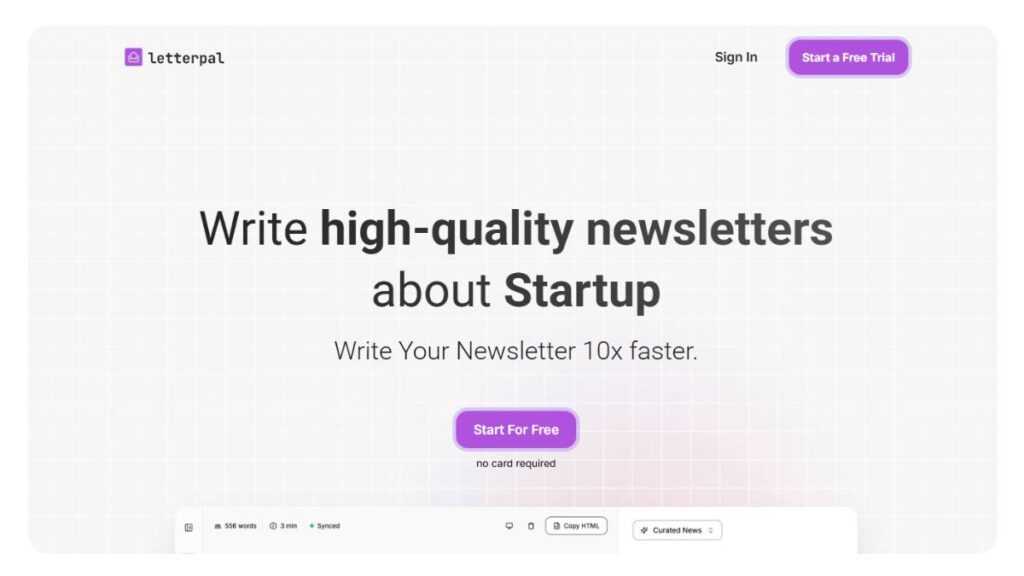
Letterpal focuses on content discovery more than writing from scratch.
It helps surface:
- topics worth covering
- relevant content to include
- ideas that fit a specific niche
Then builds newsletters around that.
This works well for curated formats: industry updates, weekly roundups, and insight collections.
It doesn’t try to replace original writing completely. Instead, it reduces the effort of figuring out what to say in the first place.
Each of these tools removes a different kind of friction.
Some help when writing feels slow. Some help when consistency breaks. Others help when there’s too much content and not enough structure.
The right pick usually becomes obvious once that friction is clear. Until then, everything looks like it does the same thing, which, in practice, isn’t really true.
Enroll Now: AI Marketing Course
How to Choose the Right AI Newsletter Writing Tool
Choosing a tool sounds simple until you actually start comparing them. Everything starts to blur; same features, same promises, same results (at least on the surface).
The better way to approach this isn’t “which tool is best,” but “what exactly is slowing things down right now?” That answer usually points in the right direction faster than any feature list.
Based on Your Use Case
Different setups need different tools. Sounds obvious, but this is where most wrong decisions happen.
If the focus is content creation, regular newsletters, audience building, and consistent publishing, something like beehiiv fits naturally. It handles writing, publishing, and growth in one place, without overcomplicating things.
For ecommerce, the problem shifts. It’s less about writing and more about timing, segmentation, and revenue. That’s where Klaviyo comes in. It connects messaging directly to user behavior, which changes how newsletters perform.
Agencies or teams working across multiple clients usually need more control and scalability. Tools like Migma or Jasper AI make more sense here: structured workflows, faster output, and consistency across campaigns.
The mistake is trying to force one tool into every scenario. It rarely works that way.
Based on the budget
Budget matters, but not always in the way people think.
Free tools can get surprisingly far. For basic newsletters, early-stage lists, or testing ideas, something like ChatGPT paired with a sending platform is often enough.
But as volume increases, or expectations rise, the gaps start to show:
- more manual work
- less consistency
- harder to scale
Paid tools usually don’t just add features. They remove friction. Faster workflows, better integrations, cleaner outputs.
The real question isn’t “free vs paid.” It’s whether the time saved is worth the cost. In most active workflows, it tends to be.
Based on Workflow Needs
Some setups only need help with writing. Others need something closer to a system.
If the main challenge is generating content, a writing-focused tool does the job. Simple, flexible, easy to plug in anywhere.
But if the process involves multiple steps, writing, formatting, scheduling, and testing, then switching between tools starts to slow things down. That’s where more integrated platforms make sense.
A quick way to think about it:
- Writing only – lightweight tools
- End-to-end newsletters – full platforms
- High-volume campaigns – workflow-driven systems
Overbuilding is just as common as underbuilding. The goal isn’t to have more features; it’s to remove the steps that don’t need to be there.
How to Use AI to Write a Newsletter
There’s a tendency to overcomplicate this part. In reality, the process stays mostly the same; the tools just make each step faster and less effort-heavy.
What matters is keeping the structure clear.
Step 1: Define Audience & Goal
Before anything gets written, the direction needs to be clear.
Who is this for? What should they do after reading?
That sounds basic, but skipping this step is where most newsletters lose focus. The content becomes generic because the intent isn’t sharp.
A simple check helps:
- Is this email informing, selling, or engaging?
- Is it for new readers or existing ones?
Once that’s clear, everything else becomes easier to shape.
Step 2: Generate Content with AI
This is where speed comes in.
Instead of building from scratch, a draft is generated based on the goal and audience. Not final, not polished, but structured enough to work with.
At this stage, it’s better to focus on:
- getting the main idea across
- building a rough flow
- testing different angles quickly
Perfection slows things down here. The goal is momentum.
Step 3: Edit & Optimize Tone
The draft rarely sounds right on the first pass. That’s expected.
This step is about making it feel natural:
- adjusting tone to match the audience
- removing anything that feels generic
- tightening sections that drag
Small edits go a long way. Often, it’s not about rewriting everything; just reshaping what’s already there.
Step 4: Add Personalization
This is where the newsletter starts feeling more relevant.
Even simple adjustments can make a difference:
- tailoring sections for different segments
- tweaking messaging based on behavior
- adding context that speaks directly to the reader
It doesn’t need to be overly complex. Just enough to avoid sounding like a broadcast message.
Step 5: Design & Send
Once the content is ready, presentation takes over.
Formatting matters more than people expect. Clean spacing, readable structure, clear sections; it all affects how the email is consumed.
After that, it’s timing and delivery:
- scheduling at the right time
- testing subject lines when possible
- making sure everything renders correctly
And then… send.
The process isn’t complicated. But done consistently, with small improvements each time, it adds up fast.
Common Mistakes to Avoid When Using AI for Newsletters
There’s a pattern that shows up pretty quickly. Teams adopt faster writing workflows… and then performance either stays flat or quietly drops. Not because the tools don’t work, but because of how they’re used.
Over-relying on AI (no human editing)
This is the most common one, and it’s easy to miss.
A draft gets generated, it looks clean, makes sense, no obvious errors; so it goes out as is. On paper, everything checks out. In reality, something feels off. Slightly generic. A bit too safe.
That gap matters.
Editing isn’t just about fixing grammar or tightening sentences. It’s about adding intent. Making sure the message actually sounds like it came from a real brand, not just a well-structured template.
Even small changes, rewriting a line, adding a sharper hook, cutting filler, can shift how the email lands.
Skipping that step usually shows up later in lower engagement, even if everything “looks right.”
Ignoring brand voice
Consistency sounds like a branding exercise until it starts affecting performance.
When newsletters don’t sound the same from one send to the next, readers notice. Maybe not consciously, but it creates friction. The familiarity starts to fade.
The issue isn’t that the content is bad; it’s that it doesn’t feel connected.
A clear tone, repeatable structure, and recognizable style go a long way here. Without that, every email starts from zero. And that’s harder to scale than it seems.
Sending generic content
Generic content rarely fails loudly. It just… underperforms.
It gets opened sometimes. Maybe skimmed. Then forgotten.
The problem usually comes from trying to appeal to everyone at once. Broad messaging, safe ideas, nothing too specific.
What tends to work better is the opposite:
- narrower focus
- clearer angle
- stronger point of view
Even within the same audience, not everyone needs the same message. Segmentation helps, but even before that, clarity matters more than coverage.
Not testing subject lines
Subject lines carry more weight than most people give them.
A strong email with a weak subject line often doesn’t get opened. A decent email with a strong subject line usually gets a chance.
And yet, testing is often skipped. Either due to time, or the assumption that one good option is enough.
It usually isn’t.
Small variations can lead to very different results:
- curiosity vs clarity
- short vs slightly longer
- direct vs slightly conversational
Testing doesn’t need to be complicated. Even trying two variations consistently can reveal patterns over time.
Future of AI in Newsletter Writing
The shift is already visible. What used to take multiple steps, planning, writing, editing, and sending, is starting to compress into fewer, more connected workflows.
And it’s not slowing down.
Fully Automated Newsletter Pipelines
The idea of building a newsletter from scratch each time is gradually fading.
Instead, systems are being set up to handle most of the process:
- pulling in content or updates
- structuring drafts automatically
- preparing emails based on predefined logic
What used to be manual effort becomes more about oversight. Reviewing, adjusting, guiding; rather than building from zero.
That changes how teams allocate time. Less production, more direction.
AI Personalization at the Individual Level
Segmentation has been around for years. But it’s starting to go deeper.
Not just grouping users, but adapting content at a much more granular level. Messaging that shifts based on behavior, preferences, and even past interactions.
The result isn’t just “targeted emails.” It’s emails that feel closer to one-to-one communication.
There’s still a balance to strike here. Too much personalization can feel mechanical. But when done right, it reduces noise and increases relevance in a way broad messaging can’t.
Integration with CRM & Analytics
Newsletters don’t operate in isolation anymore.
They’re becoming part of a larger system; connected to customer data, behavior tracking, and performance insights. That connection changes how decisions are made.
Instead of guessing what might work, there’s more clarity around:
- What readers engage with
- When they drop off
- Which messages lead to action
That feedback loop shortens the gap between sending and learning. And over time, it compounds.
AI Agents Managing Entire Campaigns
This is where things start to feel different.
Not just assisting with tasks, but handling entire sequences:
- planning campaigns
- generating variations
- adjusting based on performance
It doesn’t remove the need for strategy. If anything, it makes it more important.
Because when execution becomes faster and easier, the difference comes from direction: what gets sent, why it matters, and how it fits into the bigger picture.
Conclusion:
There isn’t a single “best” choice that works for everyone. That’s usually the wrong question anyway.
What matters more is how the tool fits into the way newsletters are being created right now, and where the friction is.
If the goal is to move faster without overcomplicating things, simpler tools tend to work better. Clean workflows, fewer steps, easy to repeat.
For content-focused newsletters, platforms that combine writing and publishing in one place make a noticeable difference. Less switching, more consistency.
When newsletters tie directly to revenue, especially in ecommerce or performance marketing, tools that connect messaging with user behavior become harder to ignore. That’s where more advanced setups start to pay off.
And for teams managing multiple campaigns or clients, structure becomes the priority. Systems that keep everything aligned, consistent, and scalable.
In the end, it comes down to this:
- Pick something that removes the biggest bottleneck
- Keep the workflow simple
- refine over time instead of rebuilding constantly
The tools matter. But how they’re used and how well they fit into the process matter more.
FAQs: AI Newsletter Writing Tools
Are AI newsletter tools worth it?
They start to pay off once newsletters become part of the routine, not something done occasionally. The real benefit isn’t just speed; it’s how quickly rough ideas turn into usable drafts. Still, tools don’t fix weak positioning. If the message isn’t clear going in, the output ends up feeling just as scattered.
Can AI write entire newsletters?
Yes, full newsletters can be put together end to end; structure, flow, even transitions. But leaving it untouched rarely works. There’s usually something slightly off in tone or emphasis. Nothing major, just enough to feel generic. A quick pass to reshape the message usually makes it land much better.
Which AI tool is best for beginners?
For beginners, simpler tools tend to work better. Too many features early on can slow things down, oddly enough. What helps more is getting into a rhythm: writing, sending, and improving. Tools that feel easy to use and don’t require much setup usually make that process smoother without unnecessary friction.
Are AI-generated newsletters good for SEO?
Newsletters don’t directly impact rankings, but they do help with distribution. They bring people back to content, which can matter over time. That said, it only works if the content is actually useful. If it feels repetitive or thin, it doesn’t add much beyond filling someone’s inbox.
Can AI improve email open rates?
It can help, especially when testing different subject line angles quickly. But open rates depend on more than just wording. Familiarity, timing, and consistency all play a role. A strong subject line gets attention, yes, but if it doesn’t match what’s inside, people stop trusting it after a while.
What is the best free AI newsletter writing tool?
Free tools are more capable than expected, especially in the early stages. They’re good for drafting, exploring ideas, and getting started without much commitment. The limits show up later, when consistency and scale become important. At that point, they still help, just not enough on their own.
Which AI tool is best for email subject line generation?
Most tools can generate subject lines fairly well. The real difference shows up in how those options are used. Testing, tweaking, noticing patterns over time; that’s where improvement comes from. It’s less about finding one perfect line and more about understanding what actually gets opened consistently.
Can AI tools personalize newsletters for different audience segments?
Yes, and this is where things get more useful. Content can be adjusted for different groups without rewriting everything. But it only works if the segments are clearly defined. If they’re too broad, the message still feels generic; just slightly reworded instead of actually relevant.
How accurate is AI-generated newsletter content?
For general topics, it’s usually solid. But once things get specific, small inaccuracies can creep in. Not always obvious either. That’s why it works better as a starting point rather than something final. A quick review, just to check facts and tone, usually avoids most issues.
Do AI newsletter tools support multiple languages?
Most tools handle multiple languages fairly well on the surface. The grammar is usually fine. But tone and cultural context can feel slightly off. It’s subtle, but noticeable. A quick second pass, especially by someone familiar with the language, tends to make it feel more natural.
Can AI tools help improve email click-through rates (CTR)?
They can help structure content more clearly and sharpen calls to action, which does make a difference. But clicks depend on more than copy. The offer, the timing, how relevant it feels; it all plays a part. Strong writing helps, but it can’t carry a weak message on its own.
Are AI newsletter writing tools suitable for small businesses?
For small businesses, they can be a practical way to stay consistent without stretching resources too much. Instead of spending hours writing, the process speeds up. That said, the tone still needs attention. Smaller brands rely heavily on trust, so the messaging can’t feel overly generic.
What is the difference between AI writing tools and email marketing platforms?
They handle different parts of the process. Writing tools focus on creating the message: drafts, structure, and tone. Email platforms handle sending, scheduling, and managing the audience. One builds the content, the other delivers it. In most setups, both are needed to make things work smoothly.
Can AI generate newsletter ideas automatically?
Yes, generating ideas is actually one of the easier parts. Topics, angles, and even rough outlines can come together quickly. The harder part is deciding what’s worth sending. Not every idea deserves space in an inbox, so filtering and prioritizing still requires some judgment.
How do AI tools maintain brand voice in newsletters?
They can follow patterns if given clear examples and direction. Over time, the tone becomes more consistent. But it’s not perfect. Small shifts happen, especially across different types of emails. A quick review usually keeps things aligned, but it’s not something that runs perfectly on its own.
Are AI-generated newsletters safe from spam filters?
Not always. Spam filters look at a mix of things: content, links, formatting, and sender reputation. Even well-written emails can land in spam if other signals aren’t right. Keeping the tone natural and avoiding overly aggressive language helps, but there’s always some unpredictability.
Can AI tools integrate with platforms like Mailchimp or Klaviyo?
Most tools connect fairly easily, either through direct integrations or simple workflows. Moving from writing to sending doesn’t take much effort once things are set up. It’s not always perfectly seamless, but it’s smooth enough that it doesn’t interrupt the overall process.
How much do AI newsletter writing tools cost?
Pricing varies quite a bit. Some tools are free to start, others move into paid plans depending on usage. The difference usually shows up in how much time they save and how smooth the workflow feels. As volume grows, those small efficiencies start to matter more.
Can AI tools repurpose blog content into newsletters?
Yes, and it’s one of the more useful applications. Longer content can be turned into shorter emails without starting from scratch. But it needs reshaping. Newsletters are quicker to read and more direct. Simply trimming a blog post doesn’t work as well without adjusting the flow.
What are the limitations of AI newsletter writing tools?
The structure is usually solid, but the nuance can feel a bit flat if left untouched. Content may sound fine, just not very distinct. It also depends heavily on the input; unclear inputs lead to vague outputs. Speed improves, no doubt, but strong messaging still needs a human touch.