

Let’s be honest for a second. Designing banners used to be, well, frustrating. You’d open a design tool, stare at a blank canvas, test 15 font combinations, tweak spacing by a few pixels, and still feel like something wasn’t clicking. Not bad exactly, but not good enough either. That weird middle ground most marketers know too well.
Now, things look very different. AI banner creator tools have quietly changed how creatives get produced. What used to take hours now takes minutes. Sometimes seconds. And not in a “good enough for now” way, but in a way that’s actually usable, testable, and scalable.
This guide breaks down what AI banner creators really are, how they work, and why they’ve become such a big deal in modern marketing workflows.
Table of Contents
AI Banner Creator Tools: The Game Changer
AI has been creeping into marketing for a while now. Copywriting, targeting, analytics. But banner design is where it becomes immediately visible. An AI banner generator is essentially a design tool powered by generative AI that creates banners based on your input. That input can be surprisingly simple; you can give a short text prompt, a product image, or a campaign idea. You can even add brand guidelines.
Instead of manually assembling layouts, picking fonts, and aligning elements, the tool generates AI-powered banner designs for you. And here’s the interesting part, they’re often good enough that a non-designer can directly use them. Not perfect, but close enough that the gap is shrinking fast.
Why This Shift Matters
This isn’t just about saving time. It changes how marketing teams operate.
- You don’t need deep design skills anymore:
The barrier to entry is significantly lower. Anyone on the team can create usable creatives. - Speed becomes a competitive advantage:
Campaign turnaround time drops from days to hours. - Creative volume increases dramatically:
Instead of 3 banner variations, you can test 30. - Performance marketing improves:
More creatives mean more testing. More testing usually leads to better ROI.
And if you’ve ever run paid ads, you know this already. Creative fatigue is real. The ability to constantly generate fresh banners is kind of a superpower.
How AI Transforms Banner Creation
This is where things start to feel a bit unreal.
The Prompt-to-Design Shift
Earlier, banner creation not only required knowing the design tools, but also required first coming up with a concept, then translating that concept into a visual layout.
Now, all these skills can be condensed into a single skill. You write something like:
“Create a modern promotional banner for a summer sale with bold typography and pastel colors.”
And within seconds, you get multiple variations that already look structured, balanced, and campaign-ready. Because where people often get stuck is not execution but the thinking.
What’s Actually Happening Behind the Scenes
AI banner creators are trained to understand:
- Layout composition
- Typography pairing
- Color harmony
- Visual hierarchy
So when you give a prompt, the tool doesn’t just “generate an image.” It assembles a design that follows basic design principles. Sometimes it gets it slightly wrong. Maybe the spacing feels tight, or the font choice is off. But it usually gets you 70-80% of the way there. And honestly, that last 20% is where marketers should be spending their time anyway.
From Ideas to Visuals Instantly
The biggest unlock here is the speed of translation. Ideas no longer sit in documents or Slack threads waiting to be designed. They become visuals almost instantly. That changes brainstorming, approvals, testing cycles, pretty much everything downstream.
Benefits of AI-Powered Banner Creator Tools
There’s a reason teams are adopting AI banner design tools faster than expected. The advantages aren’t subtle.
Speed: From Hours to Seconds
You can generate multiple custom banners in under a minute. Not drafts. Actual usable creatives. This alone reshapes campaign timelines.
Cost Efficiency
Not every banner needs a designer anymore. For quick campaigns, internal tests, or early-stage ideas, AI tools reduce dependency on external resources. Many even offer a free AI banner generator tier, which makes experimentation easy.
Scalability
We can create different banners for different needs, whether for different audience segments, product categories, or to adjust your banner for multiple platforms. You can create dozens of variations without increasing effort linearly. This is especially valuable for performance marketers, e-commerce brands, and agencies handling multiple clients.
Consistency Across Creatives
A lot of tools now allow you to upload brand colors, Logos, and Typography. So every digital banner generated stays aligned with your brand identity. This is something teams often struggle with when scaling manually.
Accessibility for Non-Designers
You don’t need to understand kerning, grid systems, or visual hierarchy in detail. The tool handles most of it. Which means:
- Founders can create quick banners.
- Marketers can launch campaigns faster.
- Small teams don’t get stuck waiting on design bandwidth.
That said, having a design sense still helps. AI accelerates good taste. It doesn’t replace it.
Essential Features You Need in an AI Banner Creator
Not all AI banner generators are equally useful. Some look impressive at first but fall apart when you try to scale. Others are powerful but unnecessarily complex. If you’re evaluating tools, these are the features that actually matter.
Comprehensive Template Library
Even with AI, templates still play an important role. A strong tool should offer:
- Pre-built banner templates.
- Industry-specific layouts.
- Social media formats.
- YouTube banner, LinkedIn banner, and ad formats.
Templates give structure. AI fills in the creativity. Without structure, outputs can feel inconsistent.
Advanced Customization Options
AI should assist, not restrict. Look for tools that allow you to tweak fonts, colors, layouts, and element positioning. Because AI rarely gets things 100% right on the first try.
Multi-Platform Optimization
Every platform has different size requirements. A capable AI banner generator should automatically adapt designs for:
- Instagram posts
- Facebook ads
- Google displays banners
- Website headers
- YouTube channel banners
This removes a huge amount of manual resizing work.
Brand Management Capabilities
This is often overlooked, but it matters a lot at scale. The best tools allow you to create a centralized brand kit with standardized logos, color palettes, and brand typography. So every banner generated stays consistent, no matter who on the team is creating it.
Integration and Automation
This is where things move from useful to powerful. Advanced AI banner creators integrate with ad platforms, CMS tools, and Marketing automation systems, which means you can generate banners dynamically, sync creatives with campaigns, and scale production without manual intervention. At that point, you’re not just designing banners. You’re building a creative system.
12 Best AI Banner Generator Tools
Let’s slow this down a bit and go deeper. Because choosing the right AI banner generator isn’t just about features. It’s about how the tool fits into your workflow, your team structure, and honestly, how you like to work. Some tools feel effortless but limited. Others feel powerful but slightly overwhelmed at first. The right choice usually sits somewhere in between.
Here’s a more detailed breakdown of the most relevant tools right now, what they’re actually good at, and where they can fall short.
1. Abyssale: Built for High-Volume Creative Production
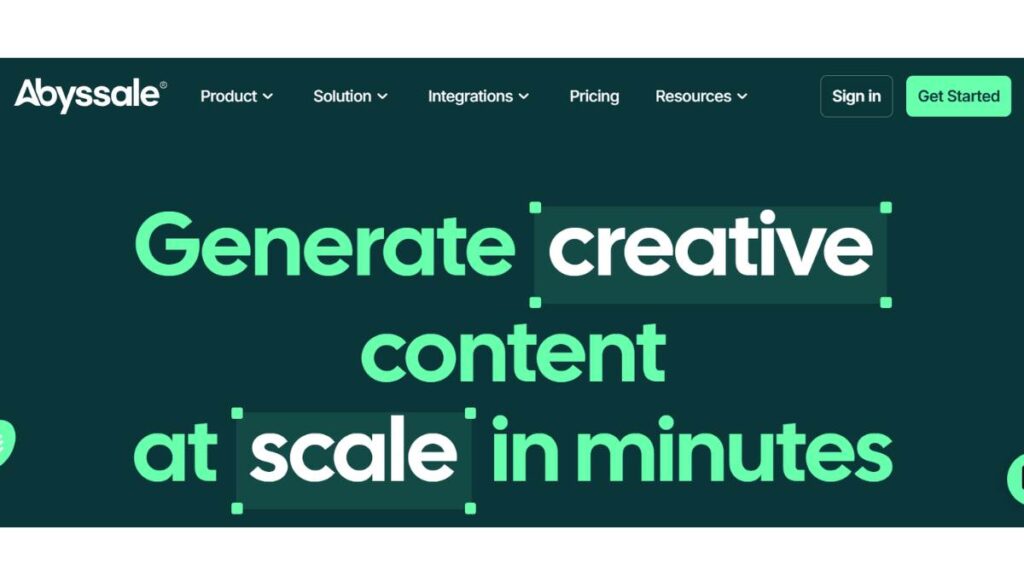
Abyssale isn’t trying to win on simplicity. It’s designed for scale. And that’s an important distinction. If you’re running campaigns where you need hundreds of banner variations across audiences, geographies, or product categories, this is where it starts to make sense.
Where it really stands out:
- Bulk banner generation from structured inputs.
- API integrations for automated workflows.
- Real-time updates across multiple creatives.
- Strong brand control across large volumes.
You can connect it to product feeds, define templates once, and generate variations dynamically. That’s a very different use case compared to manually designing banners one by one.
What to keep in mind: one thing to keep in mind is that it is not ideal for beginners, as they require some initial setup thinking. It is more like a system than a simple tool.
Best fit: Performance marketing teams, agencies managing multiple clients, and e-commerce brands with large catalogs. If your bottleneck is creative volume, Abyssale removes it almost entirely.
2. Canva: The Most Accessible Starting Point
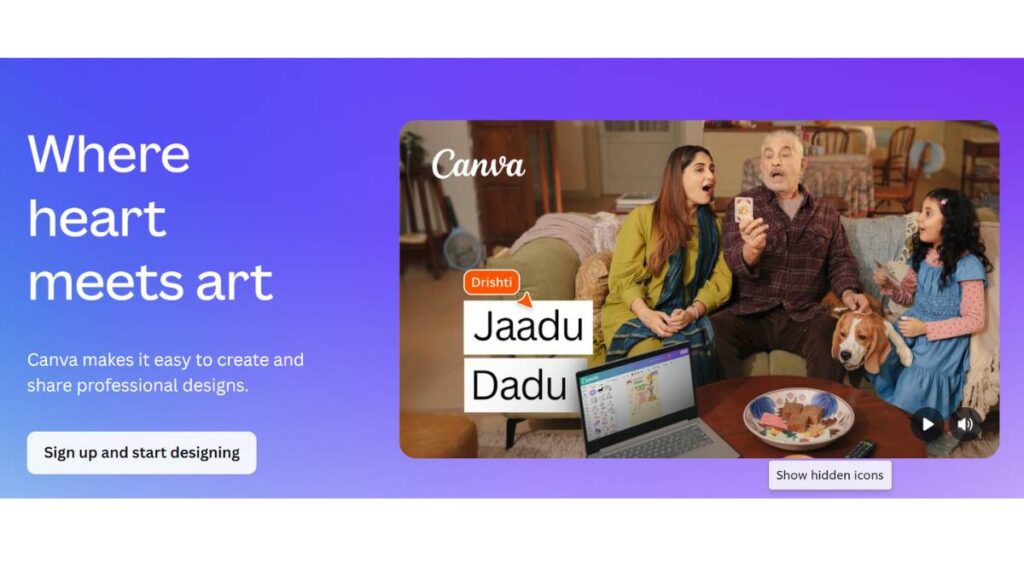
Canva is a familiar tool to most. And that’s actually its biggest strength. It doesn’t try to overwhelm you with too many decisions. You open it, pick a format, and you’re already halfway there. With its AI features layered on top, it now speeds up layout creation, text suggestions, and visual combinations.
What makes it work:
- Massive library of ready-to-use banner templates.
- AI-assisted design suggestions (like Magic Design).
- Extremely intuitive interface.
- A free plan that’s genuinely usable.
You don’t need training. You don’t need onboarding. You can just start.
Limitations: It gives you less control over advanced design details. It can also feel template-heavy if overused and generally not ideal for large-scale automation.
Best fit: It works best for solo marketers, small businesses, and social media teams.
If your goal is to create clean, decent-looking banners quickly, Canva does the job without complications.
3. Adobe Express: Where Control Meets Automation
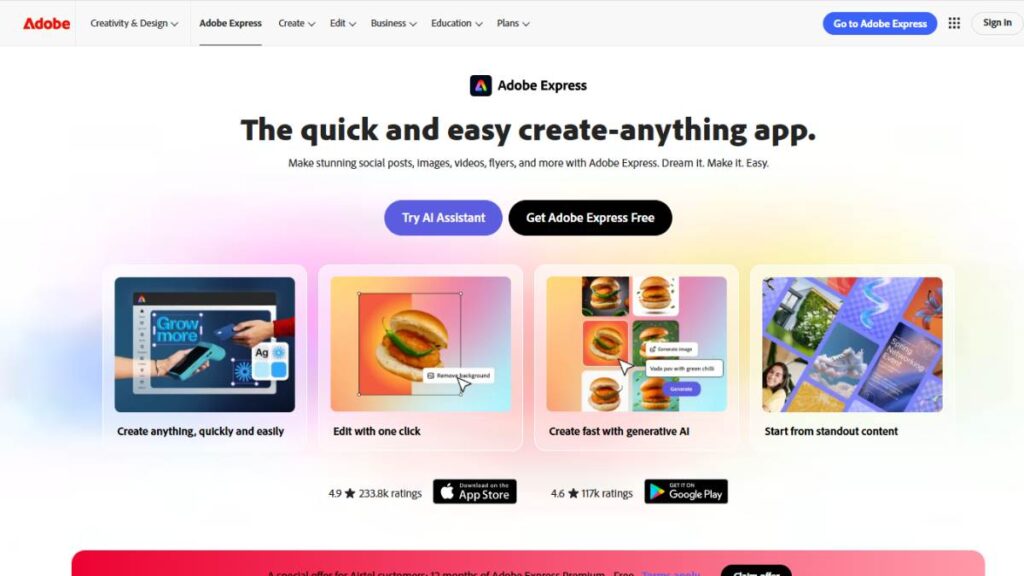
Adobe Express feels like a middle ground between traditional design tools and AI-powered banner creator generators.
Where it performs well:
- Clean, professional-quality templates.
- More precise customization options.
- Better typography and layout flexibility.
- Seamless integration with other Adobe tools.
This is important if brand aesthetics matter a lot to you. The outputs tend to feel slightly more refined compared to most beginner tools.
What’s not perfect: it has a slightly steeper learning curve than Canva and is not built for bulk automation. It still requires you to have some design sense.
Best fit: It works best for designers who want faster execution or marketing teams with brand guidelines. Anyone already in the Adobe ecosystem can work well with it.
4. Simplified: Content & Design in One Flow
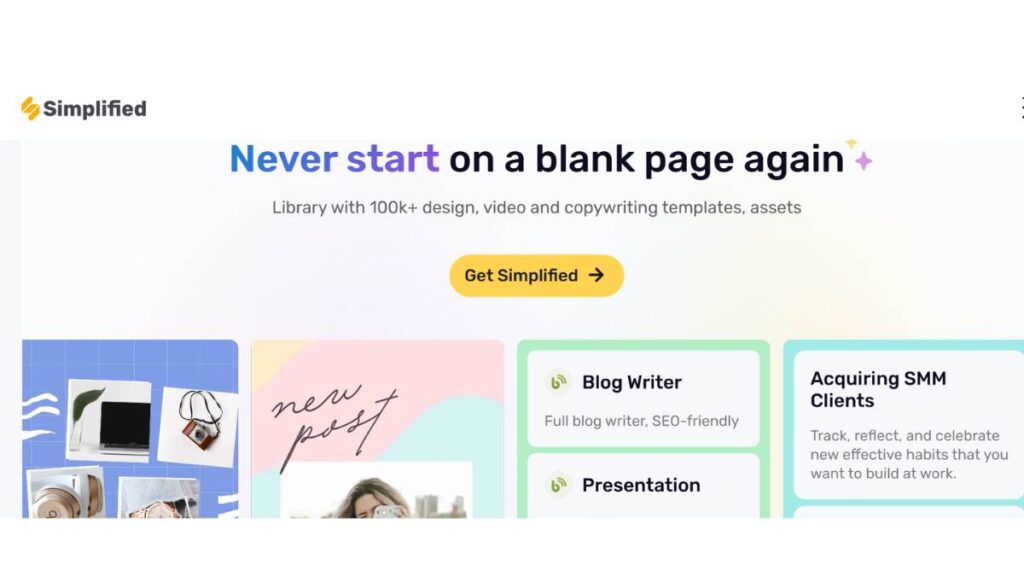
Simplified is trying to solve a different problem. Instead of focusing only on banner creation, it combines design, copy, and publishing into one workflow. That changes how you use it.
Key strengths:
- AI banner generation alongside copywriting.
- Built-in social media scheduling.
- Collaborative workspace for teams.
- Quick campaign creation from a single dashboard.
You can go from idea to banner to caption to scheduled post without switching tools.
Where it can feel limited: its design depth isn’t as strong as specialized tools, and the templates can feel repetitive over time.
Best fit: It works best for content teams, social media managers, and small teams handling end-to-end execution.
It’s less about perfect design and more about speed across the entire content cycle.
5. Predis: Creative & Insights Together
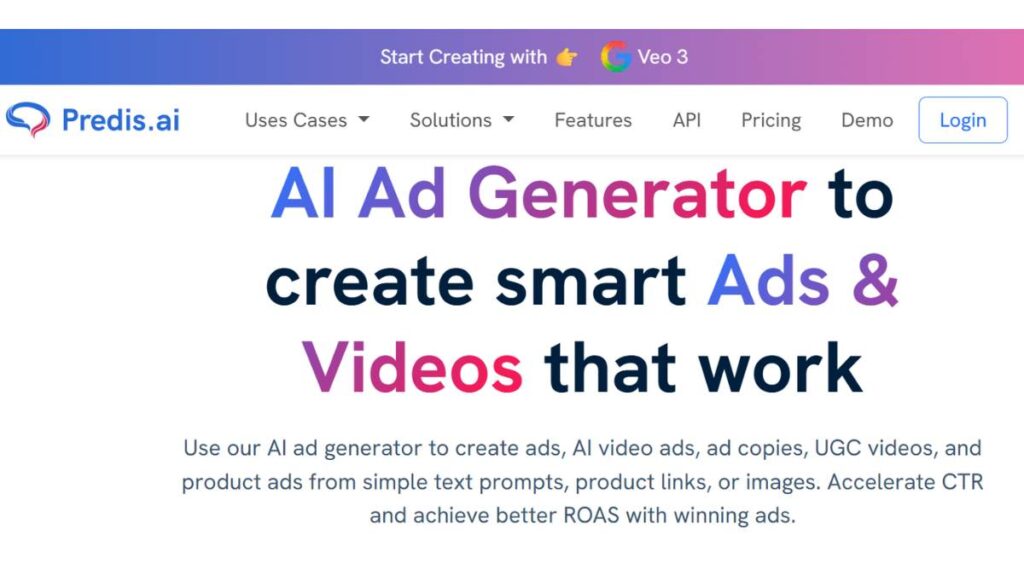
Predis takes a slightly more strategic approach. It’s not just generating banners. It’s trying to inform what you should create based on market and competitor data.
What stands out:
- AI-generated banners aligned with campaign ideas.
- Competitor analysis features.
- Social media performance insights.
- Content suggestions based on trends.
This makes it useful when you’re not sure what kind of creatives to test.
Potential downsides: It doesn’t provide the best design flexibility, as it is more strategy-focused than pure visuals.
Best fit: Works best for performance marketers, social media strategists, and teams focused on testing and iteration.
It’s helpful when creative decisions need to be backed by data, not just instinct.
6. Appy Pie: Simplicity Without the Noise
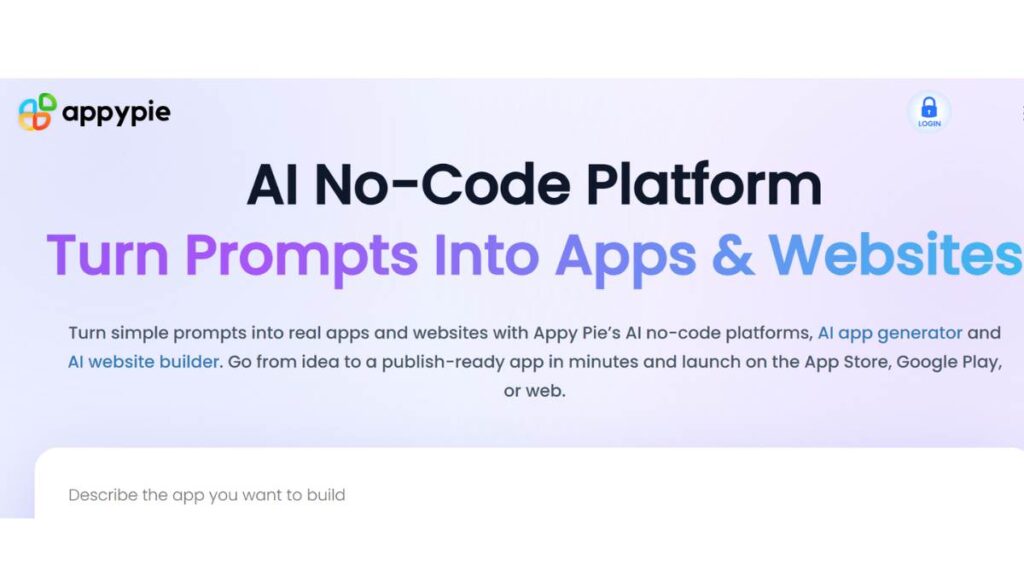
Appy Pie is a very straightforward tool. No complicated dashboards. No overwhelming features. Just a simple way to generate banners quickly.
What it does well:
- Easy-to-use interface.
- Fast banner generation.
- Free AI banner generator access.
- No technical setup required.
It’s the kind of tool you use when you don’t want to think too much.
Where it falls short: It gives you Limited customization, making it not ideal for brand-heavy designs. It also lacks advanced features.
Best fit: Works best for beginners, solopreneurs, and quick one-off banner creation.
It’s not built for scale, but it’s very efficient for basic needs.
7. BannerBoo: Focused on Animated Ads
Most tools stop at static banners. BannerBoo doesn’t. It’s specifically designed for animated and HTML5 banners, which are widely used in display advertising.
Core strengths:
- Animation support without complex timelines.
- HTML5 export for ad networks.
- Easy resizing across formats.
- Built for performance ad creatives.
This is important if you’re running display campaigns where motion improves engagement.
Things to consider: It is less useful for static social creatives and requires some understanding of ad formats.
Best fit: Works best for display advertisers, Programmatic campaigns, and Agencies running ad networks.
If static banners feel limiting, this opens up a different layer of creativity.
8. Sivi: Fast, Automated Design Generation
Sivi focuses heavily on automation. You input content, and it generates structured banner layouts almost instantly.
Where it works well:
- Quick design generation from text inputs.
- Multiple variations are generated at once.
- Clean, structured layouts.
It’s efficient, especially in early-stage ideation.
Limitations: Customization options are somewhat restricted, which makes the outputs feel slightly uniform.
Best fit: Works best for rapid testing environments, early-stage campaign ideation, and teams needing quick variations.
Think of it as a starting point generator rather than a final design tool.
9. Visme: Presentation Meets Banner Design
Visme sits in a slightly different category. It’s not just about banners. It’s built for broader visual content creation.
What it offers:
- Banner creation alongside presentations and infographics.
- Data visualization capabilities.
- Strong template library for business use cases.
Where it shines:
- Professional, information-heavy visuals.
- B2B marketing creatives.
Where it’s not ideal: It is slower for quick banner generation and is less focused on high-volume output.
Best fit: Works best for B2B teams, marketing presentations, and content that blends visuals with data.
10. Piktochart: Data-Driven Visuals
Piktochart is similar to Visme but leans more toward infographics. It’s useful when your banners need to communicate information, not just visuals.
Strengths: It has clean layouts, which are best for data-heavy designs. It has strong infographic capabilities, also it’s simple customization makes it much easier to use.
Limitations: It is not optimized for high-speed banner production and has less flexibility for creative experimentation.
Best fit: It works best for educational content, reports, and visual storytelling, and informational banners.
11. MotionElements: Motion-First Creative Assets
MotionElements is more of a creative asset platform with strong motion capabilities. It becomes useful when static visuals aren’t enough.
What it brings: It provides motion graphics and video-based assets, templates for dynamic banners, and high-quality visual elements.
Best fit: Works best for video marketers and brands focusing on motion creatives. It can also be used for creating advanced campaign visuals.
It’s not a traditional banner generator, but it adds depth to your creative stack.
12. Freepik: Asset Library Meets AI Generation
Freepik has evolved into more than just a design resource platform. It now combines:
- AI-generated visuals
- A massive asset library
- Templates and design elements
Why it’s useful: it gives access to high-quality design assets. It provides flexibility in visual styles and strong support for creative experimentation.
Where it’s limited: It requires manual assembly in some cases and doesn’t provide a complete banner creation workflow.
Best fit: It’s best for designers, creative teams, or anyone who wants to have more control over visual elements.
Enroll Now: AI Marketing Course
How to Create a Banner with AI
This is where most people overcomplicate things.
Creating a banner with an AI banner generator is actually pretty straightforward. The tools do most of the heavy lifting. What matters is how clearly you think before you generate anything. Because better input almost always leads to better output.
Start With Your Idea
Before you open anything, get clarity on three things:
- Purpose – Is this for a sale, awareness, retargeting, or branding?
- Audience – Who is this banner speaking to?
- Platform – Where will this show up?
A vague idea like “make a sale banner” will get you average results.
A clearer direction, like:
- “Limited-time fitness sale for young professionals”
- “Luxury skincare promotion for premium audience”
That’s where things start to improve.
Choose the Right Format Early
Different formats require different thinking.
- Web banner
- Instagram post
- LinkedIn creative
- YouTube banner
Each has its own layout constraints, text limits, and visual expectations. Most AI banner creators will suggest sizes automatically, but you still need to choose the context. A banner that works on Instagram might completely fail on LinkedIn.
Generate Multiple Variations
Don’t stop at one output. Generate at least 3 to 5 variations, even if the first one looks good. Why? Because small differences in layout, color, or placement can significantly impact performance. This is especially important for ads. What looks better isn’t always what performs better.
Refine the Output
This step gets skipped way too often. AI usually gets you close. But not perfect. So you need to take a few minutes to adjust. Tighten the headlines, improve contrast for readability, and if there are any spacing or alignment issues, fix them. You can also swap visuals, if needed.
Export Smartly
Before downloading, double-check:
- File format (PNG, JPG, HTML5 if needed)
- Resolution
- Platform-specific dimensions
A small mistake here can affect how your banner appears live. You need to understand that AI speeds things up. It doesn’t replace judgment. The best results come from combining clear thinking, a good prompt, and smart refinements. That’s the workflow that actually works.
Platform-Specific Banner Requirements
One mistake that shows up often? Using the same banner everywhere. It seems efficient, but it usually backfires. Different platforms have different user behaviors, layouts, and expectations. If your banner doesn’t adapt, performance drops.
Social Media Banners
Each platform has its own visual language.
Instagram: for Instagram, square or vertical formats work best with a visual-first focus and less text. Add bold colors for quick readability and maximum impact.
Facebook: the most common layout is the horizontal one, with slightly more room for the text. It works well for promotional messaging.
LinkedIn: LinkedIn prefers a clean and professional tone with more clarity and less clutter. Avoid using overly flashy visuals.
The key here is context. A banner that feels native to the platform will almost always perform better.
YouTube Channel Banners
YouTube banners are a different challenge altogether. You’re not just designing for aesthetics. You’re designing for multiple screen sizes.
Important considerations:
- Safe zones – Critical text must stay centered.
- Responsive layout – Desktop, tablet, and mobile all crop differently.
- Brand clarity – This is more about identity than promotion.
A cluttered YouTube banner doesn’t just look bad. It confuses visitors instantly.
Web and Display Advertising
When it comes to display banners, simplicity wins. You should keep the text minimal and focus on a single message. Have a strong CTA in a highlight to draw attention. Ensure loading is fast so as not to lose the audience’s interest. Also, think in terms of attention span. People don’t “read” display ads. They glance at them. So your banner needs to communicate its message in under a second.
One Important Pattern
Across all platforms, the best-performing banners usually follow the rule of one: one clear message, one focal point, and one action. Anything beyond that starts to dilute impact.
Industry Use Cases and Applications
AI banner generators aren’t limited to one type of business. Their real strength shows when you look across industries. Because the use cases vary, but the core advantage stays the same: speed and scale.
E-commerce and Retail
This is probably the most obvious fit. E-commerce brands constantly need:
- Product banners
- Discount promotions
- Seasonal campaigns
- Retargeting creatives
And the volume adds up quickly. Instead of manually creating banners for every product or offer, AI allows teams to generate variations almost instantly. This becomes especially useful for flash sales, catalog-based advertising, and personalized promotions.
Marketing Agencies
Agencies deal with complexity at a different level. Multiple clients. Multiple campaigns. Multiple expectations. AI banner creators help with bulk creations and A/B testing variations, which then helps in getting faster turnaround for client deliverables. It also reduces dependency on design bottlenecks, which is often where timelines get delayed.
SaaS and Technology Companies
SaaS brands commonly use banners for their feature announcements, product updates, or landing page visuals. They can also be used for paid acquisition campaigns. AI helps generate structured layouts quickly, especially when messaging changes frequently.
Event and Webinar Marketing
Event promotions require speed. There is a constant update in the dates, speakers, offers, countdown creatives, etc. AI banner generators make it easy to create multiple variations, which then helps in updating designs quickly and maintaining visual consistency. This is particularly useful for webinars, conferences, and limited-time events.
Content and Media Brands
For content-driven businesses, banners support blog promotions, YouTube thumbnails, and social media posts. The need here is consistency and frequency. Instead of designing from scratch every time, AI helps maintain a recognizable visual style while keeping output high.
The Bigger Pattern
Across industries, the advantage isn’t just faster design. It’s the ability to test more ideas, launch faster, and adapt quickly.
What Makes a Great AI Banner Generator?
Not all tools are worth your time. Some look impressive in demos but fall apart in real use. Others are simple but surprisingly effective.
So what actually defines a good AI banner generator? Let’s simplify it.
Strong Prompt Understanding
The tool should interpret your input accurately.
If you say:
- “Minimalist luxury banner”
- “Bold sale banner for Gen Z audience”
It should reflect that in the output. If it doesn’t, you’ll spend more time fixing than creating.
High-Quality Visual Output
This sounds obvious, but it matters.
Look for:
- Clean layouts
- Good typography choices
- Balanced spacing
- Clear visual hierarchy
If the output looks cluttered or generic, it won’t perform well.
Customization Flexibility
No AI gets it perfect every time. A good tool should let you adjust things like fonts, colors, layouts, and elements without any complications.
Multi-Format Support
You shouldn’t have to redesign the same banner for every platform. The tool should adapt designs for social media, display ads, websites, and video platforms. This saves time and reduces errors.
Bulk Generation Capabilities
For serious marketing workflows, this is critical. The tool should be able to generate multiple variations for the banner. For a tool to turn from useful to scalable, it should also support campaign-based creatives and audience-specific banners.
Brand Consistency Features
A strong AI banner generator should maintain the logo placement, the color consistency, and the typography rules without requiring manual correction, because inconsistency at scale can damage brand perception.
The Simple Test
If a tool:
- Understands your intent
- Produces clean designs
- Let’s you customize easily
- Supports multiple formats
- Helps you scale
It’s worth using. If it misses more than two or three of these, it’ll probably slow you down more than it helps. And at that point, it defeats the whole purpose.
Common Mistakes to Avoid
AI tools for banners are handy, no doubt. But… they aren’t magic. Even experienced teams stumble on the same things over and over. Catching them early saves a lot of headaches later.
Focusing Only on Price
Free tools are tempting; everyone loves “free.” And yes, they can do a lot. But if campaigns grow, or you need a bunch of variations, or banners for multiple platforms, free versions usually start falling short. That extra time spent fixing stuff, resizing, or chasing alignment? That’s the hidden cost. Sometimes, paying for the right tool actually saves more time than it costs.
Ignoring Automation
Some teams treat AI like a one-off helper: generate a banner, download, done. That’s… kinda like buying a Ferrari and only driving it around the block. AI shines when it’s part of a workflow: bulk generation, templates for campaigns, auto-resizing, syncing with ad platforms. Skip that, and you’re barely scratching the surface.
Forgetting Brand Consistency
AI loves variety. But without guardrails, “variety” becomes a mess. Fonts shift, colors drift, and logos aren’t aligned. On one banner, it looks fine, but across five platforms, suddenly it’s jarring. A few simple rules, brand colors, logo placement, typography, keep campaigns coherent and recognizable. That alone prevents a lot of messy follow-up work.
Choosing Tools Without Collaboration
Marketing rarely happens in isolation. Feedback, approvals, revisions, they pile up fast. Tools that don’t support sharing or commenting just slow everything down. Look for platforms where teams can leave notes, approve assets, and work together without sending files back and forth. Saves so much headache.
Future of AI Banner Generation
Things are moving fast. Not in a “hype” way, but in a “better, smarter, faster” way.
Smarter AI
Right now, AI sometimes misses nuance. But it’s learning. Tone, style, and brand voice, these will get easier to capture without painstaking instructions. Not perfect yet, but getting close.
Integration with Marketing
Expect banners to stop being static images. They’ll talk to ad platforms, CRMs, and analytics dashboards. That means performance can feed directly into creative. Banners could adjust automatically based on user behavior or campaign results. Feels a little futuristic, but it’s real.
Real-Time Personalization
The next step is banners that change on the fly: different visuals for different users, headlines shifting for segments, maybe even showing products based on time of day. Creative testing becomes continuous, not something done once and forgotten.
Conclusion
AI banners don’t replace designers. But they do change how campaigns flow.
Old way: one idea leading to one banner with slow iterations.
New way: one idea leads to multiple variations, which are tested fast and then refined.
It’s faster, easier to scale, and branding can actually be tighter if rules are set up right. Start small. Experiment with prompts. Fix the outputs. Build automation gradually. Waiting too long just keeps banner creation a bottleneck.
FAQs
1. Can AI create a banner?
Yes. And not in a gimmicky way either. It actually works. The first output usually looks decent at a glance, maybe even impressive if expectations are low. But give it a second look… something often feels a bit too neat, too predictable. That’s where a few manual tweaks come in. Spacing, font weight, maybe shifting the visual slightly. Small things, but they make it feel less like a template and more like something intentional.
2. How do you turn a picture into a banner?
Most tools make this part easy. Upload the image, pick a format, and the layout more or less builds itself. Still, the automatic version rarely lands perfectly. Text might sit awkwardly or compete with the image. Moving things around just a little, even a few pixels sometimes, fixes more than expected. It’s one of those “quick adjustment, big impact” situations.
3. Does Google have a banner maker?
Not exactly. There’s Google Web Designer, but it’s not the quick, AI-style tool people usually mean. It feels more like a proper design environment. Layers, timelines, animations. Useful, yes, especially for interactive ads. But not something to open when speed is the priority. There’s a bit of a learning curve there.
4. What’s the difference between free and paid banner generators?
Free tools are fine… until they aren’t. Limited templates, fewer assets, occasional watermarks. It works for basic use. But once banners are tied to actual campaigns or ad spend, those limits start showing up fast. Paid versions tend to remove friction more than anything else. Better control, consistent branding, and less time fixing small annoyances.
5. How do you ensure cross-platform compatibility?
This part trips people up. Every platform wants a different size, different proportions. Some tools resize automatically, which helps, but it’s not perfect. Text gets cropped. Buttons shift. It’s subtle, but noticeable. A quick check across formats usually catches these issues early. Skipping that step… tends to backfire later.
6. Can banner generators be used for commercial purposes?
In most cases, yes. But there’s a catch. Assets inside those tools, like images or icons, don’t always come with full commercial rights. It’s easy to miss, especially when moving fast. Checking licensing isn’t exciting, but it’s necessary. Particularly for paid ads or client work.
7. What is an AI banner generator?
At a basic level, it’s a shortcut. Instead of building from scratch, the tool generates a starting point based on a prompt or input. It doesn’t replace decision-making, though. It just removes the blank canvas problem, which, honestly, is half the battle sometimes.
8. Are AI-generated banners suitable for professional use?
They can be. Just not straight out of the box in most cases. The structure is usually fine, but details need attention. Typography, alignment, and color balance. Without those adjustments, designs can feel generic. With them, though, the result holds up surprisingly well, especially for digital campaigns.
9. Can AI-generated banners be customized?
Yes, and that’s kind of the point. The generated version is more like a draft. Fonts can be swapped, colors adjusted, and layouts reshaped. Adding brand elements helps a lot here. Otherwise, it risks looking like something pulled from a public template library.
10. What’s the best free AI banner generator?
A few tools come up often. Canva is usually the first one people try, mostly because it’s easy to get into. Simplified and Appy Pie are also in the mix. They’re not perfect, but good enough for early-stage ideas or quick experiments. And sometimes, that’s all that’s needed.
11. How accurate are AI banner designs from text prompts?
It really depends on how the prompt is written. Broad inputs lead to broad outputs. Specific details, like audience, tone, and colors, tend to guide the design better. Even then, the first result is rarely final. It’s more of a starting direction than a finished piece.
12. Can AI generate animated banners?
Yes, some tools handle animation as well. The motion can feel slightly off at first, with timing issues and transitions that don’t quite land. But adjusting those settings usually improves things quickly. Still faster than building animations manually, no question.
13. Do design skills matter when using AI banner tools?
They help more than expected. The tool handles structure, but judgment still matters. Knowing when something looks crowded, or when contrast isn’t working, that comes from experience. Without it, banners can feel… messy, even if everything is technically in place.
14. How long does it take to create a banner using AI?
The initial version? Seconds. A usable version? A few minutes, maybe more. Most of the time goes into refining. Adjusting, testing variations, stepping back, and looking again. The speed is real, but it’s not completely hands-off.
15. Can AI banner generators be used for ads?
Yes, and that’s where they’re most useful. Especially when multiple formats or variations are needed. Display ads, social creatives, retargeting banners. Producing those manually takes time. AI speeds that part up quite a bit.
16. What file formats do AI banner tools support?
Usually, the standard is set as PNG and JPG for static designs, and PDF when needed. For animation, GIF or sometimes HTML5. The format choice depends on where the banner will be used, so it’s not something to overlook.
17. Are AI banner generators suitable for teams?
In many cases, yes. Shared workspaces, commenting, and brand kits, those features make collaboration smoother. Feedback loops get shorter. Less back-and-forth, fewer versioning issues. It’s not perfect, but it’s a noticeable improvement over older workflows.
18. Can AI banner generators create banners in multiple languages?
They can. But translations don’t always feel natural. The meaning is usually correct, but tone or phrasing can feel slightly off. For anything customer-facing, especially ads, it’s worth reviewing manually. Small language nuances matter more than expected.