

Sorting through an AI website builder isn’t as straightforward as it looks at first. On paper, most of them promise the same things: fast setup, smart design, and less effort. In reality, the differences show up once you actually start building. This guide leans into that. It breaks down what these tools really handle well, where they fall short, and which ones make sense for different kinds of sites, whether that’s a simple portfolio or something closer to an online store. There’s some talk around pricing, a few common mistakes people tend to repeat, and a look at where things are heading. Nothing overcomplicated. Just enough to help make a clearer, more practical call.
Table of Contents
What Is an AI Website Builder?
An AI website builder is basically a shortcut to getting a website off the ground without staring at a blank page for hours. Instead of picking every template, writing every line of text, and dragging each section around, you give the tool a few basic details about your business, your goals, maybe the style you like, and, suddenly, there’s a working site. Most of the time, it’s already mobile-friendly and sort of SEO-ready. Not perfect, but enough to get started.
How AI website builders work (NLP, automation, templates)
Under the hood, they mix a few clever things: machine learning, pre-designed layouts, and sometimes natural language processing. You answer a handful of questions: type of business, site style, tone, and it spits out a structured layout.
It doesn’t just randomly throw blocks on a page. Most of the time, the sections feel intentional, like someone thought about how visitors would actually use the site. That’s why it usually looks more professional than you’d expect from an “automatic” system.
Who should use an AI website builder?
These tools are perfect if speed matters, but you don’t want a sloppy site. Beginners can avoid learning all the technical stuff. Marketers can throw up landing pages or run tests without waiting on designers. Small businesses benefit a lot; get a polished, live site without hiring anyone. It’s not magic, but it does make life easier.
How AI Website Builders Work
Input prompts (business type, goals, style)
Everything starts with a few simple questions. What’s your business about? Blog, store, portfolio? Maybe even the style or tone you want.
It sounds minor, but it shapes the whole site. The more specific you are, the closer the final result will be to what you actually need.
AI design generation (layout, color, branding)
Once the answers are in, the builder gets to work. Layouts, color schemes, fonts; they appear almost instantly. Usually, it already feels “right.” Hero section? Check. Call-to-action? There. Structured sections? Yup.
It’s not flawless, of course. But it saves the part that’s always hardest: staring at a blank page, wondering where to start.
Content generation (copy, images, structure)
Many builders go further; they create text, headings, and even placeholder images. It’s not perfect. You’ll have to tweak. But it’s a usable starting point. Better than nothing, that’s for sure.
Auto optimization (SEO, mobile responsiveness)
Most platforms handle the basics automatically. Mobile layouts, page structure, and some SEO signals; they’re usually baked in. You still need to optimize if you care about rankings, but it’s better than starting from zero.
Publishing and customization
Publishing is simple. Click a few buttons, and the site is live. After that, it’s mostly refinement: text, images, layouts. The key difference is that creation happens first, customization second. Saves a ton of time.
Benefits of Using an AI Website Builder
Faster website creation (minutes vs days)
Speed is the obvious benefit. What used to take days or even weeks can now be done in minutes. Wireframes, drafts, multiple revisions; they’re largely skipped. The first version is already usable.
For small businesses or marketers who need to move fast, this changes everything. Suddenly, you can test ideas, iterate, and launch campaigns. Things that used to feel slow and painful now happen almost instantly.
No coding or design skills required
You don’t need to know HTML, CSS, or any design theory. The builder handles structure, spacing, and basic visual hierarchy. If you just want to get online without learning a new skill, that’s a big deal.
Built-in AI content & SEO tools
Some platforms even suggest headlines, descriptions, and other content tweaks. That doesn’t guarantee ranking, but it gives a head start. It’s like having a template and a rough draft rolled into one.
Cost-effective for startups and small businesses
Hiring designers or developers can get expensive fast. AI builders cut most of that out. For startups or small business owners, it’s a way to launch without breaking the bank or waiting months.
Real-time optimization and updates
One underrated advantage: flexibility. Updates, tweaks, testing different layouts; it’s all easier because everything is digital and modular. You can make changes on the fly without starting over.
AI Website Builder vs Traditional Website Builder
Automation vs manual design
Traditional tools mean full manual work; you’re responsible for every detail. AI tools do most of the heavy lifting upfront. The difference is that you spend more time curating rather than creating.
Speed comparison
The gap is obvious. Traditional workflow: plan, design, build, revise. AI workflow: answer questions, tweak a nearly finished site, publish. Hours versus days, usually.
Cost comparison
Traditional methods involve time, software, and maybe hiring help. AI builders reduce all three. You pay for access to the platform, but avoid multiple layers of cost. For most users, that’s a trade-off worth making.
Customization flexibility
If a highly specific design or feature is needed, manual tools still have the edge. AI builders are improving, but they tend to operate within templates. For most sites, there’s plenty of flexibility to make things feel unique.
Scalability and limitations
AI builders are excellent for starting and scaling moderately. Complex features, deep integrations, or fully custom functionality may eventually require traditional solutions. The question is: what’s needed right now, and what might come later?
Top 14 AI Website Builders
There’s no single “best” tool here; just different fits depending on what you’re trying to get done. Some tools feel almost too simple (in a good way), others give you a bit more control but ask for patience in return. And a few… try to do everything, sometimes successfully, sometimes not quite.
Anyway, here’s a closer look at what actually stands out when you spend time with these platforms, not just what they claim on landing pages.
1. Design.com (Best for Brand-First Website Creation)
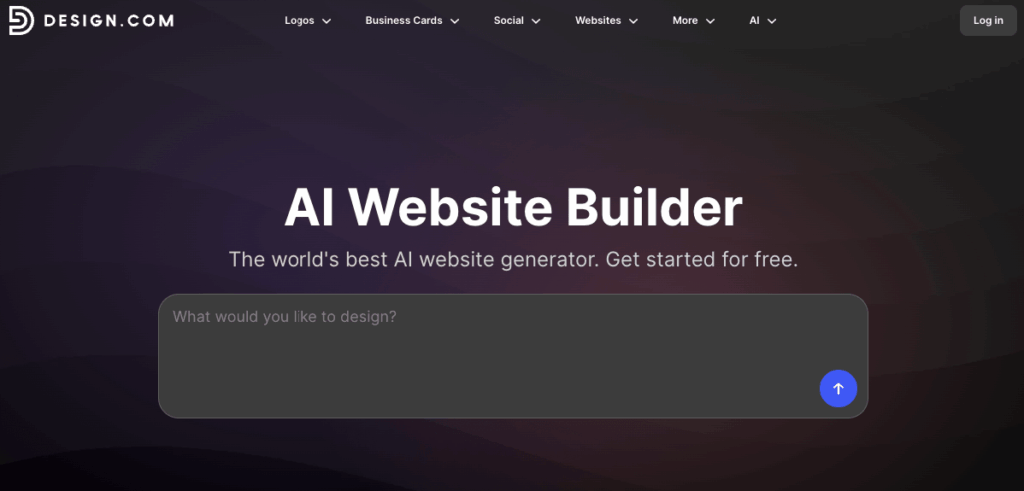
Most AI website builders generate a layout and leave the branding to you. Design.com’s AI website builder does the opposite. You enter your business name and industry, and it generates a complete, fully branded website with your logo, colors, and fonts already applied across every page. No blank canvas, no manual setup. Just a working, branded site from the first draft.
What makes it genuinely different is the ecosystem surrounding the website. Every asset you create on the platform, whether that is a business card, a social media graphic, or a flyer, automatically uses the same visual identity as your site. For small business owners who want their entire brand to look consistent across every touchpoint, no other builder here delivers this at this price point.
It is not the tool for complex, developer-driven projects or heavy customization. But for getting a professional, branded presence up and running quickly? It handles that better than anything else on this list.
Pros: Instant brand consistency across website and all marketing assets, free plan available, beginner-friendly
Cons: Browser-based only, with no desktop or mobile app
2. Wix ADI (Best Overall AI Website Builder)
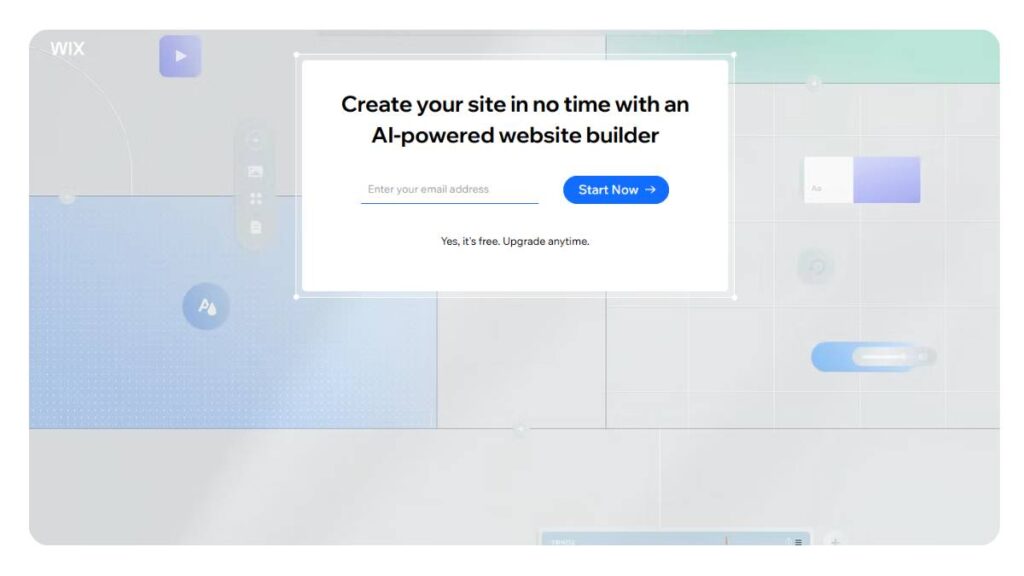
Wix ADI tends to be the default recommendation, and it’s easy to see why once you use it. It removes a lot of early friction; blank canvas, layout decisions, structure, and replaces it with something usable within minutes. Not perfect, but usable.
The interesting part is how it balances automation with control. You’re not locked in. Sections can be moved around, styles adjusted, and content swapped. That flexibility matters because, left as-is, the designs can feel a bit… familiar. Not bad, just recognizable.
For most small businesses or personal brands, though, it does more than enough, especially if the goal is to get something live without overthinking every pixel.
Pros: Fast setup, flexible editing, wide template range
Cons: Designs can feel slightly repetitive without changes
Best use case: Small businesses, blogs, portfolios
3. Hostinger AI Website Builder (Best Budget Option)
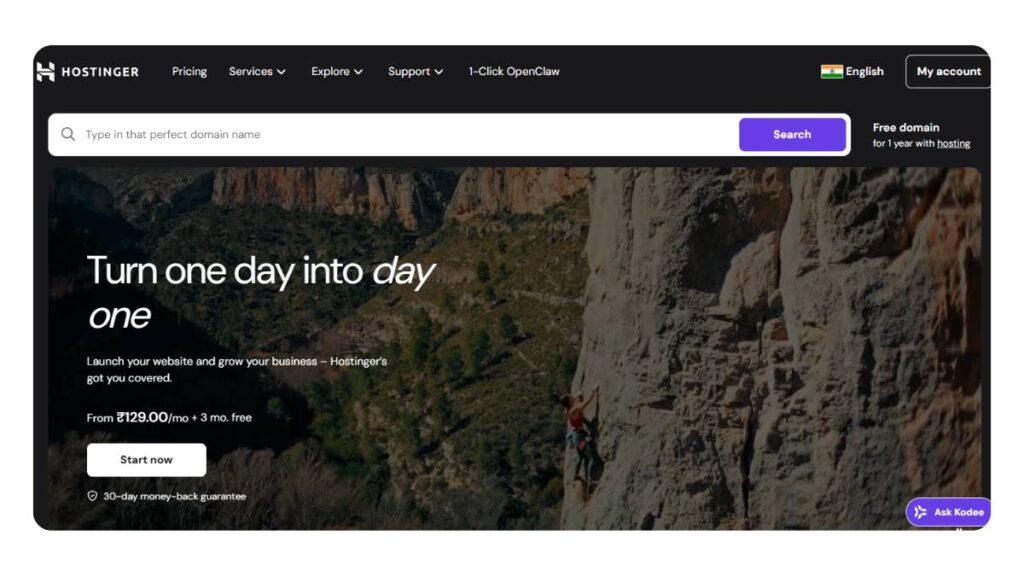
Hostinger quietly does a lot right. It doesn’t try to impress with flashy features; it just focuses on getting a site live quickly, at a low cost, and without confusion.
The all-in-one setup helps here. Hosting is already handled, performance is decent, and the interface doesn’t get in your way. Designs are clean, maybe even a bit safe. But for most businesses, “clean and clear” beats “overdesigned and slow” anyway.
It’s not the tool for heavy customization or complex layouts. But for a simple business site? It gets the job done without draining your budget.
Pros: Very affordable, quick setup, hosting included
Cons: Limited advanced design control
Best use case: Startups, small businesses watching costs
4. Shopify Magic (Best AI Website Builder for Ecommerce)

Shopify Magic feels less like a general website builder and more like a sales tool that happens to build websites. Everything is geared toward selling: product pages, descriptions, layouts, and even subtle suggestions that push conversions.
It works especially well if there are multiple products to manage. Inventory, payments, shipping; it’s all tightly connected, which saves time (and avoids headaches later).
That said, outside of ecommerce, it feels a bit boxed in. Blogging or content-heavy sites aren’t really its strength. But for stores? It’s one of the smoother setups out there.
Pros: Strong ecommerce focus, built-in automation, reliable ecosystem
Cons: Not ideal for non-store websites
Best use case: Online stores, product-based businesses
5. Squarespace AI (Best for Design & Creatives)
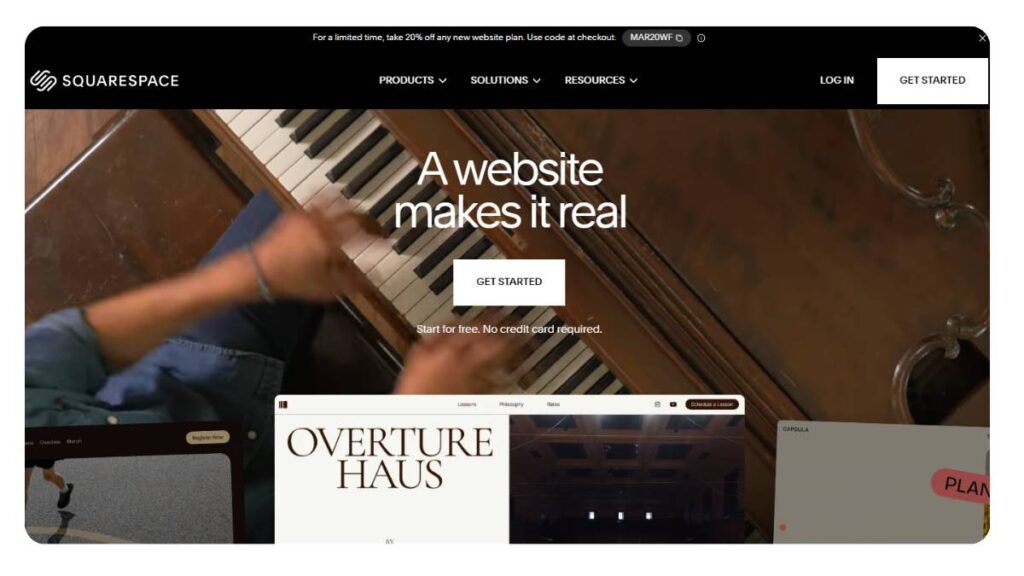
Squarespace has always leaned into design, and that hasn’t changed. The AI features just make the process less time-consuming. Layout suggestions, content help, image alignment; it all feels intentional.
There’s a certain “polish” to Squarespace sites that’s hard to miss. Good spacing, strong typography, clean visuals. That’s why creatives tend to gravitate toward it.
But there’s a trade-off. The structure can feel a bit rigid at times. If you want to break the grid or do something unconventional, it takes effort. Sometimes more than expected.
Pros: Strong visual design, polished templates
Cons: Layout flexibility can feel restricted
Best use case: Designers, photographers, creative portfolios
6. Durable AI Website Builder (Best for Instant Websites)
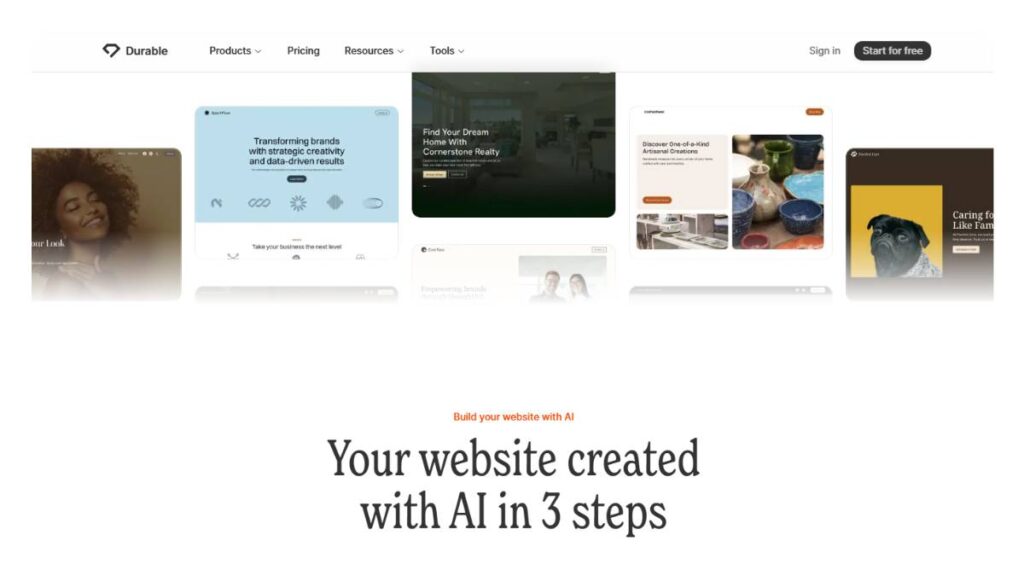
Durable is built for one thing: speed. And it delivers. You can go from nothing to a working site in under a minute, which still feels slightly unreal the first time.
Of course, speed comes with trade-offs. The designs are basic, and customization options aren’t deep. But that’s kind of the point; this isn’t for perfectionists tweaking margins for hours.
It’s for someone who just needs to exist online. Quickly. Service businesses, freelancers, local providers; this is where it fits best.
Pros: Extremely fast setup, includes CRM features
Cons: Limited design depth
Best use case: Quick launches, service-based businesses
7. Zyro AI Website Builder (Best for Simplicity)
Zyro feels straightforward in a way that’s almost refreshing. No clutter, no unnecessary features; just a simple builder with a few helpful AI tools layered in.
The heatmap feature is a nice touch. It gives a rough idea of where users might focus on a page, which can help with layout decisions. Not perfect, but useful.
It’s not built for complex websites. But for a clean, functional site that’s easy to manage later, it holds up well.
Pros: Simple interface, helpful tools, easy to manage
Cons: Limited creative flexibility
Best use case: Personal sites, small business pages
8. Jimdo Dolphin AI (Best for Beginners)
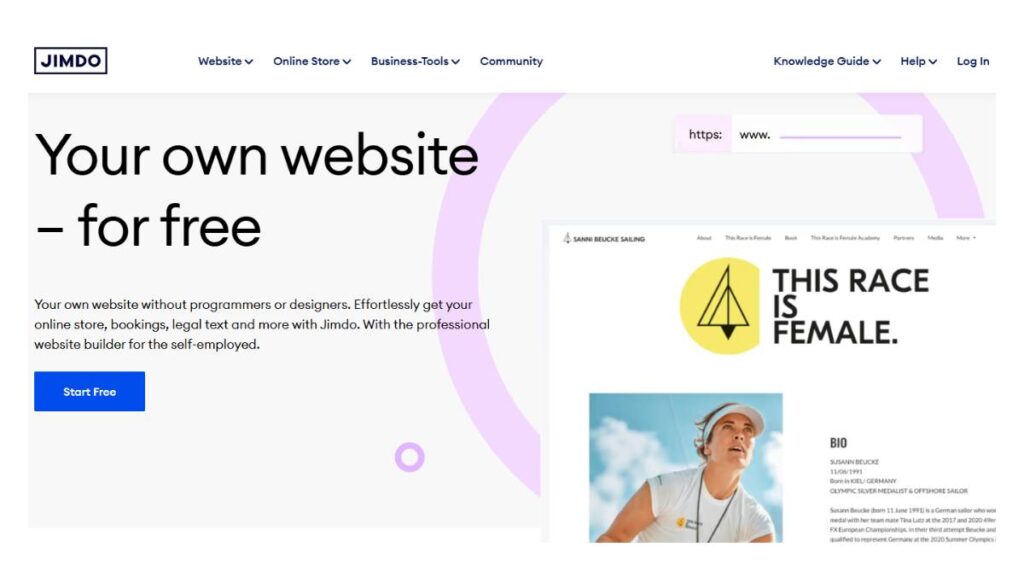
Jimdo Dolphin is about as beginner-friendly as it gets. The setup feels more like answering questions than building a website. Step by step, no guesswork.
That simplicity is its strength, and also its limitation. You don’t get much control beyond the basics. But for someone building their first site, that’s often a fair trade.
It’s not trying to compete with advanced builders. It’s just trying to make sure you don’t get stuck halfway through.
Pros: Very easy to use, guided setup
Cons: Limited customization
Best use case: First-time users, simple websites
9. Framer AI (Best for Modern & Interactive Sites)
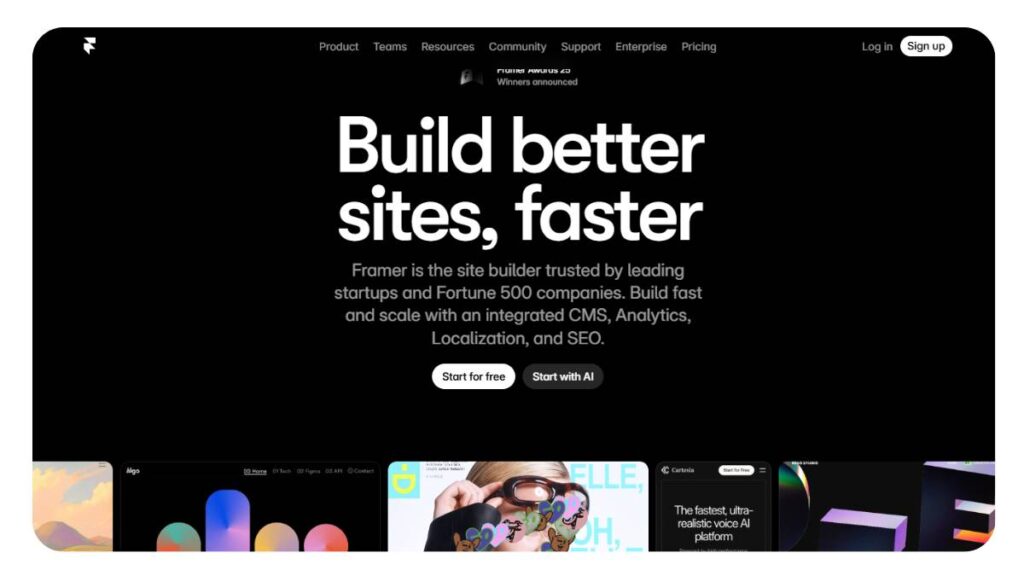
Framer leans more toward design-forward users. It’s not just about building pages; it’s about how those pages feel. Animations, transitions, interactions… that’s where it stands out.
The AI helps get things started, but there’s still a bit of a learning curve. Not overwhelming, but noticeable if you’re coming from simpler builders.
When done right, though, the results look sharp. Modern. A bit more “designed” than templated.
Pros: Strong visual control, interactive elements
Cons: Takes time to get comfortable
Best use case: Startups, modern portfolios
10. 10Web AI Builder (Best for WordPress Users)
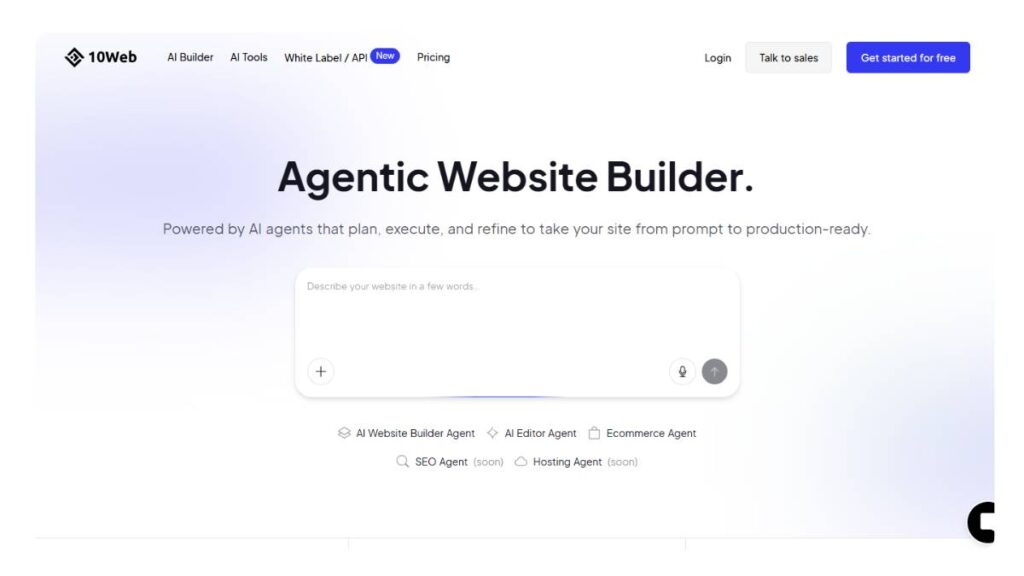
10Web sits in an interesting spot. It brings AI into WordPress, which usually isn’t known for being quick to set up.
It can generate layouts, structure pages, and then hand things over to Elementor for further editing. So you get speed upfront, with flexibility later.
The downside? It can feel a bit heavy. Plugins, integrations, layers; it adds up. Still, for WordPress users who want a shortcut, it’s worth considering.
Pros: Combines AI with WordPress flexibility
Cons: Can feel slightly bloated
Best use case: WordPress users, bloggers
11. Webflow AI (Best for Advanced Designers)
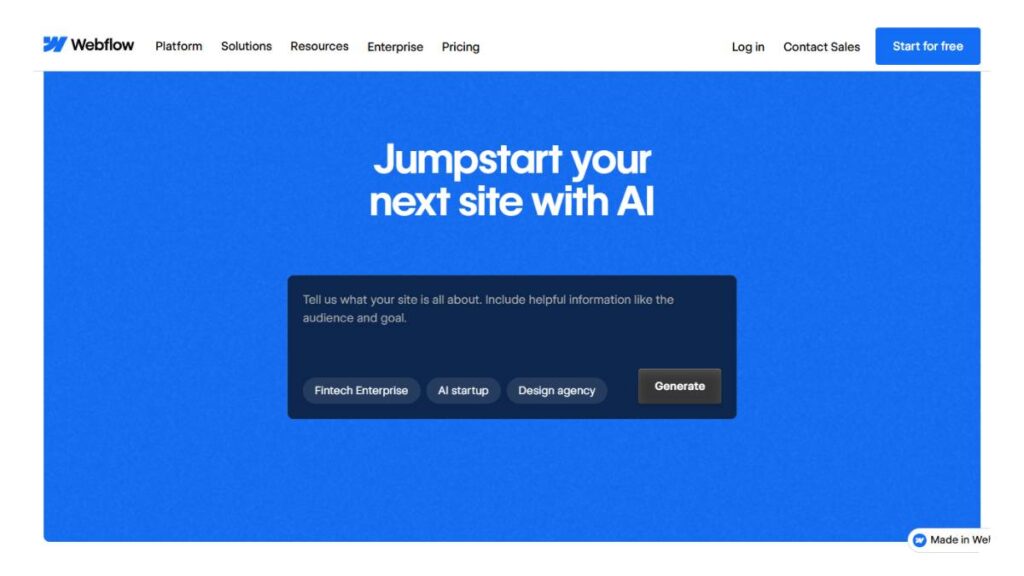
Webflow isn’t really trying to simplify everything; it’s trying to give control without slowing things down. The AI helps generate ideas and structures, but the real strength is still in how much you can customize.
For designers, that’s a big deal. For beginners… it can feel like a lot. There’s a learning curve, no way around it.
But once you’re comfortable, it’s one of the more powerful tools available.
Pros: High customization, strong design control
Cons: Not beginner-friendly
Best use case: Designers, complex business websites
12. GoDaddy AI Website Builder (Best for Small Businesses)
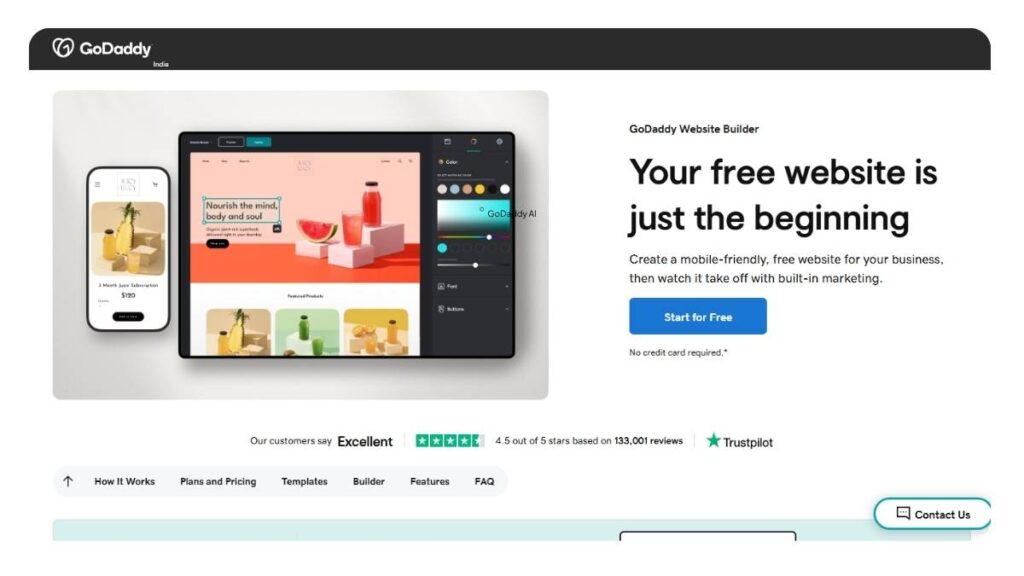
GoDaddy keeps things practical. You won’t find anything groundbreaking here, but that’s not really the goal. It’s built for small businesses that need a working site without spending days on it.
The setup is quick, and the built-in marketing tools are useful: email, basic SEO features, and a few integrations.
Design-wise, it’s decent. Not particularly memorable, but functional. And sometimes, that’s enough.
Pros: Fast setup, includes marketing tools
Cons: Limited design variety
Best use case: Local businesses
13. Bookmark AiDA (Best for Automation)
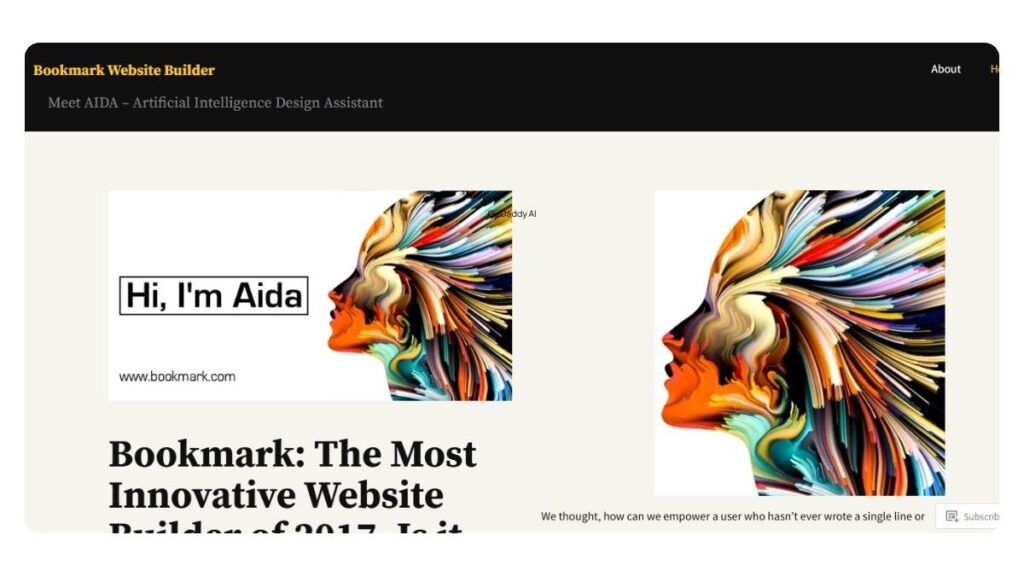
Bookmark’s AiDA leans heavily into automation. It builds layouts based on your inputs and tries to reduce manual decisions as much as possible.
It works well for getting a site live quickly. But if you’re someone who likes to fine-tune every detail, it might feel a bit restrictive.
Still, for a hands-off setup, it does what it promises.
Pros: Automated design process, quick setup
Cons: Limited deep customization
Best use case: Service businesses, entrepreneurs
14. Appy Pie AI Website Builder (Best No-Code Platform)
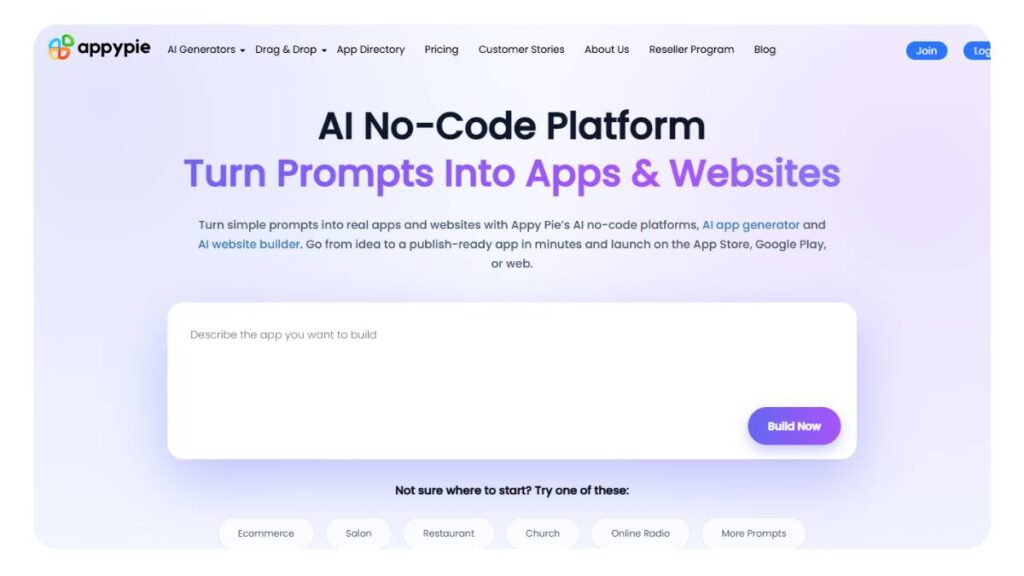
Appy Pie focuses on simplicity and business functionality. It’s less about design and more about getting useful features in place: booking systems, chat, and basic integrations.
The builder itself is easy to use. No coding, no complexity. But design flexibility is limited, so don’t expect highly customized layouts.
It’s practical. Not flashy, but practical.
Pros: No-code approach, built-in business tools
Cons: Limited design creativity
Best use case: Service-based businesses
There’s no clear winner across the board, and that’s actually a good thing. Some tools are built for speed, others for control, others for selling.
The better question isn’t “which is best?” It’s “what do you need this site to do… right now?”

Enroll Now: AI Marketing Course
How to Choose the Best AI Website Builder
Picking a website builder sounds simple… until you actually start comparing them. Then it gets messy fast. Everything looks similar on the surface, but once you dig in, the differences show up in how they feel to use, and that part matters more than feature lists.
A good starting point is skill level. Some platforms hold your hand the whole way, which is great if you don’t want to think too much about layouts or structure. Others give you more freedom, but they expect you to know what you’re doing, or at least be willing to figure it out. That trade-off shows up pretty quickly.
Then there’s the type of site. This gets overlooked more than it should. A simple service website doesn’t need the same setup as an online store. And a portfolio? That’s mostly about presentation. Trying to force one type of builder into the wrong use case usually leads to frustration later.
Budget comes into play, but not just in the obvious way. Cheaper tools can absolutely work, but sometimes they cut corners in flexibility or integrations. On the flip side, more expensive platforms can feel like overkill if you’re only using half the features. So it’s less about “cheap vs expensive” and more about what you’ll actually use.
Customization is another one of those things that sounds important… until you realize not everyone needs it. Some people want to adjust every detail. Others just want something clean that works. Neither approach is wrong, but choosing the wrong tool for your preference will slow everything down.
And then there’s the backend stuff; things like how the site handles structure, mobile layouts, and basic optimization. Not the most exciting part, but it saves time later. Builders that quietly get this right tend to be easier to live with.
Quick way to think about it:
- How comfortable are you with editing and design?
- What kind of site are you actually building?
- Are you optimizing for speed, control, or budget?
- Do you care about deep customization, or just a solid end result?
- Will this site need to grow or stay simple?
Get those answers clear, and the choice usually narrows itself down pretty quickly.
Key Features to Look for in an AI Website Builder
Most builders promise a lot. Some deliver, some… not really. The difference usually comes down to a handful of features that either make things smooth or quietly frustrating.
First, design generation. It’s not enough for a tool to throw blocks onto a page. The layout should feel intentional; sections placed where they make sense, spacing that doesn’t look off, basic hierarchy done right. When that part works, everything else gets easier.
Content support is another one. Not full automation, but helpful nudges; headline ideas, structure suggestions, maybe image guidance. The kind of stuff that gets you past the “what do I write here?” moment. When it’s too generic, it shows. When it’s done well, it blends in.
Mobile responsiveness is non-negotiable at this point. Some builders handle it automatically, and you barely notice. Others… need fixing. And that’s where time starts slipping away.
Ecommerce features, if needed, should feel built-in; not patched together. Product pages, checkout flow, and inventory; these things need to work without extra effort. Otherwise, it turns into a maintenance problem.
Integrations are easy to ignore early on, but they matter later. Analytics, CRM tools, and email platforms; having those connections ready saves a lot of switching between systems.
And then there’s overall usability. Hard to define, but obvious when you feel it. Some builders just make sense. Others require too many clicks, too much guesswork. That friction adds up over time.
A solid platform doesn’t need to be perfect. It just needs to get the important things right without making you fight it.
Pros and Cons of AI Website Builders
These tools solve a real problem: speed and simplicity, but they’re not magic. There’s a clear upside and a few trade-offs that tend to show up once you spend time with them.
Pros:
Speed
Probably the biggest advantage. You can go from idea to live site in hours, sometimes less. For small businesses or quick launches, that’s hard to beat.
Less friction
No need to start from scratch or figure out the structure on your own. A lot of the heavy lifting is already done, which makes the process feel lighter.
Lower cost upfront
Compared to hiring designers or developers, the entry cost is much lower. That makes it easier to test ideas without committing too much early on.
Cons:
Customization limits
At some point, you might hit a wall. Not everything can be adjusted, especially if you’re trying to do something unconventional.
Design sameness
This one sneaks up. Many sites built this way start to look… familiar. Not identical, but close enough that it’s noticeable unless you put in extra effort.
Platform lock-in
Moving away later isn’t always simple. Some builders don’t make it easy to export or rebuild elsewhere, which can be a factor if you’re thinking long term.
In practice, these tools work best when expectations are clear. They’re great for getting online quickly, testing ideas, or running straightforward websites.
But for highly custom work? That’s where the limitations start to show. And that’s okay; it just means choosing the right approach for the job.
Are AI Website Builders Good for SEO?
Short answer? They help, but only up to a point.
Most builders today get the groundwork right. Pages load decently, layouts adjust to mobile, and headings don’t come out completely broken. That alone used to take real effort, so yes, things have improved. You’re not fighting the tool from day one.
But that’s where the easy part ends. Rankings don’t come from “set it and forget it” setups. They come from pages that people actually spend time on. And that’s exactly where many AI-built sites start to feel a bit… flat. The structure is there, but the depth isn’t.
A few things that tend to separate decent sites from ones that quietly disappear:
- Headings that actually guide the reader
Not just stacked keywords. If someone scans the page, it should still make sense. - Content that feels edited, not generated
Even small rewrites help. Tighten sentences, remove filler, and add clarity where it feels vague. - Images that aren’t just decorative
Give them context. A simple, specific alt text goes further than people think. - Performance checks (quick, not obsessive)
Most builders are fine here, but occasional slowdowns happen. Worth a glance. - Real user behavior over assumptions
Analytics isn’t optional. Sometimes a page that “looks right” performs terribly, and the opposite happens, too.
There’s a pattern here. The builder handles the setup. The outcomes depend on what happens after. A bit of attention, a bit of refinement; that’s usually the difference.
AI Website Builder Use Cases
These tools get labeled as “beginner-friendly,” which is true… but also a bit misleading. They’re not limited to beginners. They’re just faster. And in many cases, that’s what matters.
Where they tend to work best:
Small business sites
Think local services, small teams, solo operators. The goal isn’t to win design awards; it’s to be visible, clear, and functional. These builders get that done without dragging the process out.
Portfolios and personal brands
Clean layouts, strong visuals, minimal friction. Designers, photographers, consultants; this is where templates actually help instead of restricting. Easy to update, too, which matters more than it sounds.
Ecommerce (smaller setups)
Product pages, payments, inventory; it’s all there. For a small or growing store, that’s usually enough. No need to overcomplicate things early on.
Landing pages
Quick campaigns, launches, and lead capture pages. Build it, test it, tweak it. Speed matters more than perfection here.
Content-driven sites
Blogs, niche sites, and affiliate setups. The structure is ready, which means more time goes into writing and less into formatting. That trade-off works well for most.
The common thread? These aren’t edge-case uses. They’re everyday scenarios. The builder isn’t the limiting factor; clarity of purpose usually is.
AI Website Builder Pricing Comparison
Pricing looks simple on the surface. It rarely is.
A lot of platforms advertise “free,” but that usually comes with strings attached: branding, limited features, or no custom domain. Fine for testing. Not great if the site actually matters.
Then there are paid plans. Some feel cheap upfront, but add-ons pile up. Others look expensive, but quietly include hosting, security, and support, which saves time (and a few headaches).
A few things worth paying attention to:
- Free plans
Good for getting a feel for the platform. But most people move on pretty quickly once real needs show up. - Monthly pricing
Rough range sits somewhere between $3 and $50. Lower end covers basics. Higher end usually means ecommerce, integrations, or more control. - Extras that aren’t obvious at first
Domains, templates, apps, sometimes even basic features. Easy to miss until checkout. - Time vs cost trade-off
This one gets overlooked. A slightly pricier tool that works smoothly can save hours every week. That adds up fast.
A practical way to approach it; nothing fancy:
- List what the site actually needs (not what sounds nice to have)
- Ignore features that won’t be used
- Compare plans based on that list, not marketing pages
Usually, a middle-ground option ends up making the most sense. Not the cheapest, not the most advanced; just the one that does the job without friction.
And that’s really what pricing comes down to. Not just what’s paid monthly, but what it costs in time, effort, and flexibility later on.
Common Mistakes to Avoid When Using AI Website Builders
These tools make things easier, no doubt. But they also make it easy to overlook stuff that actually matters. Happens more often than expected.
Leaning too hard on generated content
The first draft usually looks “fine.” That’s the trap. It reads okay, but doesn’t really say anything new. A bit of rewriting, tightening lines, and cutting fluff goes a long way. Otherwise, pages start sounding the same after a while.
Leaving the template untouched
Templates are meant to be a starting point, not the final product. When everything stays as-is, the site blends in. Same layout, same feel, nothing memorable. Even small changes, spacing, colors, and section order, can shift the whole impression.
Assuming everything is already optimized
Builders handle a lot behind the scenes, sure. But not everything. Images can still be heavy, pages can slow down, and mobile layouts can feel slightly off. Worth checking. Doesn’t take long.
Choosing based on hype, not need
Some platforms look impressive but don’t fit the actual use case. A portfolio doesn’t need complex ecommerce features. A store can’t rely on a basic builder. Mismatches like that create friction later.
Publishing and walking away
This one’s common. Site goes live, and that’s it. No tracking, no updates. But visitor behavior tells a story; what people click, where they drop off. Ignoring that means missing easy improvements.
None of these are major mistake on its own. But together, they quietly hold a site back. Fixing them isn’t complicated; it just needs a bit of attention after launch, not just before.
Future of AI Website Builders
Things are moving quickly. What feels “advanced” now will probably look basic in a year or two. Some shifts are already starting to show:
Everything is built from one starting point
Not just a website; branding, visuals, maybe even campaign assets coming from the same setup. Less jumping between tools, less repetition.
Voice or prompt-based building
Instead of clicking through settings, you describe what you want. Adjust a section, change a layout, update content; done through simple instructions. Sounds small, but it changes how fast things move.
Pages that adapt in real time
Different visitors see slightly different versions. Layout tweaks, messaging changes, maybe even visuals shifting based on behavior. Subtle, but powerful.
Tighter connections with marketing tools
Websites won’t sit separately anymore. They’ll plug directly into email, ads, analytics; everything feeding into everything else. Cleaner workflow overall.
Smarter suggestions (not just generic ones)
Instead of broad recommendations, tools will get more specific. Pointing out gaps, suggesting sections that are missing, and even highlighting weak spots in content.
It’s not about replacing effort completely. More like reducing the repetitive parts so focus can shift to decisions that actually matter. That’s where things seem to be heading.
Conclusion:
This is where most people overthink things. The “best” builder usually isn’t the most advanced one; it’s the one that fits the job without friction.
A simple way to look at it:
- For most use cases
Go for balance. Something that gets a site live quickly but still allows changes later. Not too rigid, not overly complex. - If the budget is tight
Stick to essentials. Clean layout, decent performance, basic features. No need to pay for things that won’t be used. - For ecommerce
This one’s less flexible. The platform needs to handle products, payments, and inventory smoothly. If that part feels clunky, it becomes a problem fast.
A couple of things that tend to get overlooked:
- Priorities matter more than feature lists
- Free plans are useful, but rarely long-term enough
- A “good” builder still needs input; content, updates, and small improvements over time
In the end, the decision is less about picking the perfect tool and more about avoiding the wrong fit. Once that’s sorted, everything else gets easier.
FAQs: About AI Website Builders
1. What is the best AI website builder?
That question sounds simple, but it rarely is. “Best” shifts depending on what the site is meant to do. A freelancer putting up a portfolio won’t need the same setup as someone running a product catalog. In practice, the better approach is to match the builder to the job. Not the other way around. The popular names aren’t always the right ones.
2. Are AI website builders free?
Some are, technically. But free usually comes with small strings attached: branding on your site, limited layouts, and fewer features. Nothing deal-breaking if you’re just testing ideas. For anything meant to look professional, though, those limits start to show pretty quickly. That’s when most people move on to paid plans without much hesitation.
3. Can AI build a full website?
It can get surprisingly close. Pages, sections, even placeholder content; it all comes together fast. But it’s not quite “done.” The structure is there, sure, but it often feels a bit generic out of the box. A round of edits, sometimes two, makes a big difference. Think of it more like a solid draft than a finished product.
4. Which AI builder is best for ecommerce?
Ecommerce has less room for error. Product pages, checkout flow, payment handling; these things need to just work. Flashy design doesn’t matter much if checkout feels clunky. Some builders handle small stores well; others are better once things start growing. The safer bet is choosing reliability over features you may never use.
5. Do AI websites rank on Google?
They can. But not just because they’re built with AI. The builder handles the basics: structure, speed, and mobile layout. After that, it’s really about the content. If the pages feel thin or repetitive, rankings tend to stall. Sites that get updated, refined, and actually help users usually perform better over time. No shortcuts there.
6. What is the easiest AI website builder for beginners?
The easier ones feel almost guided. Step-by-step setup, suggested layouts, fewer decisions upfront. That helps more than people expect. Too many choices early on can slow things down. Builders that keep things simple, at least in the beginning, tend to work better for beginners.
7. Can I build a website with AI for free?
Yes, though it’s a bit of a trial version in most cases. Free plans are useful for getting familiar with the tool. But once you need a custom domain or more control, those plans start to feel tight. It’s not a bad starting point. Just not where most projects stay.
8. How long does it take to create a website using AI?
The initial setup can be done in minutes. That part is fast. But getting everything to feel right, content, spacing, mobile layout, that takes longer. A few hours at least, sometimes more. Depends on how polished the final result needs to be. The speed is real, but so is the editing.
9. Do AI website builders include hosting and a domain?
Hosting is usually bundled in, especially with paid plans. Domains are a bit less consistent. Some include them for a year, others charge separately. It’s one of those details that’s easy to overlook at the start, then shows up later. Worth checking upfront.
10. Are AI-generated websites mobile-friendly?
Mostly, yes. Layouts adjust automatically, which covers the basics. Still, it’s not always perfect. A button might sit slightly off, an image might crop oddly. Nothing major, but noticeable. A quick check on an actual phone usually catches these things.
11. Can I customize my AI-generated website later?
That depends on the builder. Some allow deep changes: layout, colors, structure. Others keep things more locked in. Even with limits, small tweaks go a long way. Swapping images, adjusting copy, rearranging sections; it doesn’t take much to make a site feel less “template-like.”
12. Which AI website builder is best for SEO?
The good ones handle the groundwork: clean code, editable tags, decent speed. That’s enough to get started. Beyond that, SEO leans heavily on content. Clear structure, useful information, regular updates. The builder helps, but it’s not doing the heavy lifting on its own.
13. Can AI website builders create ecommerce stores?
Yes, quite a few of them can. Products, carts, payments; it’s all there. For smaller stores, that setup is usually more than enough. As things scale, though, some limits can appear. Customization, integrations, those kinds of things. It works well to start, just needs a bit of foresight.
14. Do AI website builders generate website content automatically?
They do, and it’s helpful in the beginning. But the content often feels a bit… generic. That’s normal. Editing is where it improves: adding specifics, tightening the message, and removing the filler. Without that step, the site can feel flat, even if everything looks fine on the surface.
15. Are AI website builders suitable for professional websites?
They can be. The difference usually comes down to effort after generation. Leaving everything as-is rarely looks polished. A bit of refinement, content, layout, and visuals makes a noticeable difference. With that, they hold up well for most professional use cases.
16. What are the limitations of AI website builders?
A few patterns show up over time. Templates can feel similar across sites. Design flexibility isn’t always deep. And switching platforms later can be harder than expected. They’re great for speed and simplicity, just not always built for highly custom setups.
17. Can I switch from an AI website builder to another platform later?
It’s possible, but not always smooth. Content can usually be moved. Design, not so much. That often needs rebuilding. Planning ahead helps here; choosing a platform that doesn’t lock everything in too tightly.
18. Do AI website builders support third-party integrations?
Most of them do, especially on higher plans. Analytics tools, email platforms, and payment systems; those are commonly supported. The details vary, though. Some integrations are plug-and-play; others take a bit more setup.
19. Is coding required to use an AI website builder?
Not really. That’s kind of the point. Everything is handled visually: drag, drop, and edit. Some platforms allow custom code if needed, but for most users, it never comes up.
20. Are AI website builders secure and reliable?
In general, yes. Security updates, hosting, and SSL; those are handled behind the scenes. It simplifies things quite a bit. Reliability depends on the provider, though. For business use, it’s worth checking uptime and support quality instead of assuming everything is covered.