

Agentic AI tools are starting to change how day-to-day work moves; quietly, but in a way that’s hard to ignore after a while. They don’t just sit there waiting for input. They pick things up, make a few decisions, and keep tasks moving, sometimes better than expected… sometimes not, which is part of the learning curve.
This guide breaks down what that actually looks like in practice; the difference between basic AI tools, agents, and more autonomous setups; and where they tend to fit (marketing, support, sales, dev work, the usual suspects). It also covers a dozen tools people are actually using, with some notes on what holds up and what doesn’t. Nothing overcomplicated; just a clearer sense of what’s worth trying and where it can realistically help.
Table of Contents
Introduction:
Why Agentic AI Tools Are the Next Big Shift
Business workflows are changing fast. Automation has been around forever, but most tools are still, frankly, kind of dumb. They wait for instructions. Agentic AI tools? They don’t wait. They watch, think, decide, and act. It’s not some sci-fi thing; it’s just how smarter systems work now.
A lot of companies are moving past copilots; those assistants that pop up suggestions and nudges, to full-blown autonomous agents. These can handle multi-step tasks, make decisions on the fly, and even coordinate across different teams or systems. That’s not just efficiency for efficiency’s sake. It’s about building processes that flex, adapt, and anticipate what’s coming next. Stuff that used to take hours of back-and-forth can now… mostly run itself.
This guide goes through the whole picture: what these tools are, how they tick, the top picks in 2026, and some practical ideas for actually putting them to work. It’s the kind of thing businesses should read if they want to avoid getting left behind.
What Are Agentic AI Tools?
So, what exactly is an agentic AI tool? At its simplest, it’s software that doesn’t just follow instructions; it acts. It sees the environment, figures out options, sets goals, and executes tasks. The difference is subtle at first, but huge in practice. Regular apps stop when the user stops telling them what to do. These tools? They keep going, adjusting as things change.
Key Distinctions
It gets a bit confusing with the terminology:
- AI tools – Usually single-purpose. Help with one thing: scheduling, reporting, maybe analysis.
- AI agents – Can handle multiple steps, often across different systems, with a bit of independence.
- Agentic AI systems – Full ecosystems. Multiple agents working together. They coordinate, plan, and act with very little human input. This is where things start getting interesting.
Real-World Examples
In practice, you see these systems:
- Handling customer support queries across multiple channels without dropping the ball.
- Managing content workflows, from creation to approval to publishing.
- Running entire sales pipelines, from lead generation to follow-up.
People searching for autonomous AI tools, AI agents for business, or intelligent automation tools are usually looking for systems that do more than react; they actually take initiative. That’s the key difference.
How Agentic AI Tools Work (Step-by-Step Framework)
At the heart of these tools is a pretty simple idea: they see, think, plan, do, and learn. Sounds simple, but the way it comes together is what makes them powerful.
Core Components of Agentic AI Systems
Perception – They take in data. Could be from APIs, documents, emails, whatever is needed to understand the current state. Basically, the tool “sees” what’s happening.
Reasoning – Then it makes sense of it. Using rules, decision frameworks, or even language models, it figures out what to do next.
Goal Setting and Planning – Decides what’s important and sequences tasks so the objectives are hit efficiently.
Execution – Carries out the tasks. Sending emails, updating a CRM, triggering another workflow.
Learning and Adaptation – Watches results, learns from mistakes, tweaks behavior. Slowly gets better over time.
Agentic AI Workflow Example
Picture this:
- It receives a batch of customer emails.
- It figures out which ones are urgent, which can wait, and who should respond.
- Sends replies or updates CRM records automatically.
- Reviews what worked, what didn’t, and adjusts for next time.
That’s the step where it stops being just an assistant and starts being a partner. It handles complexity so humans don’t have to sweat the small stuff.
Evolution from AI Copilots to Fully Autonomous Agents
It’s worth stepping back for a second and looking at the history.
Rule-Based Automation – The first wave. If X happens, do Y. Great for repetitive stuff, but rigid. No wiggle room.
AI Copilots – Smarter, could suggest things or automate pieces of work. But still needed humans to steer the ship.
Agentic AI – Does the thinking, acts, adapts. Doesn’t just suggest; it executes. And now, multi-agent systems are popping up: several agents working together, coordinating complex workflows across teams.
This collaborative autonomy is where the real gains happen. Businesses that get it right can speed up multi-step processes, reduce errors, and free their teams for work that actually needs human judgment. The difference is subtle, but the impact is huge.
12 Best Agentic AI Tools in 2026
This is where things get a bit more practical. Plenty of tools claim to be “agentic” right now, but once you start using them, the differences show up quickly. Some are closer to automation with a smarter layer. Others actually behave like agents; planning, adjusting, and getting work done with minimal hand-holding.
No single tool fits everyone. It really depends on how much control is needed, how technical the team is, and how messy the workflows are to begin with.
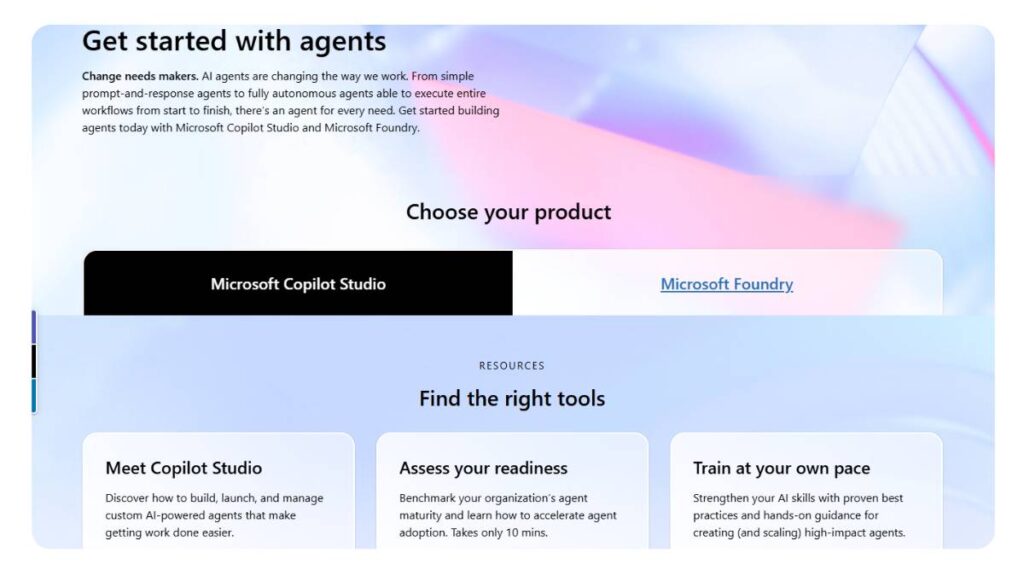
1. Microsoft Copilot Studio (Best for Enterprise AI Agents)
Key features
Copilot Studio feels like it was built for organizations that already live inside the Microsoft ecosystem. It plugs into everything: documents, meetings, emails, and starts connecting the dots across them. The interesting part isn’t just automation, it’s continuity. Tasks don’t reset every time. Context carries forward.
There’s also a strong layer of governance built in, which matters more than people expect. Once multiple teams start relying on agents, things can get messy without controls in place. Copilot handles that reasonably well. Not perfectly, but better than most.
Best use case
Works best in larger organizations where processes are already structured but slow. Think internal reporting, approvals, and cross-team coordination. Anywhere work gets stuck waiting on someone, this helps move it along.
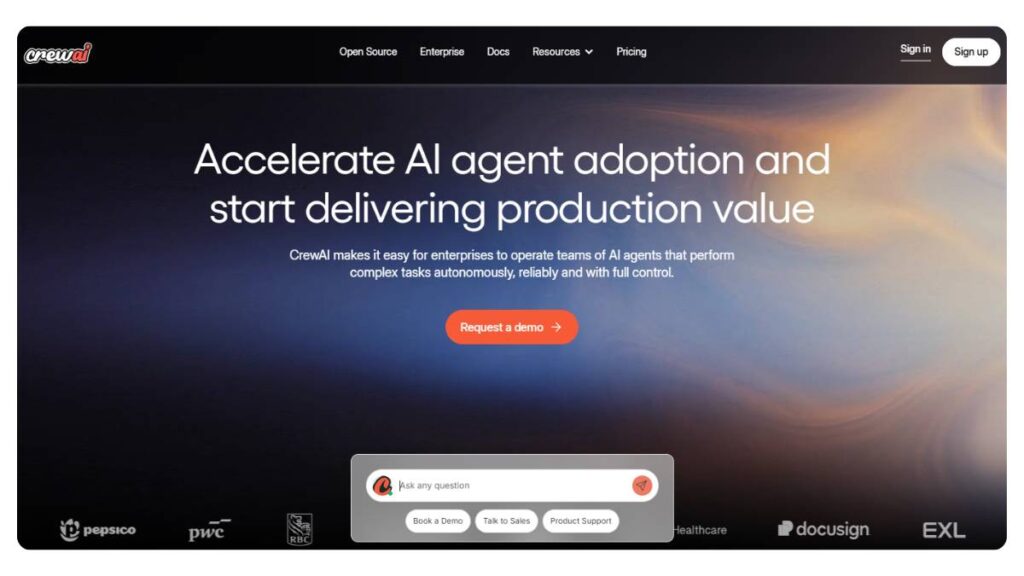
2. CrewAI (Best Open-Source Multi-Agent Framework)
Key features
CrewAI is a different beast. It’s not trying to simplify things for everyone; it’s giving control to people who want to build exactly what they need. Multiple agents can be assigned roles, talk to each other, and divide tasks in a way that feels… almost like a small team working together.
Since it’s open-source, there’s flexibility. But that comes with trade-offs. Setup takes effort. Things break sometimes. Still, for teams that want customization, it’s worth it.
Best use case
Best suited for teams that don’t want to be boxed into a platform. Startups, dev teams, anyone experimenting with multi-agent workflows. Not ideal if speed and simplicity are the priority.
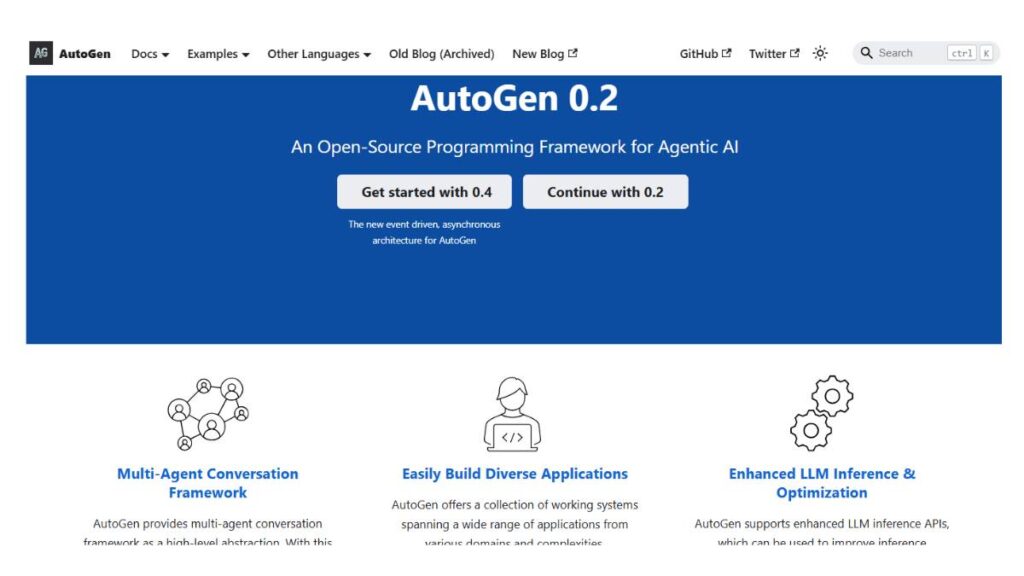
3. Microsoft AutoGen (Best for Multi-Agent Systems)
Key features
AutoGen leans heavily into coordination. Instead of one agent doing everything, it’s about multiple agents interacting; passing tasks, debating approaches, refining outputs. Sounds complex, and it is, but that’s also where the value comes from.
The system allows fairly structured conversations between agents, which helps when workflows aren’t linear. Not everything fits into a neat sequence, and AutoGen handles that better than most tools in this space.
Best use case
Useful in scenarios where tasks need collaboration. Complex support systems, research workflows, and operations that require back-and-forth reasoning rather than a straight pipeline.
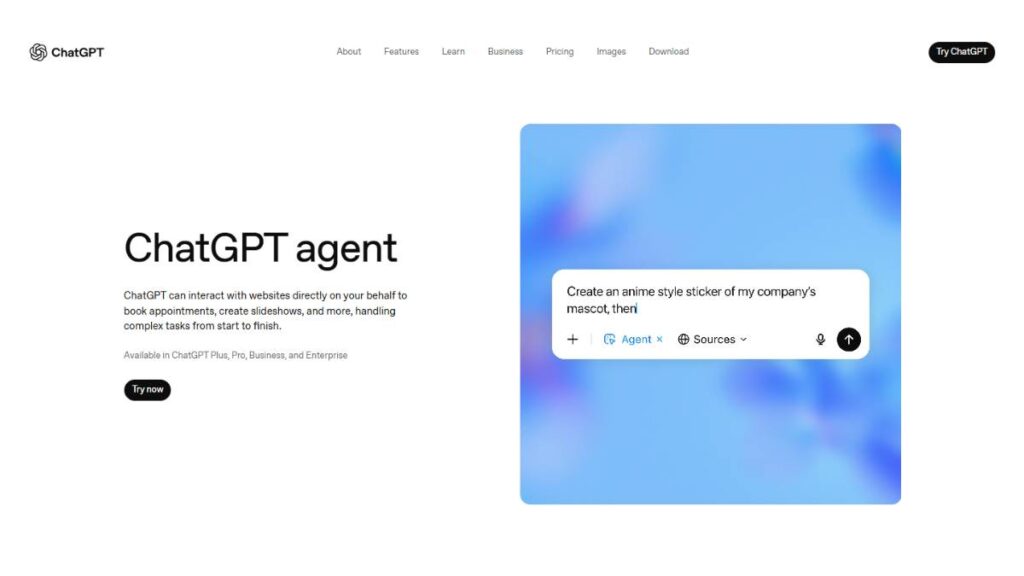
4. ChatGPT Agent (Formerly OpenAI Operator) (Best All-in-One AI Agent)
Key features
This one sits somewhere in the middle; powerful, but not overly complicated to get started with. It can interact with interfaces, pull information from the web, and execute tasks without constant prompting.
What stands out is versatility. It doesn’t force a rigid structure. You can throw a fairly messy task at it, and it’ll usually find a way through. Not always clean, but effective.
Best use case
Great for knowledge-heavy work. Research, summarization, repetitive digital tasks. Also useful when workflows aren’t fully defined yet and need some flexibility.
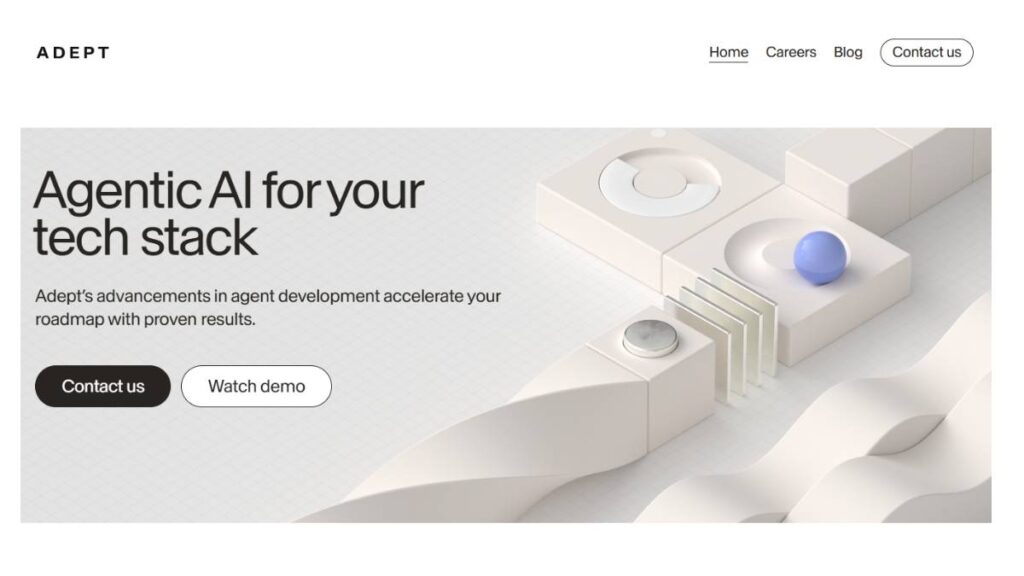
5. Adept AI (Best for Action-Based AI Automation)
Key features
Adept focuses on doing, not just analyzing. It interacts with software the way a person would: clicking, filling forms, navigating interfaces. That makes it surprisingly useful for tasks that are otherwise hard to automate.
It’s less about building systems from scratch and more about getting existing tools to work together without manual effort. That’s a subtle but important distinction.
Best use case
Fits well in operations-heavy environments. Data entry, process execution, anything involving multiple tools where manual work usually creeps in.
6. Beam AI (Best for Enterprise Process Automation)
Key features
Beam feels designed for scale from day one. The workflows are built to run continuously, not just trigger occasionally. It handles dependencies, tracks progress across tasks, and maintains consistency across large operations.
It’s not the easiest tool to get started with. There’s a bit of a learning curve. But once it’s set up, it tends to run reliably.
Best use case
Best for large organizations dealing with layered processes: finance, HR, compliance. Anywhere multiple steps depend on each other, and delays are costly.
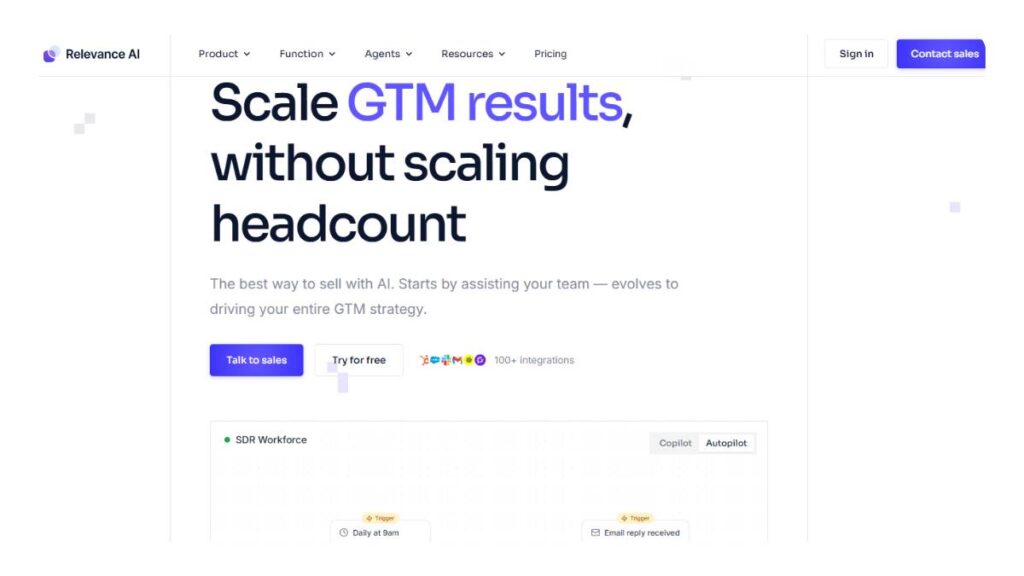
7. Relevance AI (Best for Custom AI Agents)
Key features
Relevance AI tries to bridge a gap, making agent building accessible without stripping away too much control. The interface is relatively straightforward, but under the hood, there’s enough flexibility to build meaningful workflows.
It leans heavily on data. Agents don’t just act; they respond to patterns, signals, and changes. That makes them more useful over time.
Best use case
Works well for teams that want tailored workflows without building everything from scratch. Marketing teams, analysts, operations managers, basically anyone dealing with ongoing data-driven tasks.
8. Relay.app (Best for AI Workflow Automation for Teams)
Key features
Relay is more team-oriented. It connects tools people already use and layers automation on top, but with a bit more intelligence than typical integrations. Agents can react to team activity, not just predefined triggers.
It’s lightweight compared to enterprise platforms, which isn’t a bad thing. Setup is quicker, and there’s less friction.
Best use case
Good fit for smaller teams trying to reduce repetitive work. Internal coordination, notifications, and simple workflows across tools like Slack or project managers.
9. Cursor (Best AI Coding Agent)
Key features
Cursor is focused. It’s built for developers, and it shows. It understands codebases, helps write and edit code, and handles repetitive programming tasks without much back-and-forth.
It’s not trying to do everything. Just coding. But it does that one thing well.
Best use case
Development teams are looking to speed up workflows. Especially useful when dealing with large codebases or repetitive coding patterns.
10. Zapier AI Agents (Best No-Code Automation AI)
Key features
Zapier has always been about connecting apps. The AI layer adds a bit more intelligence; agents can now interpret triggers instead of just reacting to them. It’s still simple to use, which is part of the appeal.
That said, it’s not built for deeply complex workflows. There are limits.
Best use case
Best for non-technical teams. Quick wins. Automating routine tasks across tools without needing engineering support.
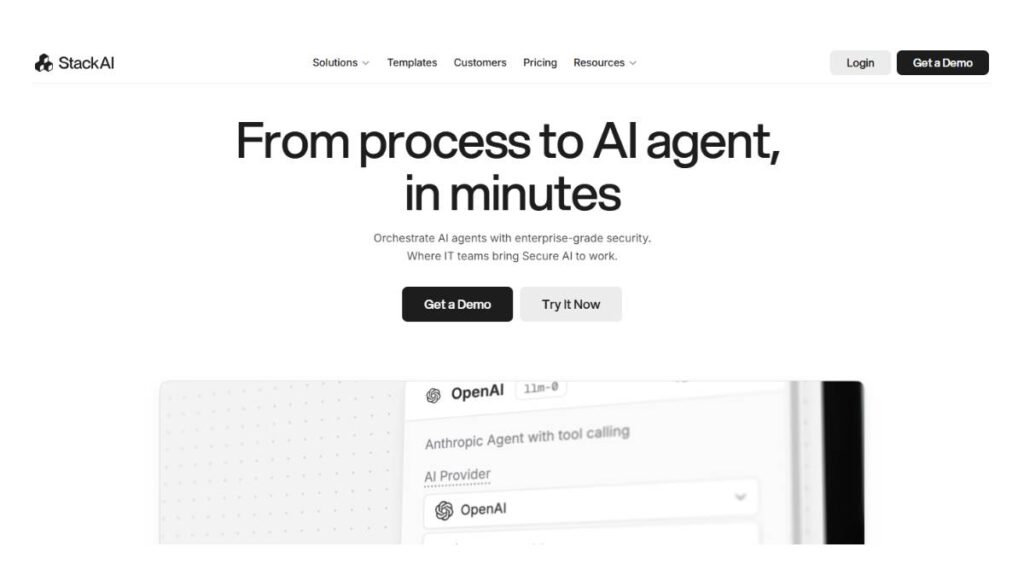
11. StackAI (Best for Building AI Apps & Agents)
Key features
StackAI sits somewhere between no-code and developer tools. It offers visual building, but still allows for fairly complex setups. You can design workflows, connect agents, and deploy them without building everything manually.
It’s a bit of a middle ground. Not as simple as no-code tools, not as flexible as full frameworks.
Best use case
Works for teams that want to build internal tools or AI-driven workflows without going fully technical. Product teams, ops teams, growing startups.
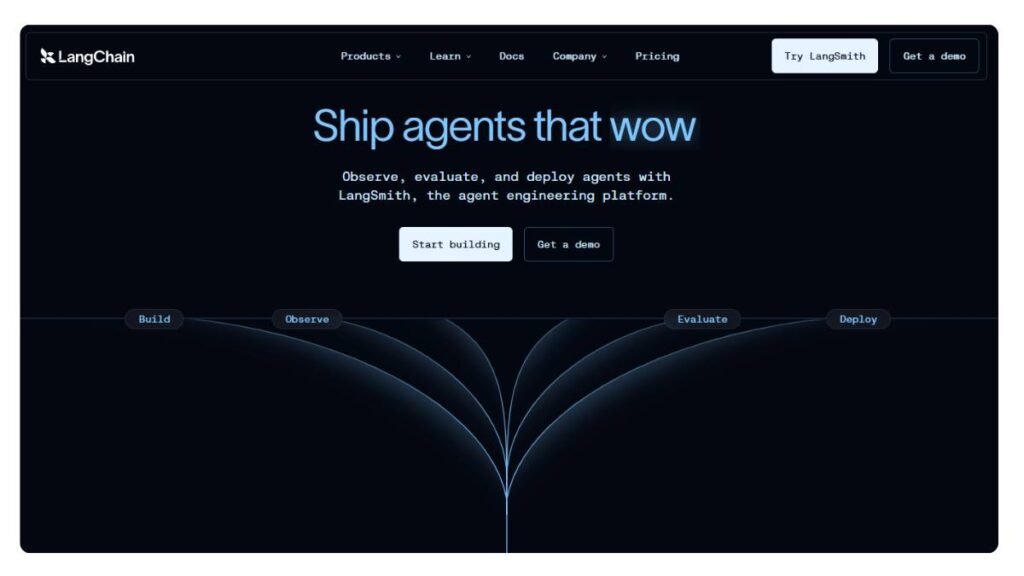
12. LangChain (Best Framework for Agentic AI Development)
Key features
LangChain is more of a foundation than a finished product. It gives the building blocks; connections to models, tools, and data sources; and lets developers assemble their own systems.
That flexibility is powerful, but it comes at a cost. It requires time, effort, and a clear idea of what’s being built.
Best use case
Best for engineering-heavy teams building custom AI systems. If control and customization matter more than speed, this is usually where people end up.
The pattern across all of these is pretty clear. Simpler tools trade flexibility for ease of use. Frameworks give control but require effort. Somewhere in between, there’s a sweet spot, but it looks different for every team. That’s usually where the real decision gets made.

Enroll Now: AI Marketing Course
How to Choose the Best Agentic AI Tool for Your Needs
Choosing a tool isn’t really about picking the “best” one. It’s more about picking the one that fits without causing friction. That part gets overlooked a lot.
For Startups & Small Teams
Smaller teams don’t have the luxury of long setup cycles. If something takes weeks to implement, it’s already a problem. Tools that work out of the box, or close enough, tend to win here.
There’s also a tendency to aim too high. Going for something powerful, future-proof, and highly customizable. Sounds good. In practice, it often slows things down. Most small teams just need repetitive tasks handled cleanly: lead tracking, internal updates, and simple workflows. Nothing too fancy.
Budget matters, obviously. But time matters more. A cheaper tool that eats up hours every week isn’t really cheaper.
For Developers & AI Engineers
Technical teams look at this differently. Flexibility usually comes first. The ability to shape workflows, connect systems, and handle edge cases matters more than how fast something can be deployed.
Frameworks and SDKs make sense here. They’re not quick wins, but they don’t limit what can be built. That said, there’s a catch. Without clear direction, it’s easy to build something complex that doesn’t actually get used. It happens more often than people admit.
For Enterprises
Enterprises care about scale, but also about control. Security, compliance, governance; none of that is optional. A tool might work perfectly in a small setup, then fall apart when rolled out across teams.
Adoption is another piece that’s easy to underestimate. If teams don’t trust the system, they won’t rely on it. If they don’t rely on it, it doesn’t matter how good it is. That’s why structured onboarding and support matter more here than flashy features.
Key Factors to Consider
Integration is usually the first real test. If a tool doesn’t fit into the existing stack, it creates more work instead of reducing it.
Customization comes next. Every workflow has its quirks. Tools that are too rigid tend to struggle once things move beyond basic use cases.
Cost isn’t just pricing. There’s setup time, training, and maintenance. Sometimes the cheaper option ends up being more expensive in effort alone.
And then there’s the learning curve. If it takes too long for teams to get comfortable, adoption slows. And once momentum drops, it’s hard to recover.
In most cases, the right choice isn’t the most advanced tool. It’s the one that quietly fits into the way work already happens.
What Are the Advantages of Agentic AI Tools?
The appeal of agentic AI tools isn’t just that they automate things. That part’s been around for a while. The difference is in how they handle processes, not just tasks.
Autonomy is the obvious advantage. Once set up, these tools don’t need constant instructions. They keep things moving. That alone removes a lot of the small delays that build up over time.
There’s also a proactive layer. Instead of waiting for something to trigger them, agents can anticipate what needs to happen next. Follow-ups don’t get missed. Tasks don’t sit idle. Work flows a bit more smoothly, almost in the background.
Specialization plays a role, too. Different agents can focus on specific areas: marketing, support, operations, and handle them with some level of context. That makes outputs feel less generic, more aligned with what’s actually needed.
Adaptability is where things get interesting. Workflows aren’t static. Priorities change, inputs shift, and unexpected issues come up. Agentic systems can adjust without needing constant rework. Not perfectly, but enough to keep things from breaking down.
Reduced manual effort is part of it, but that’s only half the story. The bigger shift is where people spend their time. Less on repetitive tasks, more on decisions that actually require judgment.
And then scalability. Once a system works, it doesn’t need much to handle more volume. That’s where long-term value comes in. Growth becomes less about adding more people and more about improving how work moves through the system.
Real-World Use Cases of Agentic AI Tools
Marketing Automation
These tools aren’t just buzzwords. In marketing, they can take a campaign and actually manage it from start to finish. Think audience segmentation, content scheduling, automated follow-ups; all the little steps that usually eat up a ton of time. Sure, it’s not perfect, but it handles the repetitive stuff quietly, leaving humans free to make the creative calls that really matter.
Customer Support AI Agents
Customer support teams have started leaning on these tools, and for good reason. The agents can route tickets, suggest replies, escalate problems, and sometimes even spot recurring issues that might slip under the radar. The neat part? Support can become consistent and fast without someone checking every move, though it still works best when humans supervise the tricky stuff.
Sales Prospecting
Sales pipelines often drown in small tasks: lead scoring, reminders, and follow-ups. Agentic AI handles most of that. It won’t close deals on its own, but it keeps the work moving and highlights where actual attention is needed. Less busywork, more focus on deals that matter.
Software Development
Developers get a bit of a break here. Agents can take over repetitive coding tasks, run automated tests, or update documentation. Nothing fancy like writing groundbreaking algorithms yet, but it saves hours. That means engineers spend more time on problem-solving instead of copy-pasting or doing busywork.
Operations & Workflow Automation
Operations is where these tools shine quietly. Approvals, cross-team coordination, supply chain checks; they can smooth out all those small snags. And while no one notices the little wins day to day, over weeks, the efficiency gains stack up.
How Businesses Can Implement Agentic AI Successfully
Identify Workflows
Start with processes that are repetitive, slow, or error-prone. These “low-hanging fruit” areas show results fast. It’s tempting to try everything at once, but picking the obvious wins first works better.
Choose the Right Tools
Not all tools fit every team. Simple processes often do fine with no-code platforms. Complex workflows might need developer-oriented frameworks. The trick is to pick something that helps rather than complicates.
Start with Pilot Use Cases
Don’t go full-scale right away. Pick one workflow or one team. Watch what happens, see how people interact with the tool, tweak where needed. Pilots give a safe space to learn without risking the whole operation.
Measure Performance
Look at speed improvements, fewer mistakes, and how much manual effort is offloaded. Even small wins indicate where the tool can deliver bigger results when scaled.
Scale Gradually
Once confidence grows, roll it out to other teams or departments. Trying to do everything at once often leads to frustration. Slow, steady adoption usually sticks better.
How to Measure ROI from Agentic AI Tools
Time Saved
The obvious place to start. Tasks that took hours now run automatically. That time can be redirected toward work that actually matters.
Cost Reduction
Fewer errors and less manual work mean money saved. Not always huge day to day, but over months, it adds up.
Productivity Gains
Teams can get more done without adding more people, or they can deliver higher-quality results in the same time. That’s when the benefits become tangible.
Revenue Impact
Better lead follow-ups, smoother operations, and faster support can directly affect revenue. It doesn’t happen overnight, but it’s measurable if linked to specific outcomes.
Holistic Perspective
ROI isn’t just a financial figure. It’s also about smoother workflows, less frustration, and freeing people to focus on meaningful tasks. Seeing it this way makes it easier to spot tools worth scaling.
Agentic AI vs Autonomous AI Agents (Key Differences)
Definitions
Agentic AI tools act on your instructions but have some smarts; they can take steps toward goals without being told every move. Autonomous agents… well, they take it further. They kind of make their own decisions, juggle multiple tasks, and sometimes coordinate with other agents. It’s like the difference between a competent assistant and a team lead who mostly runs on their own.
Use Cases
Agentic AI fits structured work. Think follow-ups, approvals, customer replies; stuff you can predict. Autonomous agents shine when things get messy. Projects shift, priorities flip, and unexpected issues pop up; they can adjust on the fly. Big difference in environments that are chaotic or fast-moving.
Control vs Independence
Agentic AI still needs guardrails. You define boundaries. Autonomous agents? Mostly free to operate, which is great… but also risky. Without rules, mistakes can snowball. Balance independence with oversight; that’s the trick.
Role of LLMs in Agentic AI Tools
How LLMs Power Reasoning
Large language models are the brains behind the action. They process inputs; emails, data, whatever’s relevant; and suggest or execute next steps. Not perfect thinking, but good enough to handle multi-step tasks without constant human direction.
Examples of Models Used
Some are sharper with text, some better at crunching numbers, some surprisingly good at casual conversation. Choosing the right model often decides if the agent feels smooth or clunky in daily use.
Limitations
Heads-up, though; LLMs can misread context or fill gaps incorrectly. They can hallucinate, misunderstand, or overreach. That’s why combining them with rules, checks, or human review is still common. Thinking, yes. Chaos, no.
Future of Agentic AI Tools
Multi-Agent Ecosystems
Picture several agents, each with a specialty, all talking to each other. One handles emails, another pulls analytics, and a third deals with approvals. Together, they function almost like a mini self-organizing team. Some firms are experimenting, and results are… promising.
AI Workforce Concept
Some companies are calling it a “digital workforce.” Not meant to replace humans, but to take over tedious tasks that eat up time. The idea is that humans focus on judgment, creativity, and strategy. The agents just do the repetitive stuff, around the clock.
Enterprise Transformation
When these tools scale, work itself changes. Decisions happen faster, processes keep running 24/7, and humans aren’t bogged down by busywork. It’s not just about speed; it’s a rethink of who does what, and how work flows.
Risks & Ethical Considerations
Of course, nothing’s perfect. Over-relying on autonomous agents can lead to errors, privacy risks, and biased outputs. Governance, boundaries, and some human supervision are non-negotiable. Efficiency is tempting, but responsibility comes first.
Conclusion:
Agentic AI tools are slowly creeping into the way work actually gets done. They don’t just follow orders; they move, adjust, and sometimes even get ahead of the next step. For a company using them, it isn’t about clocking a few extra hours. It’s more like figuring out who does what now, how stuff really flows, and what humans can actually focus on without getting bogged down.
Now, don’t think of them as “set it and forget it” toys. They perform best when there’s a little guidance, clear objectives, and some sense of where human judgment still matters. Usually, it pays off to start small. Pick a workflow, run it for a bit, and see how it handles things. Let the repetitive bits go to the system, while the team tackles the more meaningful work.
A lot of folks worry about jobs being replaced. That’s not the full story. These tools are more like a helpful extra pair of hands, or a quiet background crew that keeps things moving. Bottlenecks shrink, decisions happen faster, and the team can actually spend time on work that counts.
So here’s the takeaway: getting on board early with agentic AI isn’t about chasing a trend. It’s about moving faster, thinking bigger, and keeping ahead of the curve in ways old-school automation can’t touch. Not flashy, not showy; just quietly effective and, honestly, game-changing.
FAQs:
1. What are agentic AI tools?
They sit somewhere beyond basic automation. Not just rule-following systems ticking boxes, but tools that can look at a situation, decide what likely needs to happen next, and move things forward. Not perfectly; things still need watching, but they’re capable enough to run multi-step workflows without someone stepping in every few minutes. In practice, they take care of the repetitive grind and leave the judgment-heavy work to people.
2. How do agentic AI tools differ from AI agents?
AI agents, in most setups, wait to be told what to do. You give a prompt, they respond. Agentic tools behave a bit differently; they carry momentum. Break a goal into steps, execute a few on their own, and adjust if something changes. Less “tell me what to do next,” more “I’ll keep this moving unless stopped.” That difference becomes obvious once workflows get even slightly complex.
3. What are the best agentic AI tools in 2026?
There isn’t a clean answer here, which throws people off at first. Larger teams often prefer structured environments; Copilot Studio fits there. Developer-heavy teams lean toward flexible frameworks like CrewAI or LangChain. Then there’s a middle layer of tools trying to balance both worlds. Usually, the choice comes down to how messy the workflow is and how much control the team wants over it.
4. Are there free agentic AI tools available?
Yes, quite a few. Open-source options are usually where people begin. They’re not always smooth to set up; some tinkering is expected, but they give a good sense of what’s possible. Free tiers from commercial tools exist, too, though with limits. Enough to experiment, not enough to fully rely on. Still, useful for testing before committing.
5. How can businesses use agentic AI?
Most teams don’t start with big, ambitious transformations. They start where things feel slow or repetitive. Marketing workflows, support tickets, internal ops; places where the same steps repeat daily. That’s where these tools tend to show value quickly. Over time, once confidence builds, usage expands naturally.
6. What is the future of agentic AI?
It’s moving toward coordination. Not just one tool doing one job, but multiple agents handling different parts of a process and passing work along. Quietly, in the background. It starts to feel less like software and more like a small support team. Not fully autonomous, but close enough to change how work is structured.
7. How do agentic AI tools integrate with existing software?
Mostly through APIs or built-in connectors. CRMs, project tools, and dashboards; they can usually be tied in. When systems are clean, integration feels straightforward. When they’re not… things take longer. Some adjustments are almost always needed, especially in older setups.
8. Can agentic AI tools work without programming knowledge?
To a degree, yes. No-code builders have made basic workflows accessible. You can get something running without writing code. But once workflows get layered or more dynamic, some technical understanding helps. Not strictly required, but it makes life easier.
9. What industries benefit most from agentic AI tools?
Anywhere work repeats itself. Marketing, sales, support, operations; those are obvious fits. But it’s broader than that. Any environment with structured processes and too much manual effort can benefit. If people keep doing the same sequence of steps, there’s probably an opportunity.
10. How do agentic AI tools improve productivity?
They remove the small, time-consuming tasks that pile up, follow-ups, routing, and minor decisions. Individually, those don’t seem like much. Together, they slow everything down. Once handled automatically, teams suddenly have space to focus on work that actually moves things forward.
11. Are agentic AI tools secure for enterprise use?
They can be. Most come with the expected layers: permissions, logging, encryption. But security depends heavily on how they’re set up. Loose access or poor configuration can create problems. With proper oversight, they’re reliable. Without it, not so much.
12. How do multi-agent systems work in agentic AI?
It helps to think in roles. One agent gathers information, another processes it, and another executes. They pass tasks along without much delay. You don’t always see it happening, but that coordination is what allows more complex workflows to run without constant human involvement.
13. Can agentic AI tools handle complex decision-making?
Up to a point. They’re strong with structured decisions; things that follow patterns or rules. But once decisions become subjective or carry a higher risk, human input is still needed. They assist well, especially in repeatable scenarios, but they don’t replace judgment.
14. How do I measure ROI from agentic AI tools?
Start small. Time saved is the easiest metric. Then look at error reduction, turnaround speed, and overall throughput. Over time, the bigger signal is whether teams can handle more work without growing in size. The gains tend to build gradually rather than all at once.
15. Do agentic AI tools require cloud infrastructure?
Most rely on it, mainly for scale and integrations. Cloud setups are easier to deploy and expand. There are exceptions; some hybrid or local options exist, but for anything beyond basic use, cloud tends to be the practical choice.
16. Can agentic AI tools replace human employees?
Not really. They take over repetitive work, yes. But planning, context, judgment; that still sits with people. What usually happens is work shifts. Teams spend less time on routine tasks and more on decisions that actually matter.
17. What are the limitations of agentic AI tools?
They depend on structure. If the workflow is unclear or the data is messy, results can slip. Integrations can be tricky, especially with older systems. And without oversight, small issues can go unnoticed. They’re useful, but not something to run blindly.
18. How fast can businesses implement agentic AI tools?
Small use cases can be up and running surprisingly quickly, sometimes within days. Scaling is where things slow down. Testing, adjustments, a bit of trial and error; it all adds up. Starting small tends to speed things up overall.
19. What role do LLMs play in agentic AI tools?
They handle the reasoning layer: understanding context, generating responses, and planning steps. Without them, most of this wouldn’t work. That said, they’re usually paired with rules or guardrails to keep things aligned. On their own, they’re not enough.
20. How do agentic AI tools differ from traditional automation software?
Traditional automation is rigid. It follows predefined rules, and when something changes, it often breaks. Agentic tools are more flexible; they adjust, reroute, and continue. That adaptability makes them useful in workflows that aren’t perfectly predictable.
21. Are there open-source agentic AI tools available?
Yes, and they’re widely used in technical teams. They offer more control and flexibility, though at the cost of setup effort. Not always beginner-friendly, but valuable if customization is important.
22. How do I choose the right agentic AI tool for my team?
It usually comes down to three things: how complex the workflow is, how technical the team is, and how much control is needed. No-code tools work well for simpler setups. More advanced frameworks suit teams that want deeper customization. Running a small test first tends to make the decision clearer than any comparison chart.